New article
Recently updated
Understanding Compliance reports

Who is this article for?
Users who need to use Compliance reports.
No elevated permissions are required.
This tutorial guides you through accessing and exploring the Compliance Reports in Ideagen Regulatory Content.
1. Understanding Compliance reports
1.1 Video
1.2 Steps
- Open the Menu.
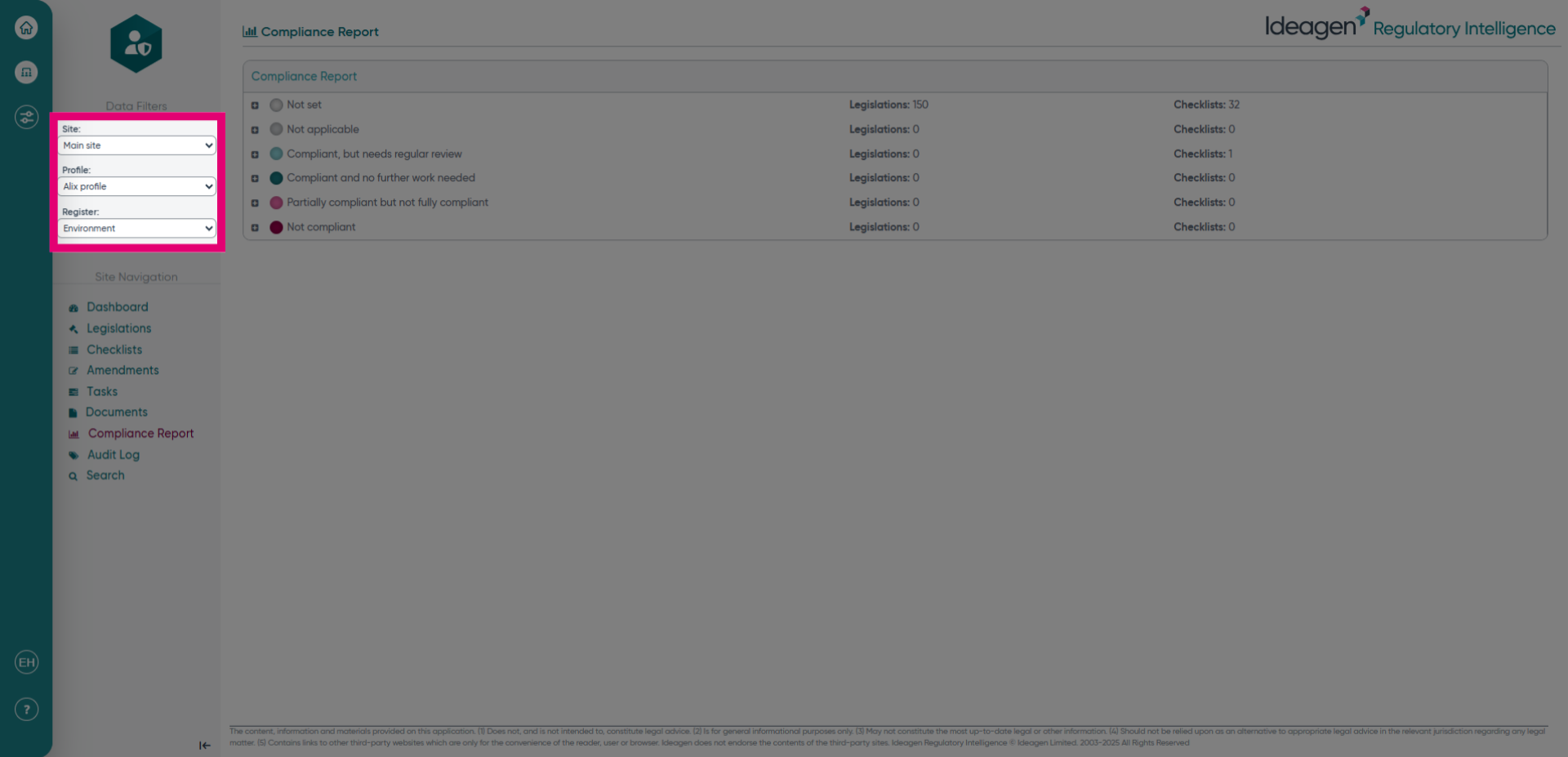
- Choose the Site, Profile and Register for where you would like to see the Compliance Report.
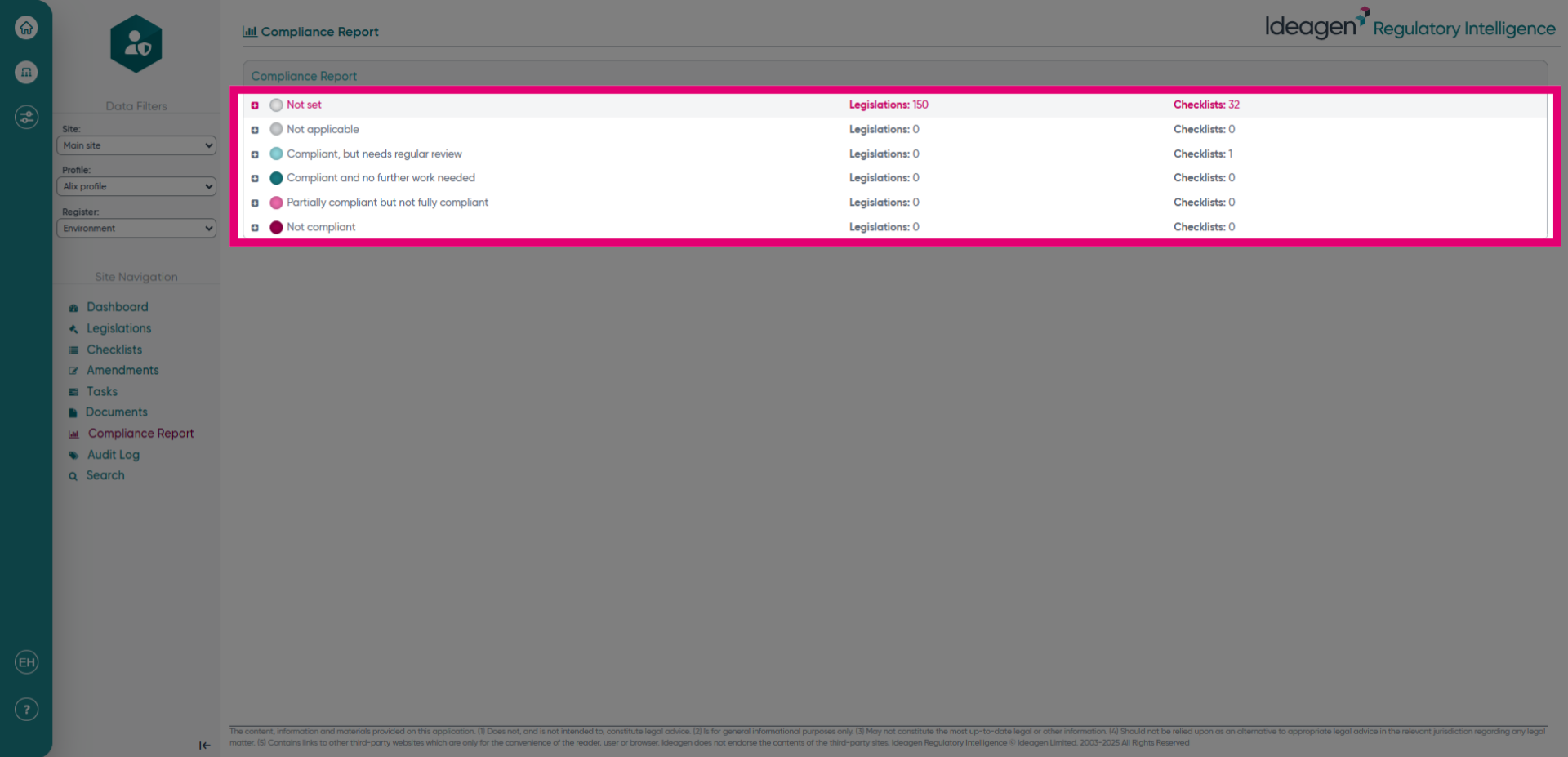
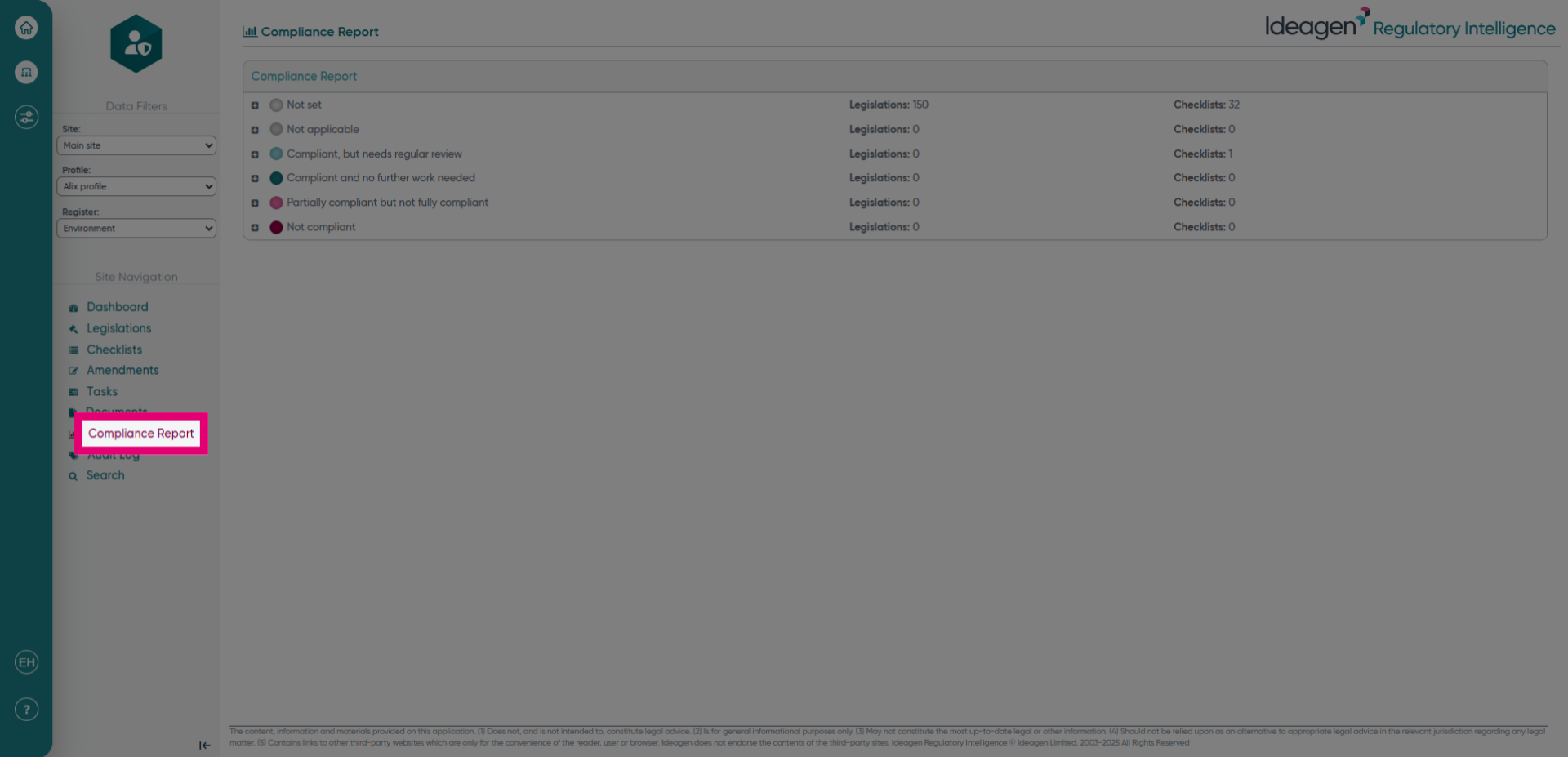
- Click the Compliance Report option to begin generating your compliance overview. This step initiates access to the report section where you can review legislative and checklist totals for each compliance category.
- Click the heading of the category to then see your total number of legislations and checklists that fall under each category for that compliance level.