New article
Recently updated
Navigating amendments for Legislations and Checklists

Who is this article for?
Users who need to navigate amendments for Legislations and Checklists.
No elevated permissions are required.
This tutorial guides you through managing amendments to and new Legislations and Checklists within Ideagen Regulatory Intelligence.
1. Navigating amendments for Legislations and Checklists
1.1 Video
1.2 Steps
- Open the Menu.
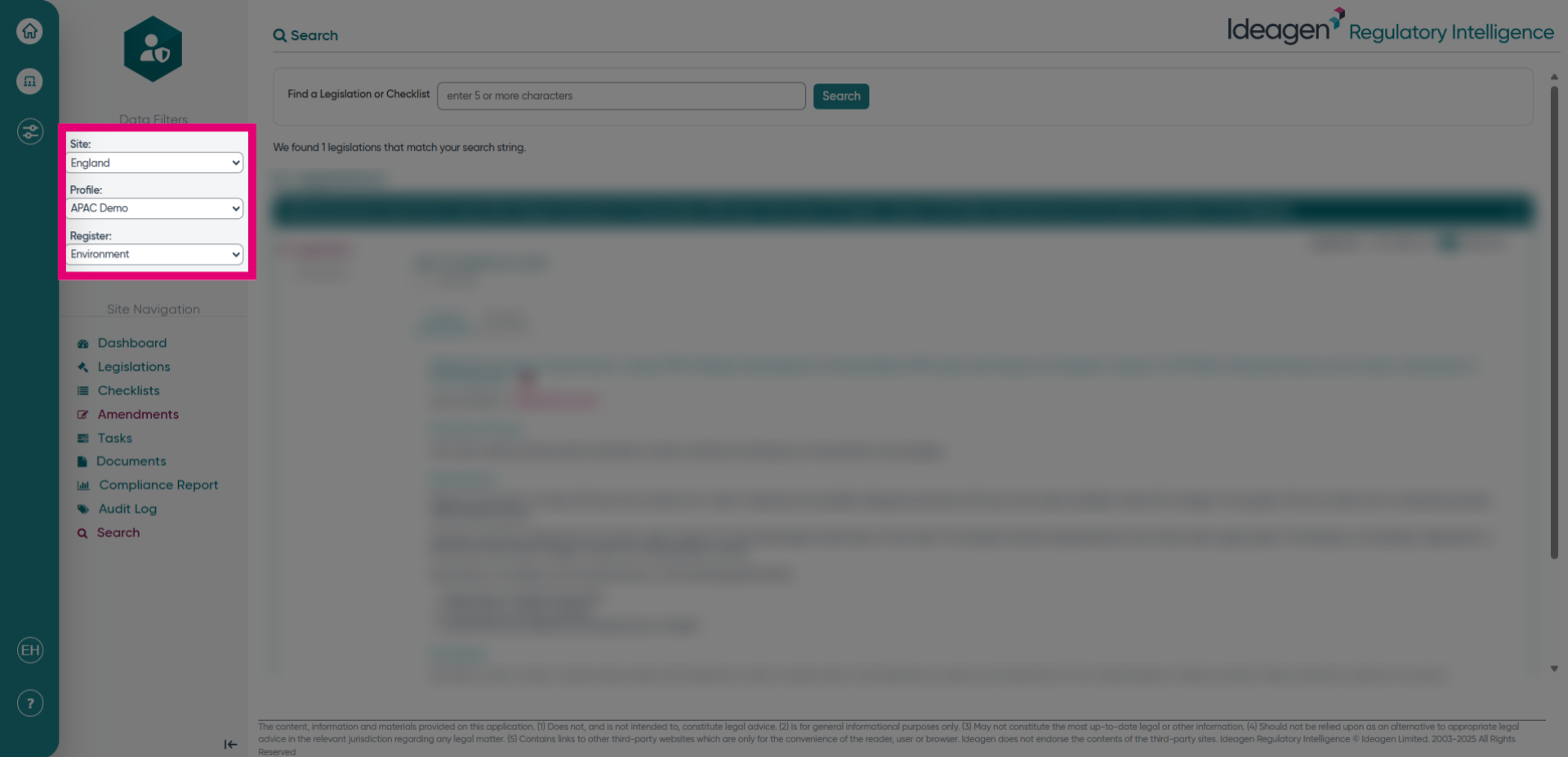
- Select the site, profile, and register. Choose the relevant site, profile, and register.
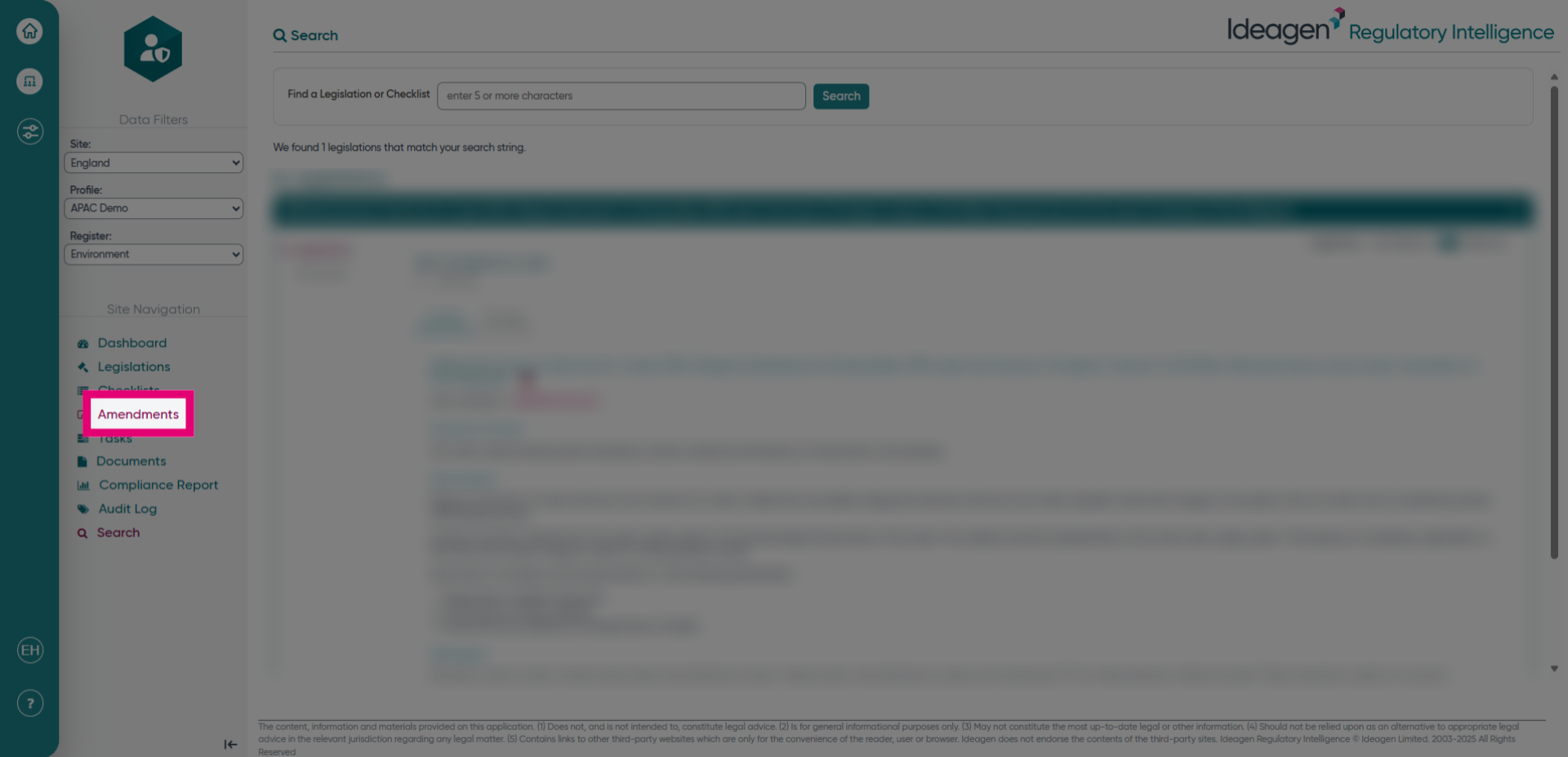
- Click Amendments. Click the Amendments option.
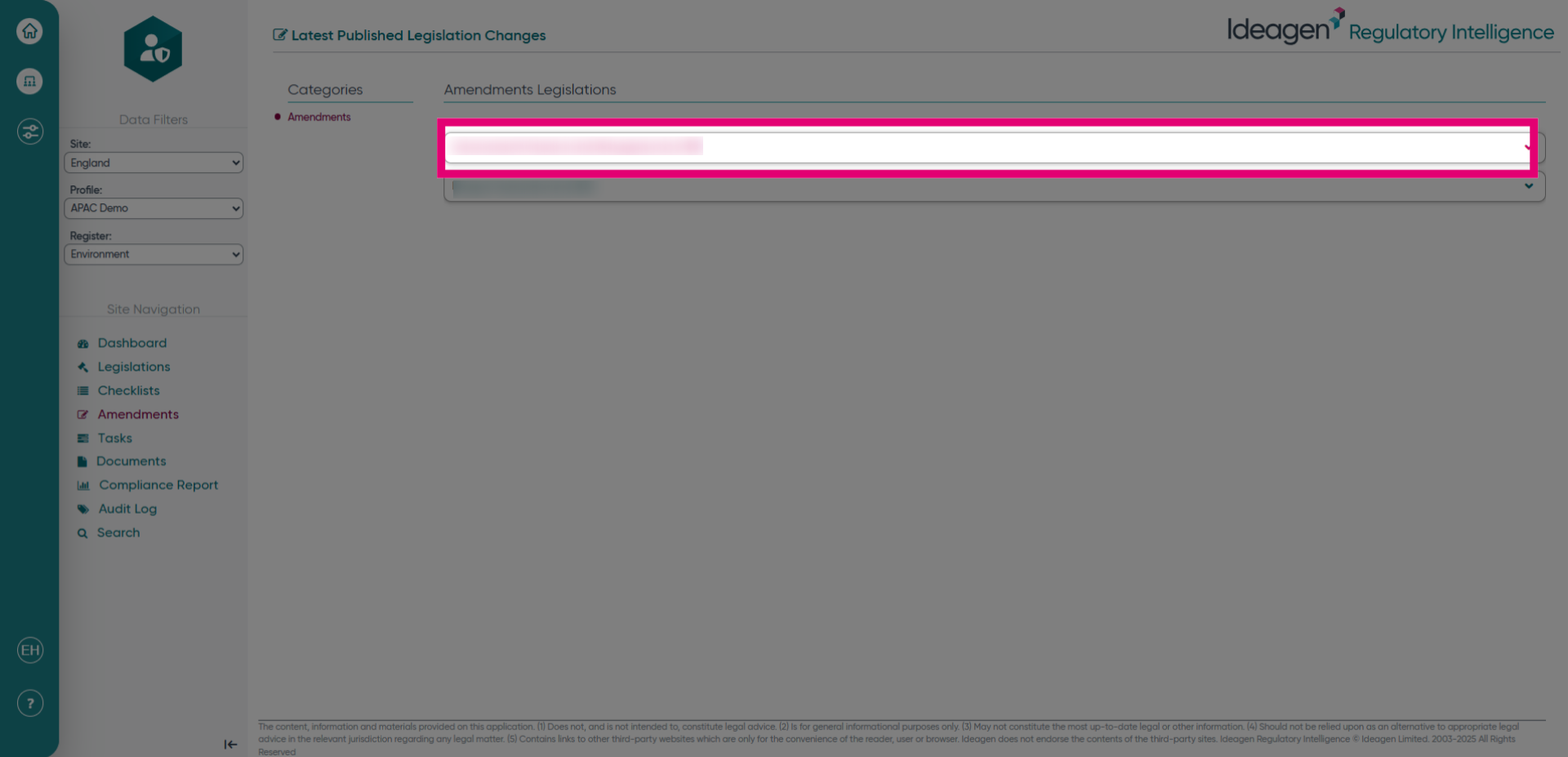
- Click the legislation/checklist heading. Select the heading of the legislation or checklist that you would like to see the changes for.
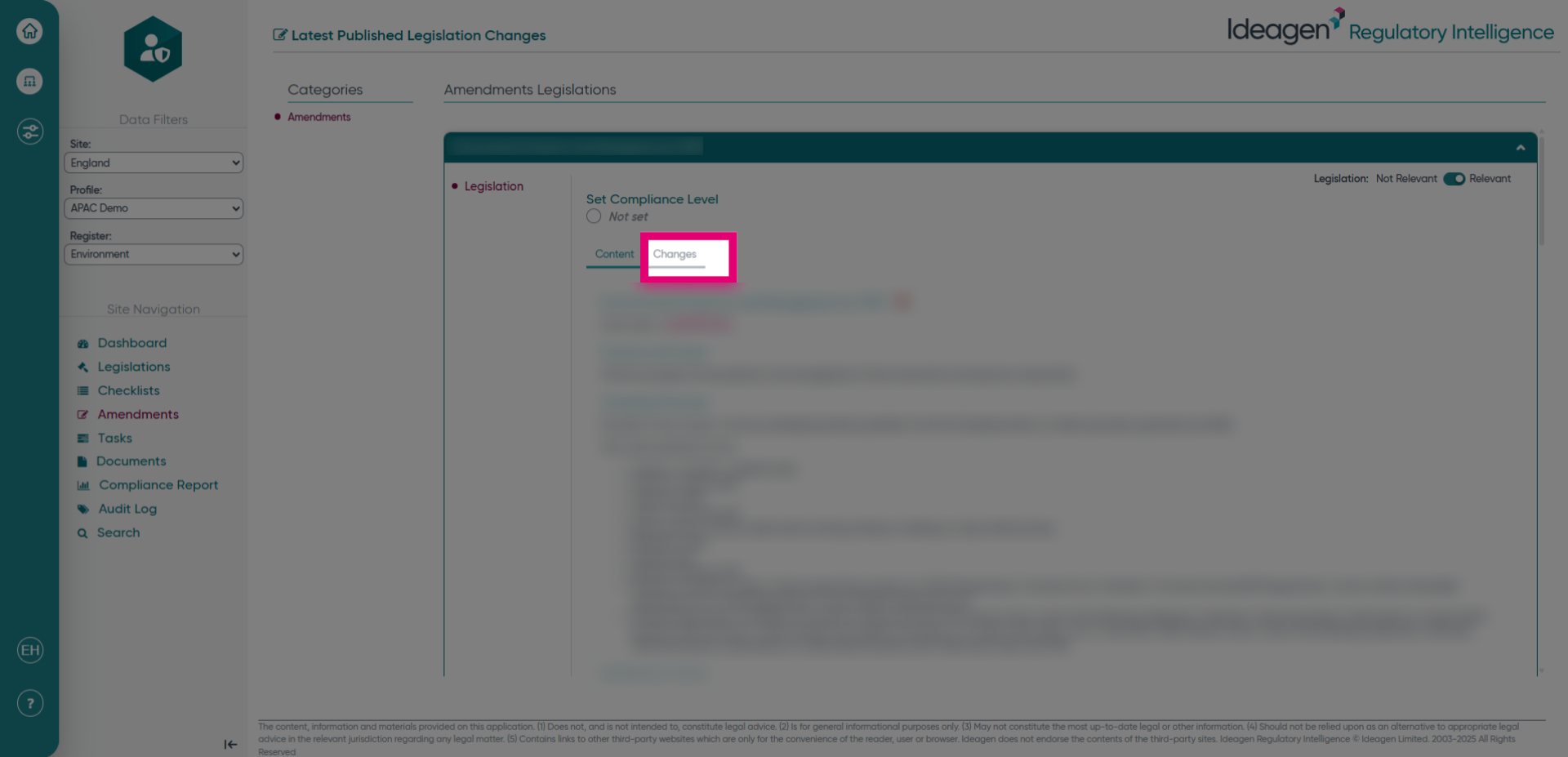
- Click Changes to then see all the changes that have been made to the legislation or checklist.