New article
Recently updated
Performing Legislation and Checklist searches

Who is this article for?
Users who need to search Legislations and Checklists
No elevated permissions are required.
This tutorial guides you through performing a search within Ideagen Regulatory Intelligence to find specific legislations or checklists.
1. Performing Legislation and Checklist searches
1.1 Video
1.2 Steps
- Open the Menu.
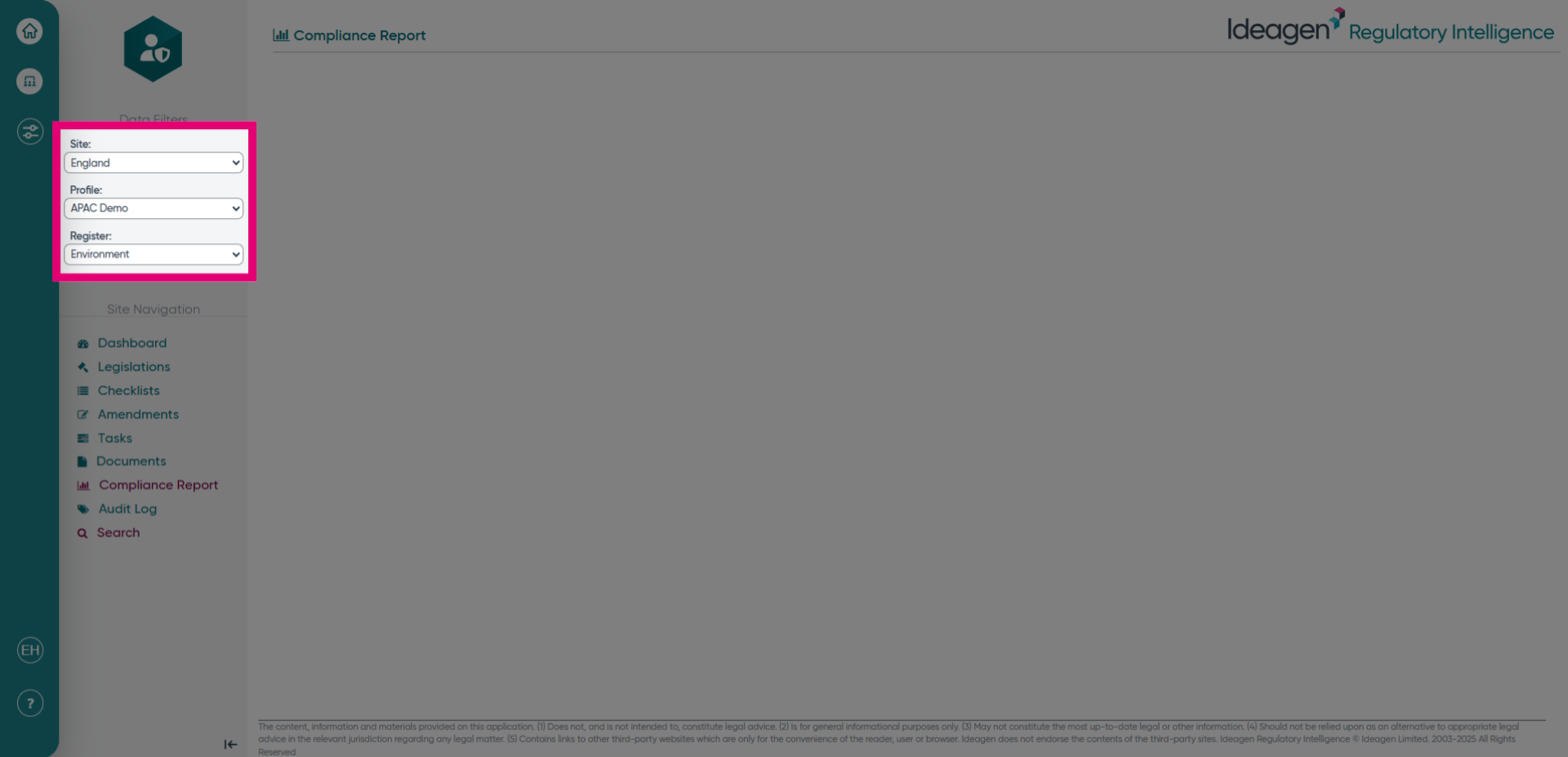
- Select the site, profile, and register that you would like to search within.
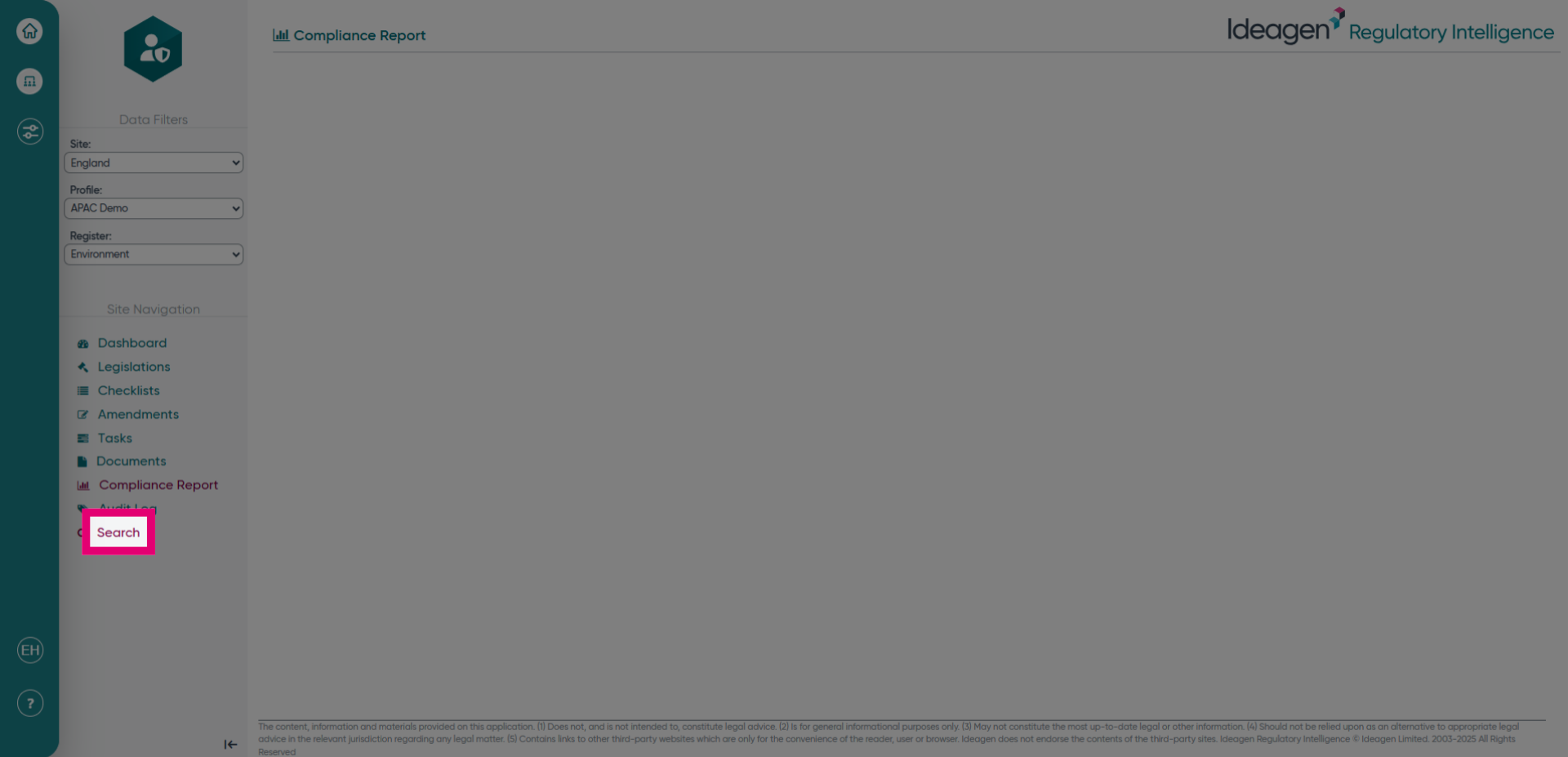
- Click the Search button to open the search interface where you can enter your query.
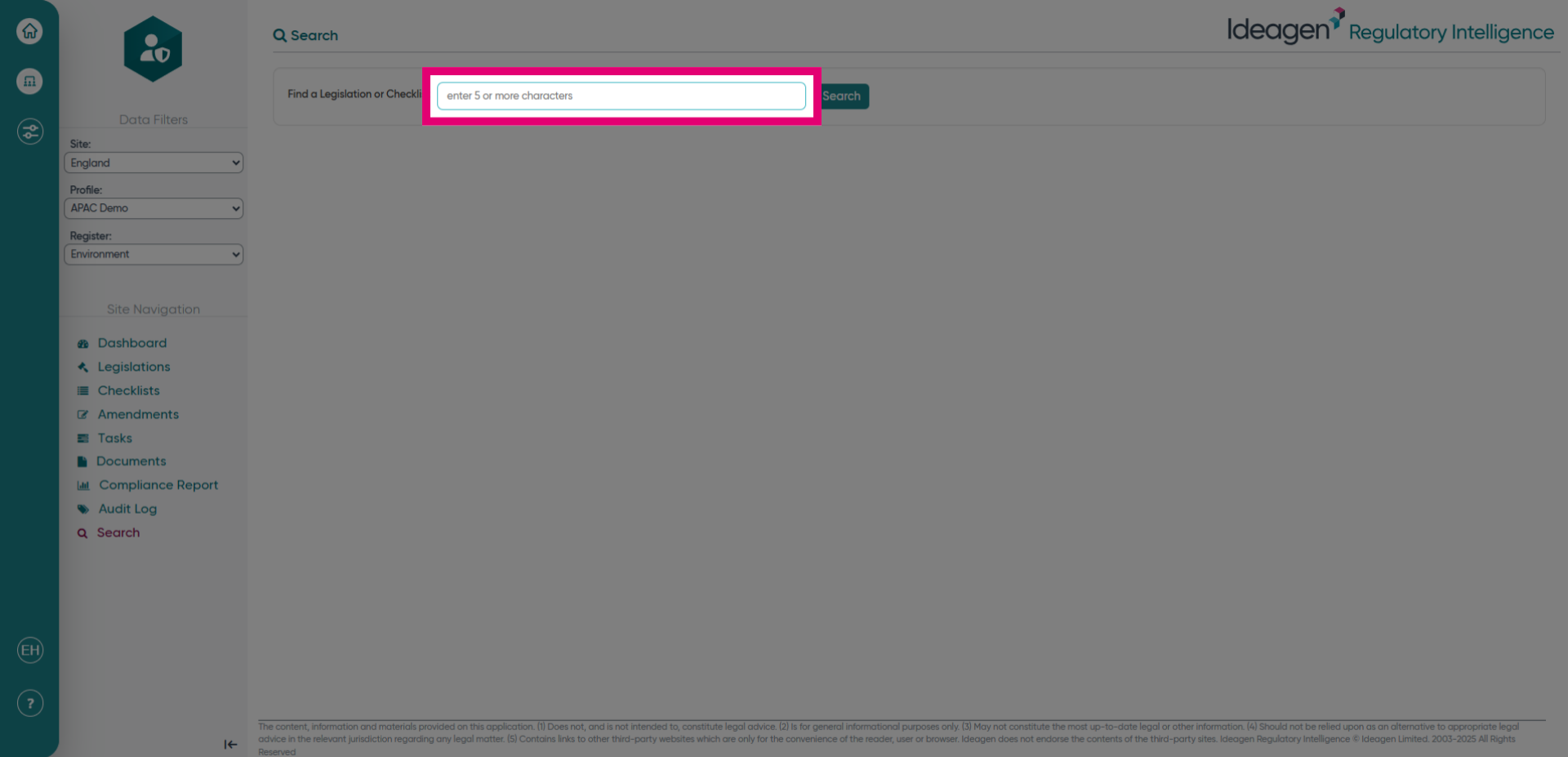
- Click the free text box here to begin typing in your search. Please note it will need to be 5 or more characters.
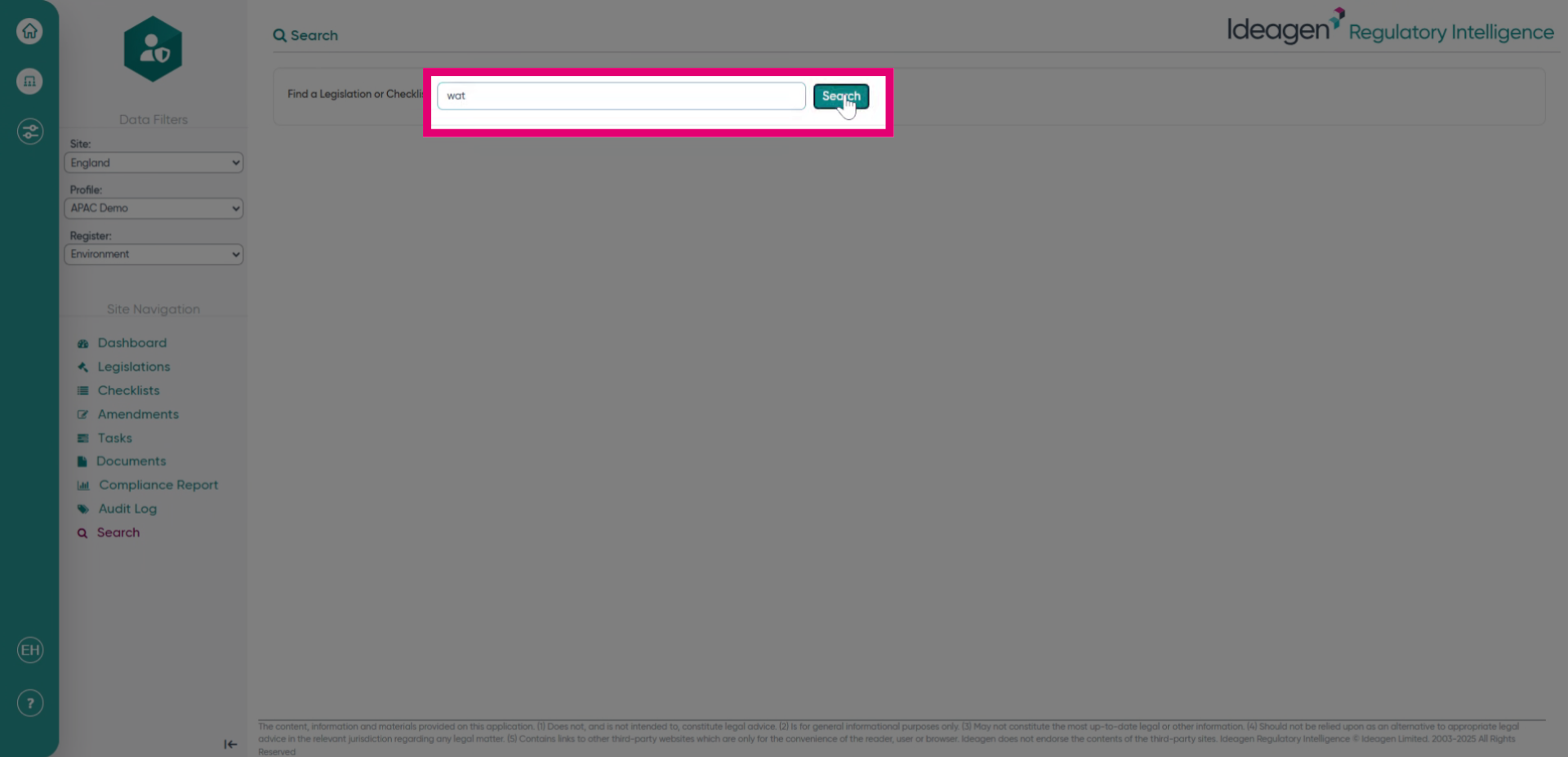
- Fill in the search field with the word or words you would like to search by and then click search.
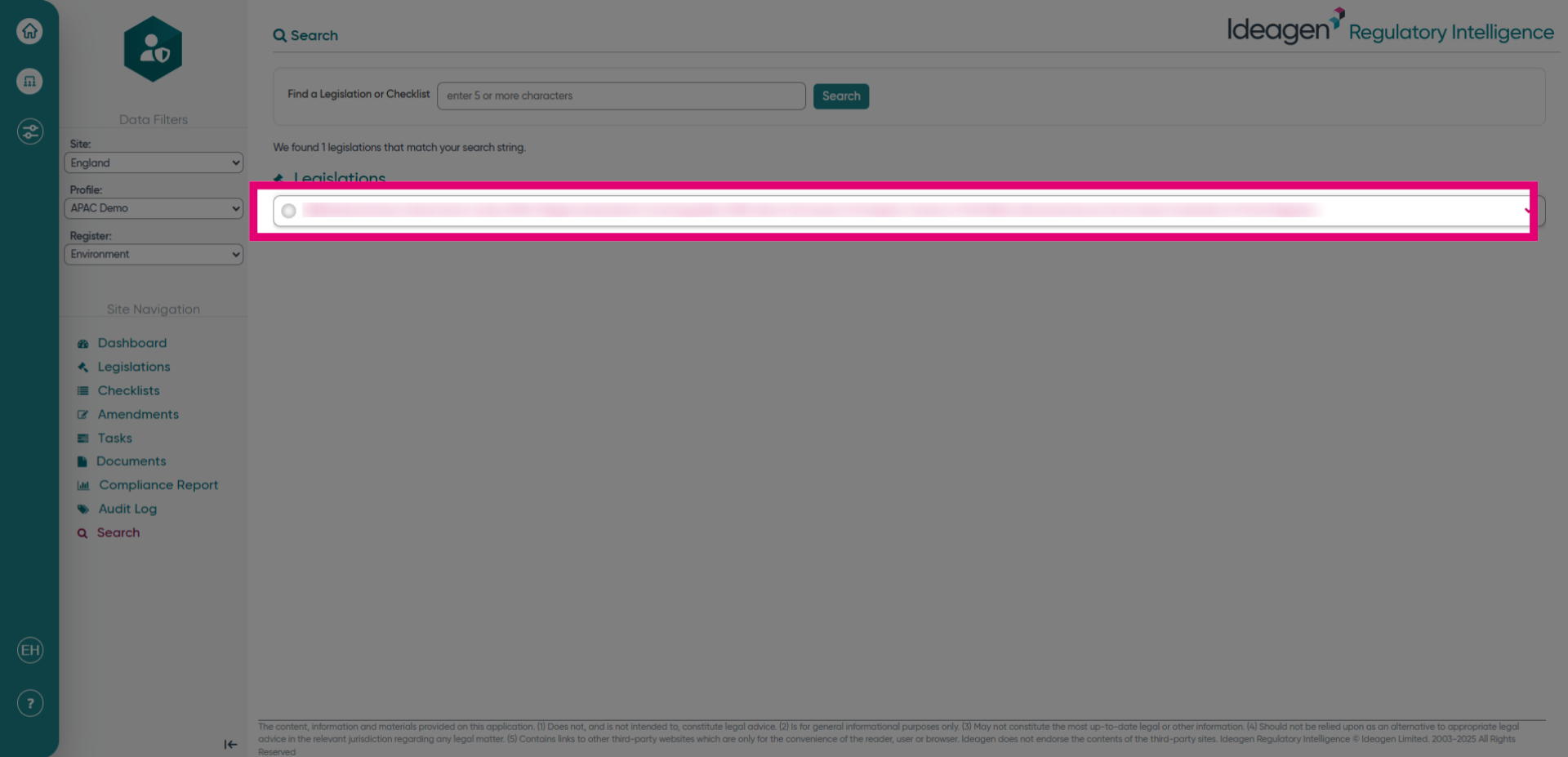
- Click on the heading to then see more information for that legislation or checklist.