New article
Recently updated
Reviewing the Audit log

Who is this article for?
Users who need to review the Audit log.
No elevated permissions are required.
This tutorial guides you through accessing and reviewing audit logs in Ideagen Regulatory Intelligence, enabling you to monitor system activities and compliance records effectively.
1. Reviewing the Audit log
1.1 Video
1.2 Steps
- Open the Menu.
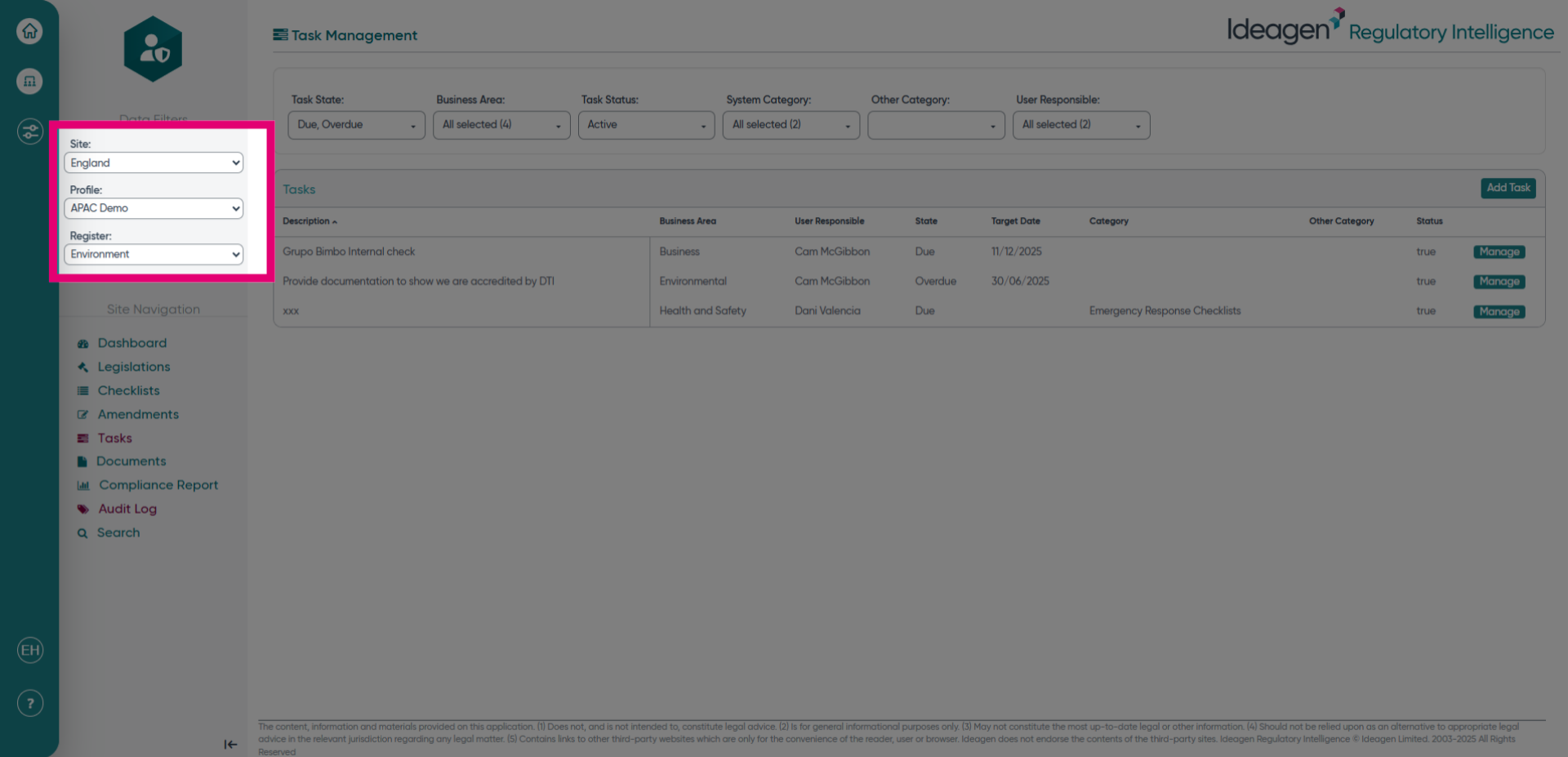
- Choose the site, profile, and register for the audit log information you would like to see.
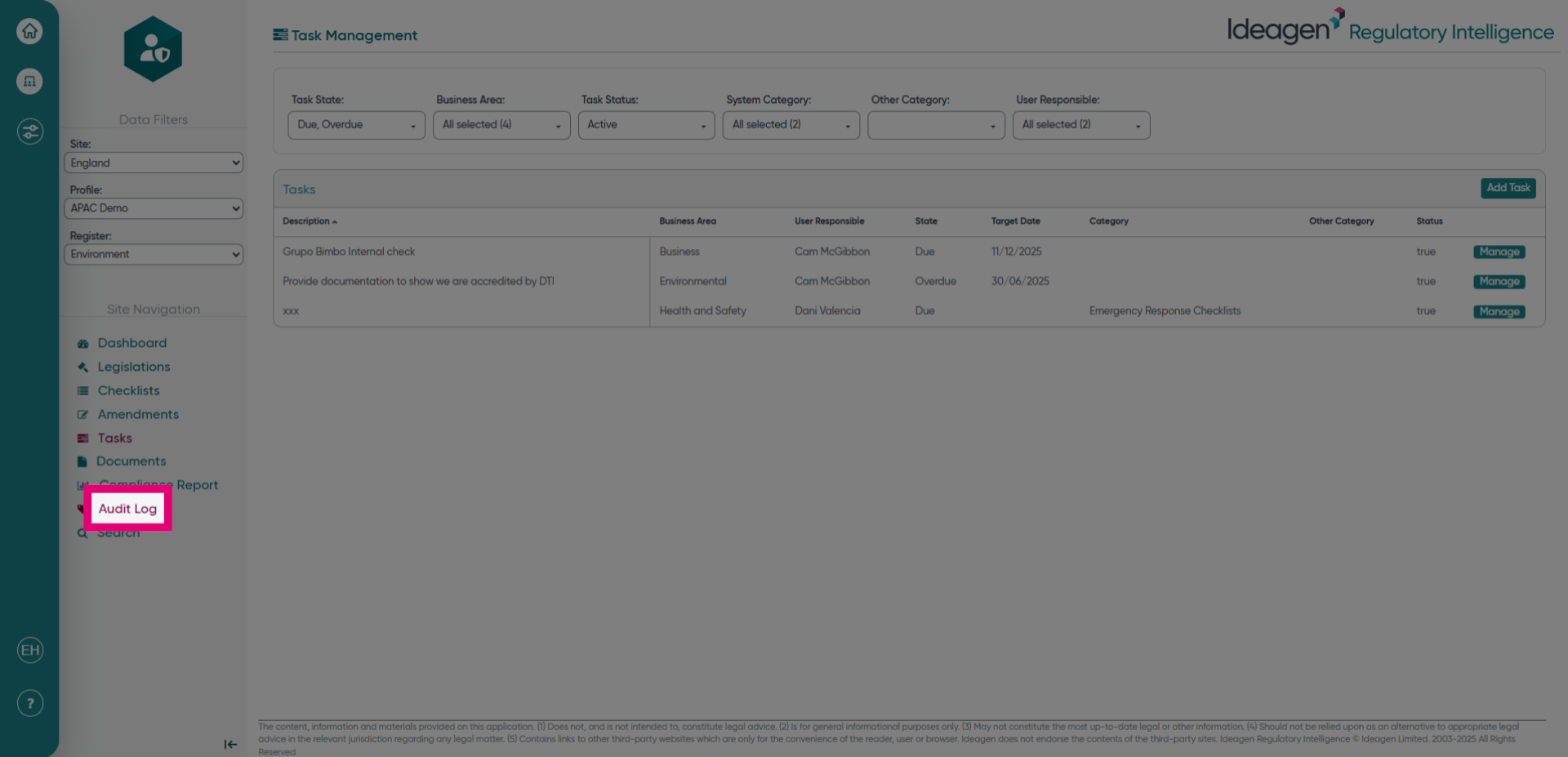
- Click Audit Log to begin reviewing system activities.
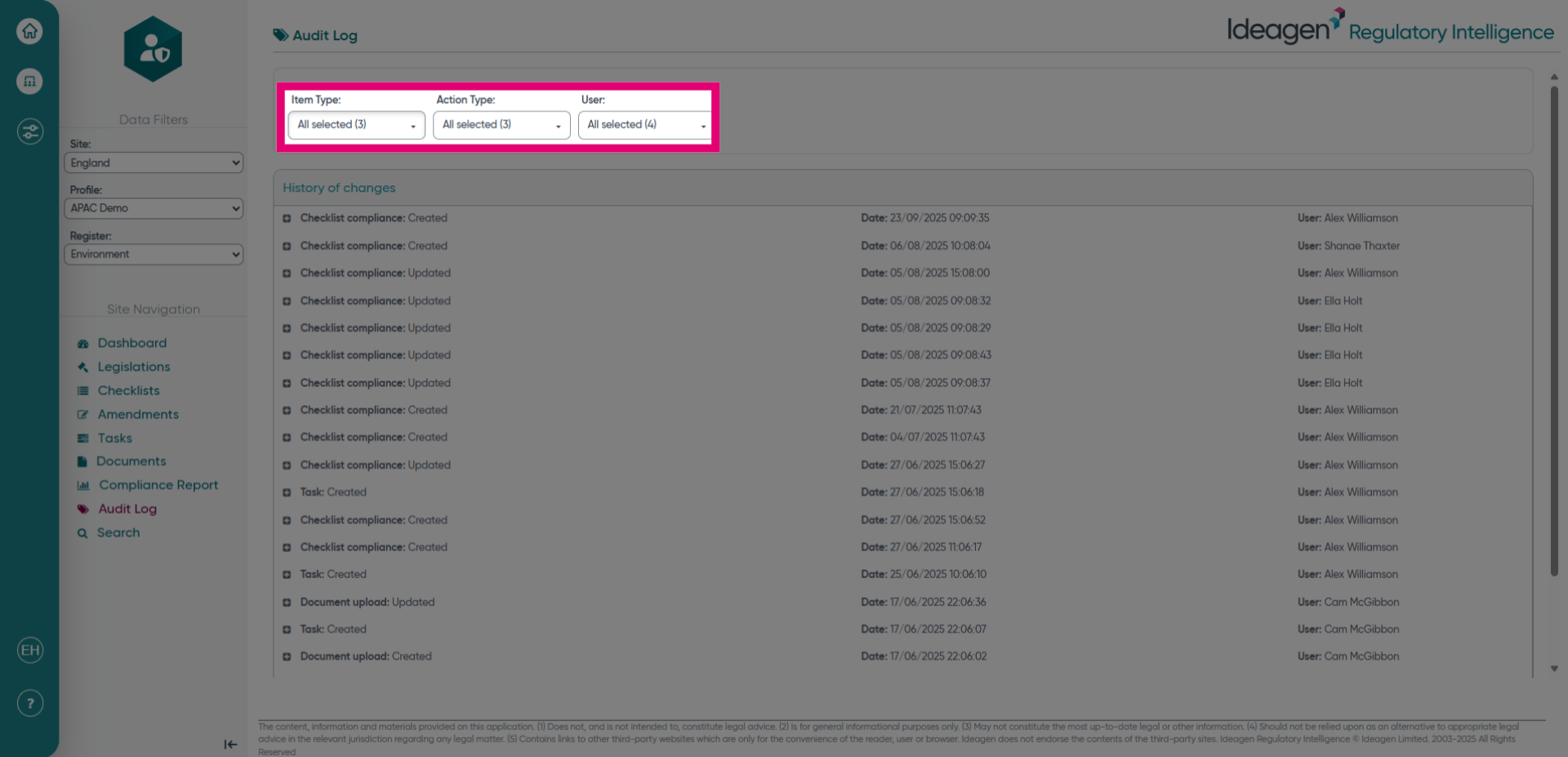
- Choose the relevant filters for the information you would like to see by selecting the relevant filter selection box.
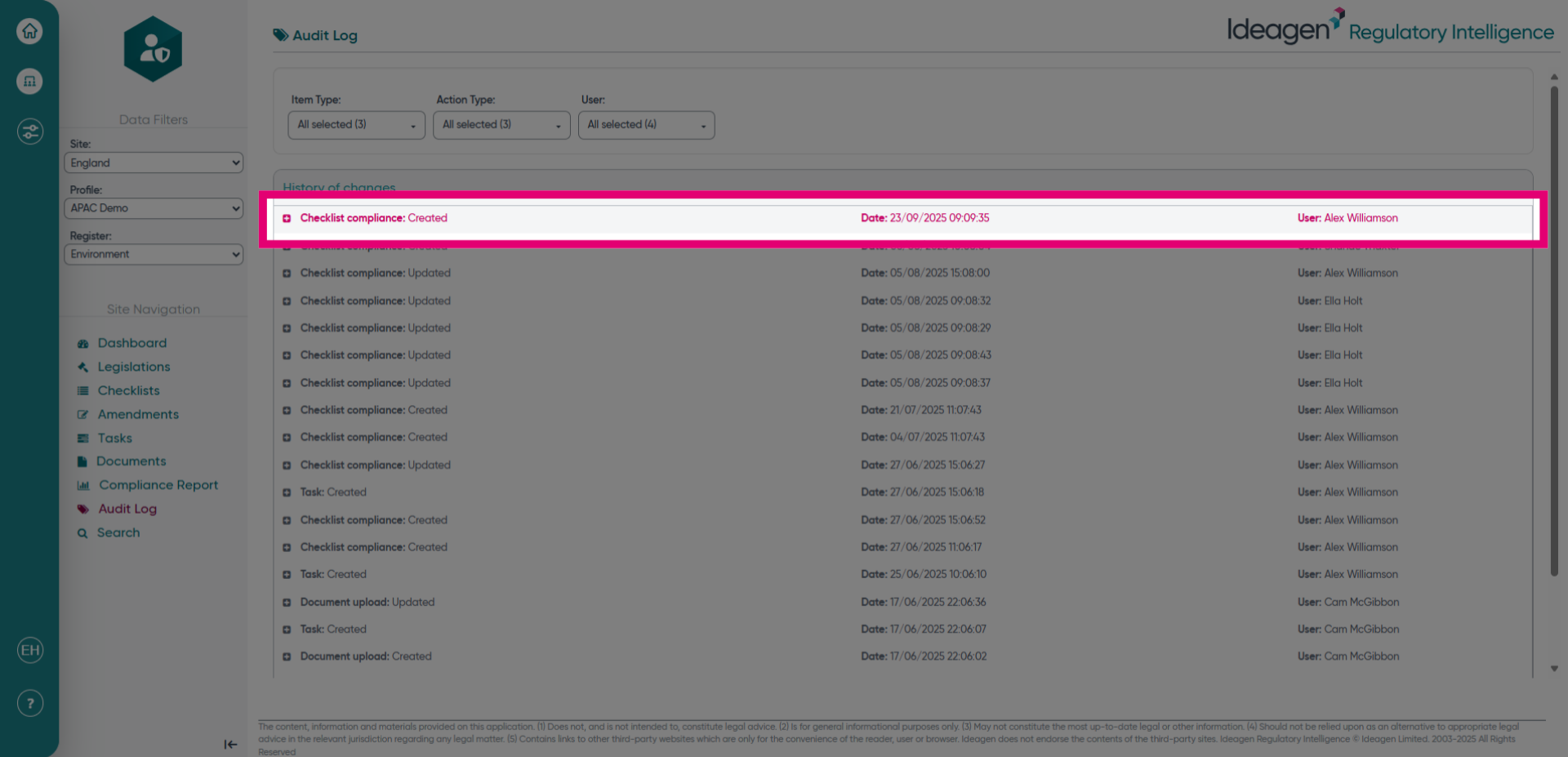
- To see more detail, click on the heading to examine the compliance checklist activity thoroughly.