New article
Recently updated
Managing Tasks

Who is this article for?
Users who need to use Tasks.
No elevated permissions are required.
This tutorial guides you through managing tasks within Ideagen Regulatory Intelligence, including editing, completing, viewing history, and adding new tasks.
1. Managing Tasks
1.1 Video
1.2 Steps
- Open the Menu.
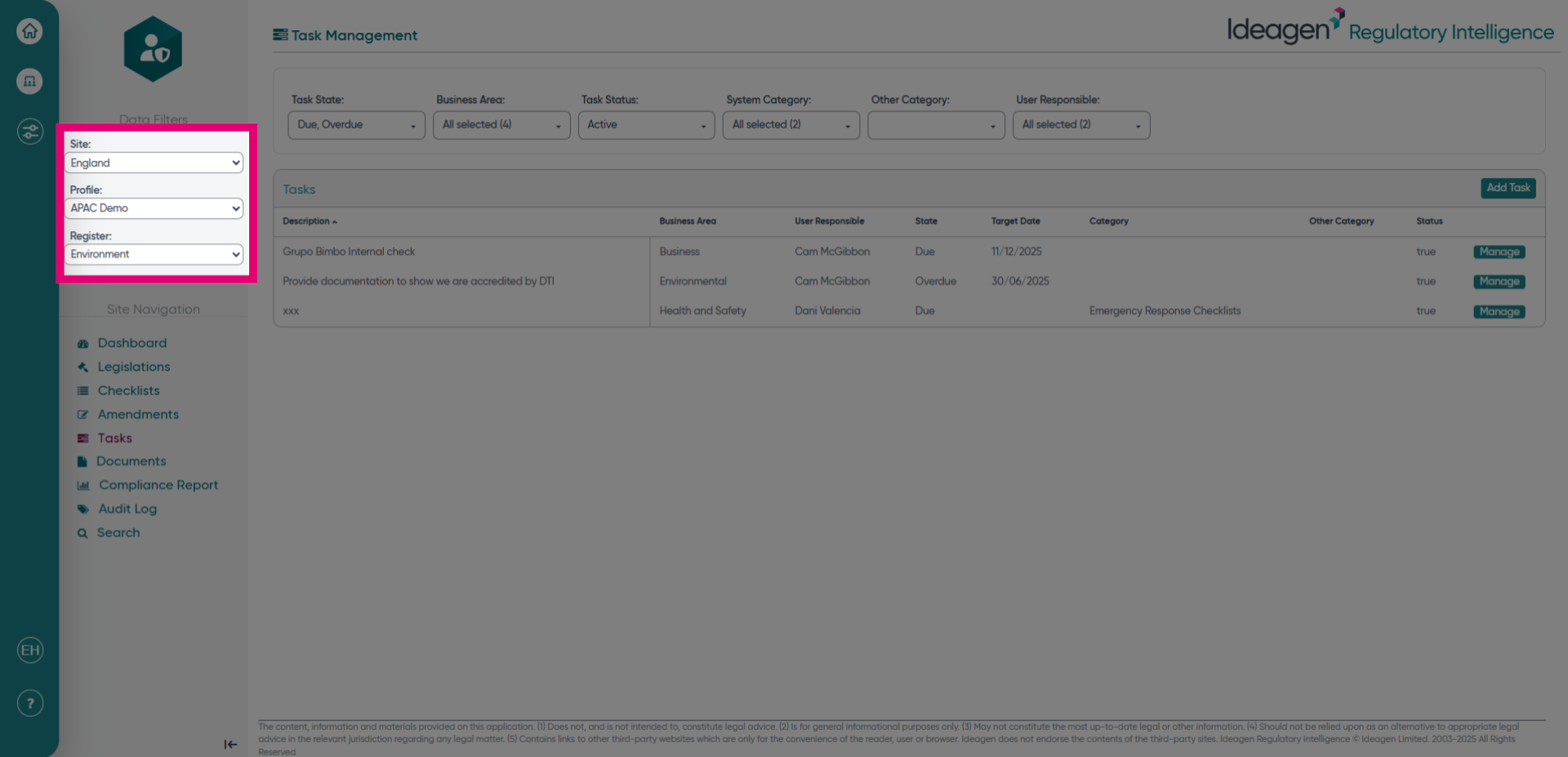
- Select the site, profile, and register for the tasks you would like to see.
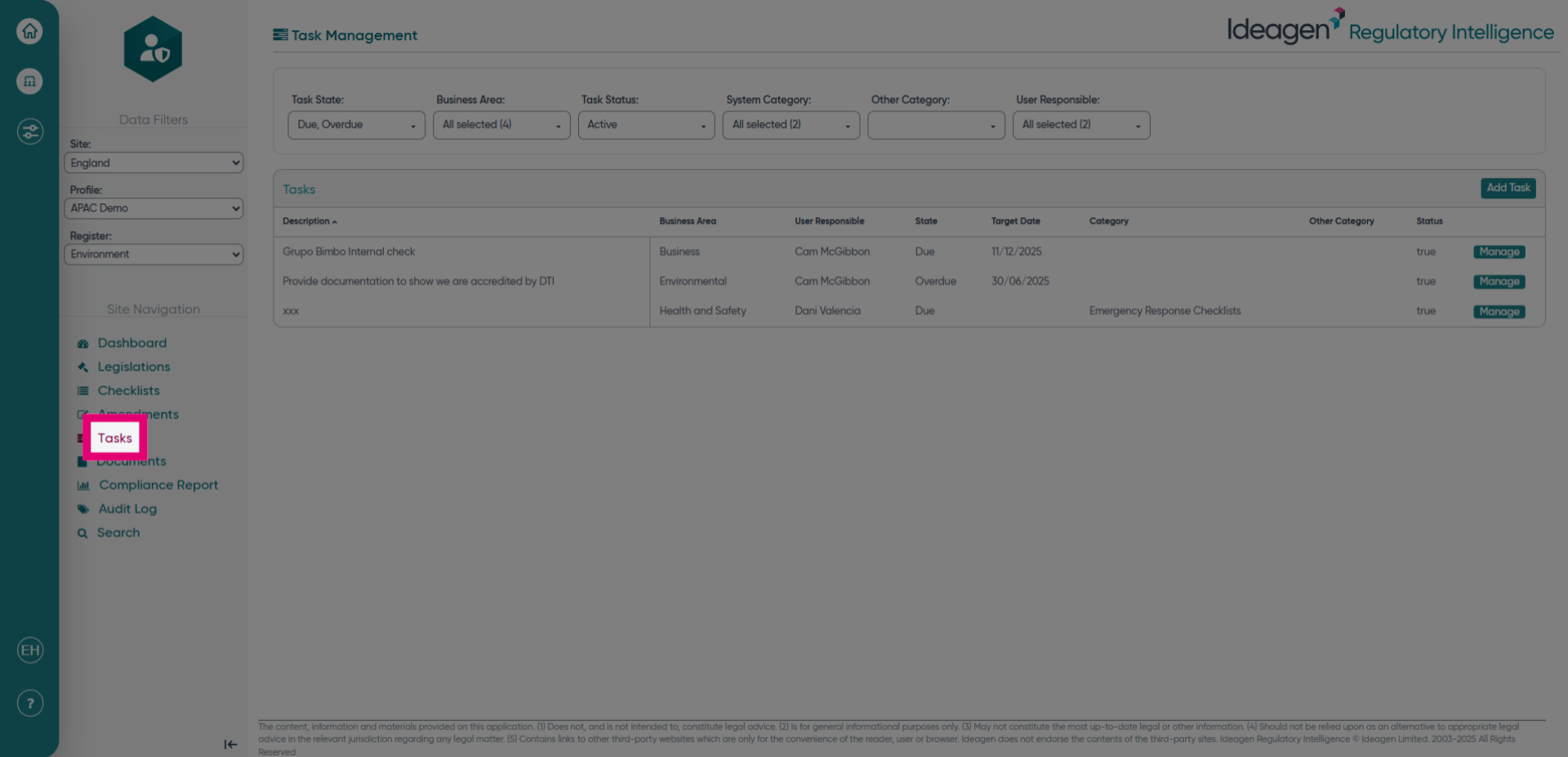
- Click Tasks to navigate to the Tasks section and access your current task list.
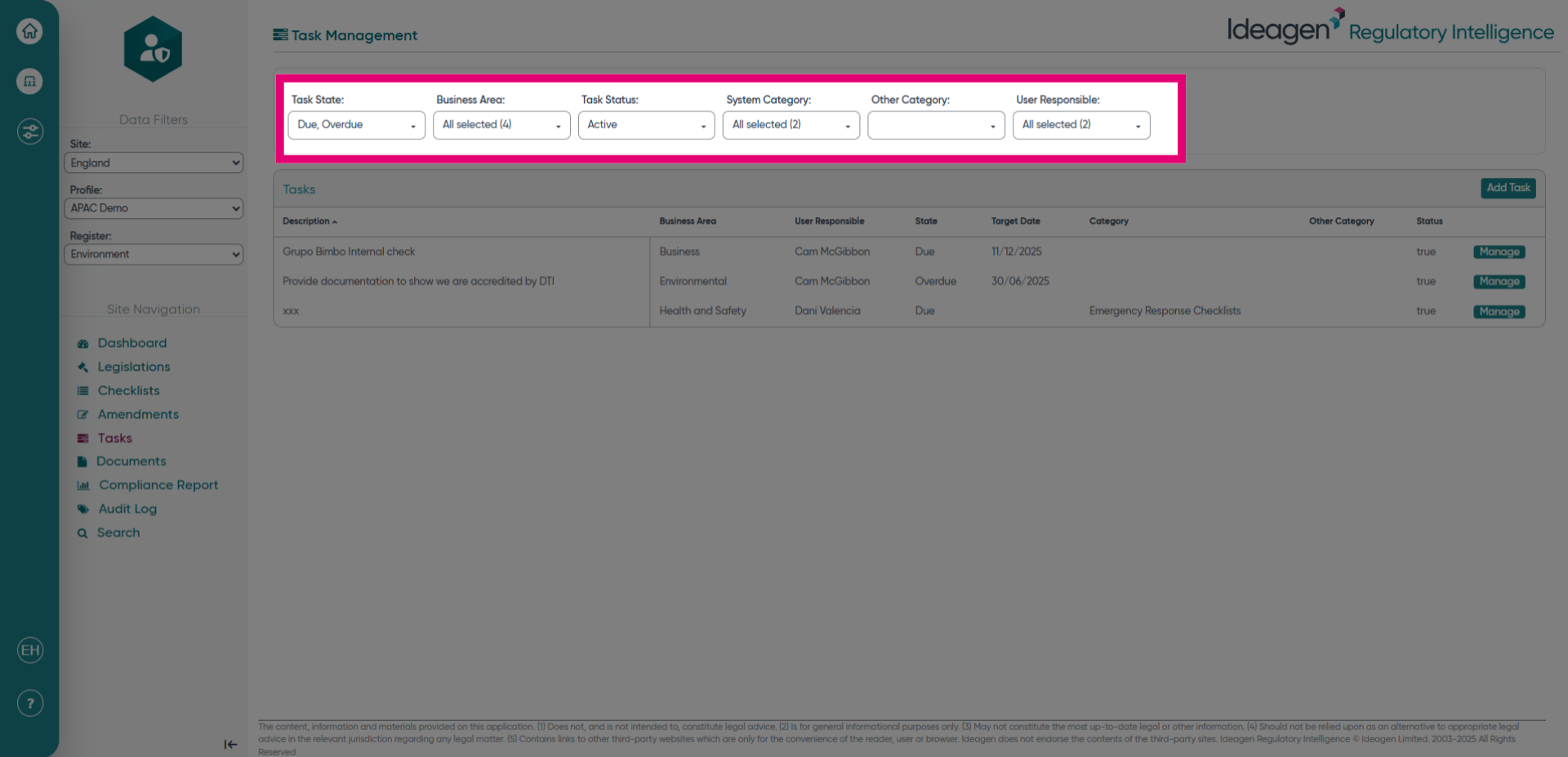
- Use the filters at the top of the screen to filter down the tasks that you can see.
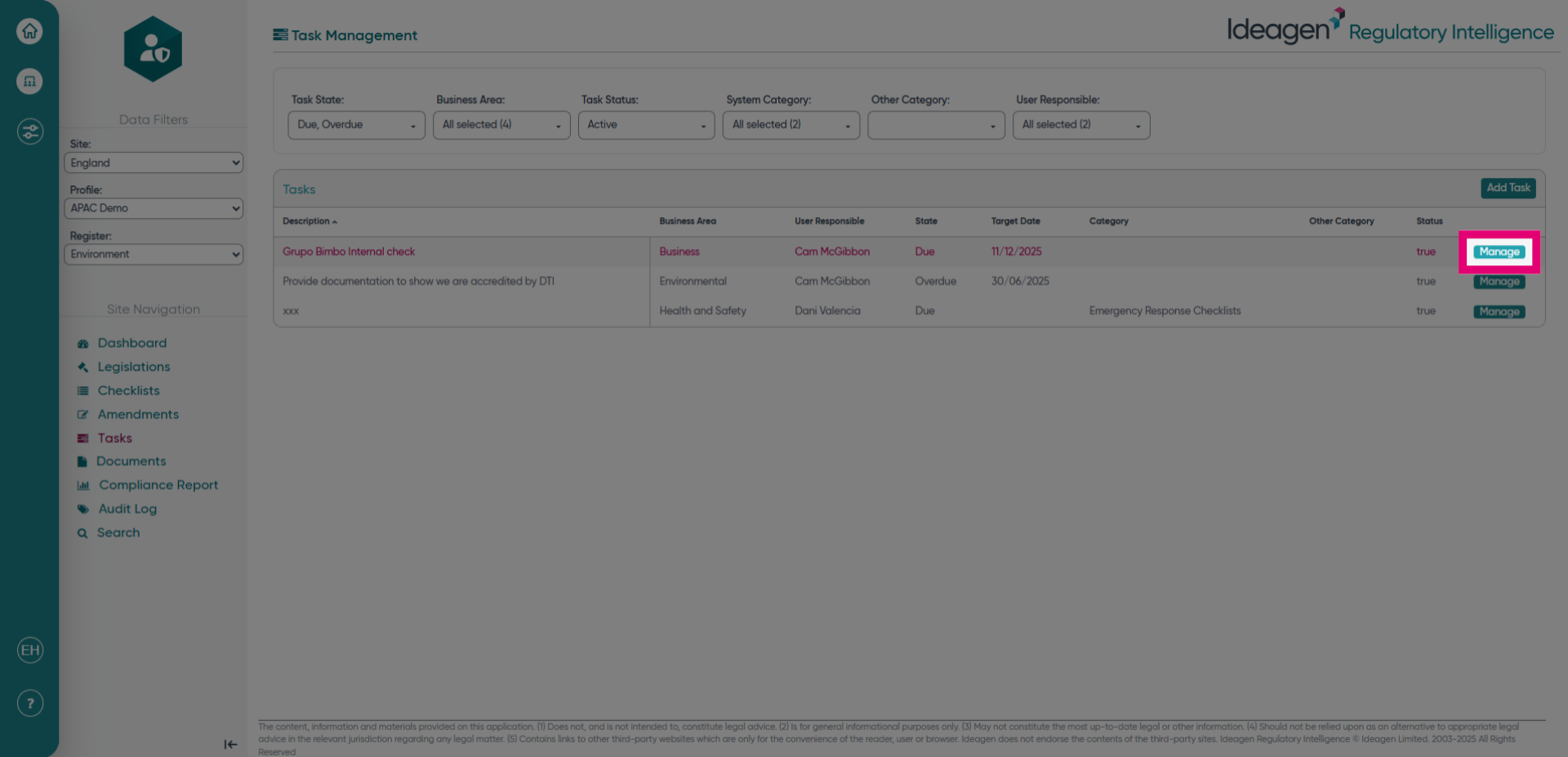
- Click Manage to view options for modifying existing tasks and overseeing task details.
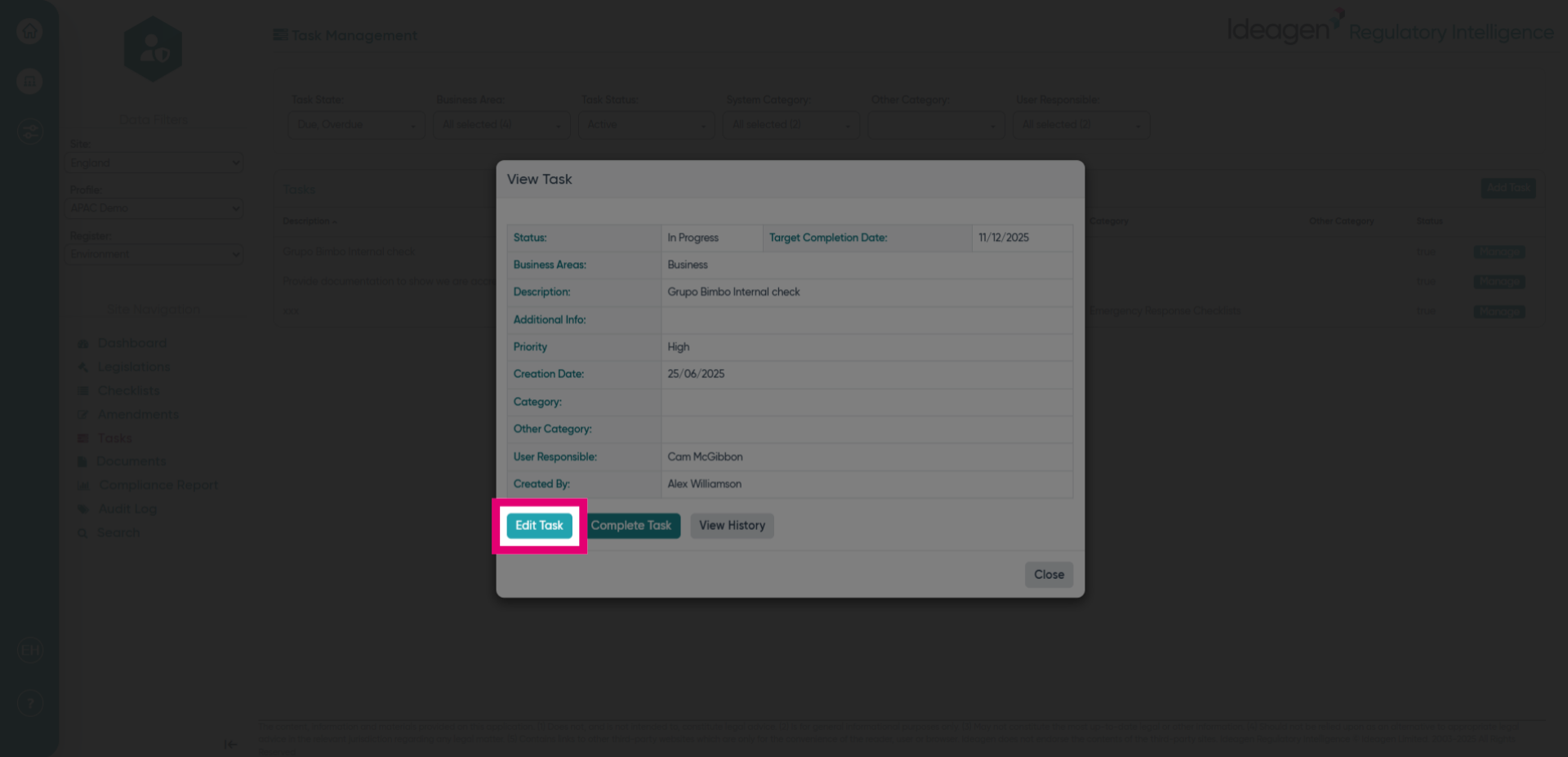
- Click Edit Task to make changes to the selected task's information.
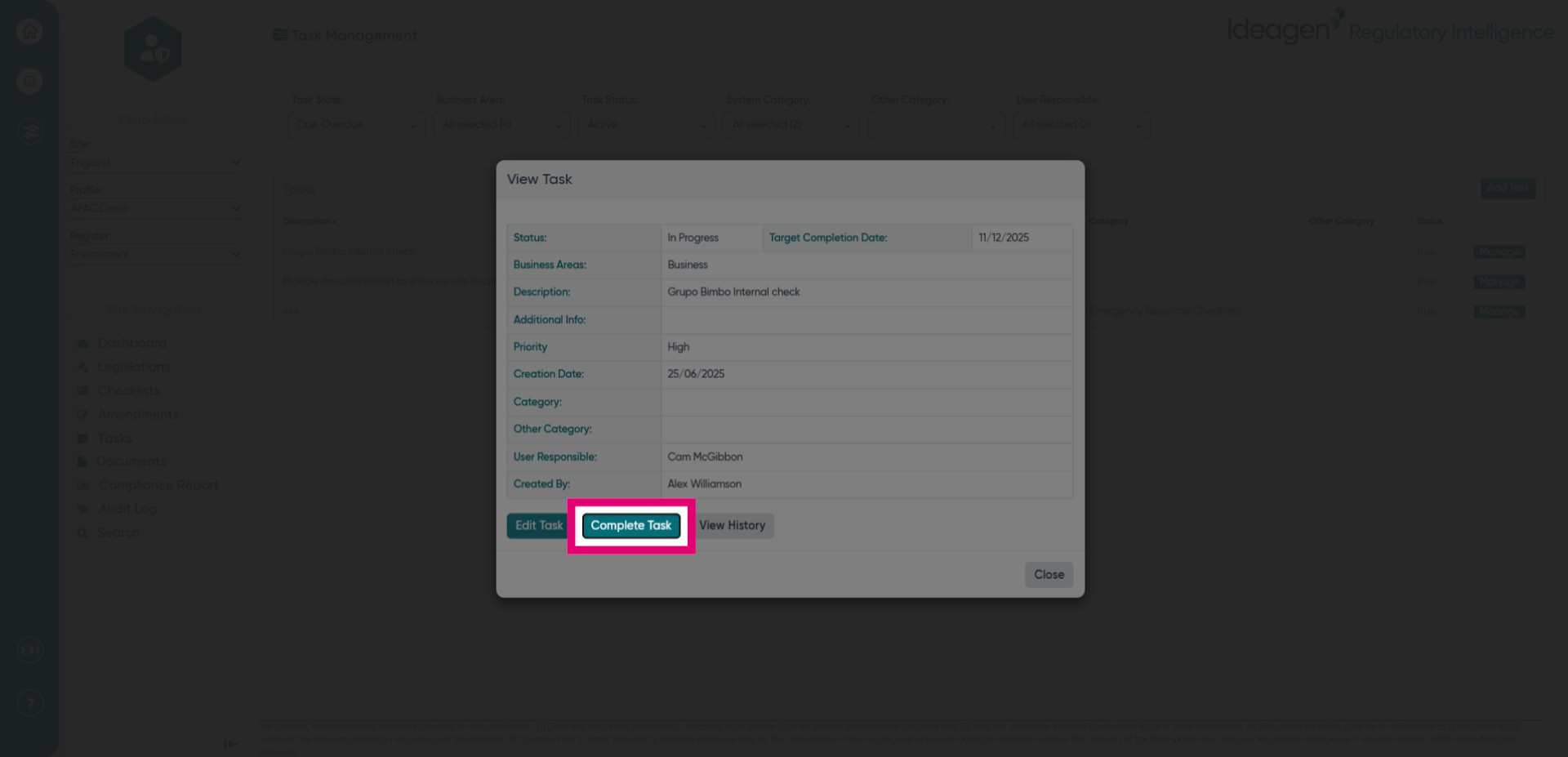
- Click Complete Task to mark the task as finished, updating its status accordingly. You will have the option to set the completion date and add a comment within the next screen.
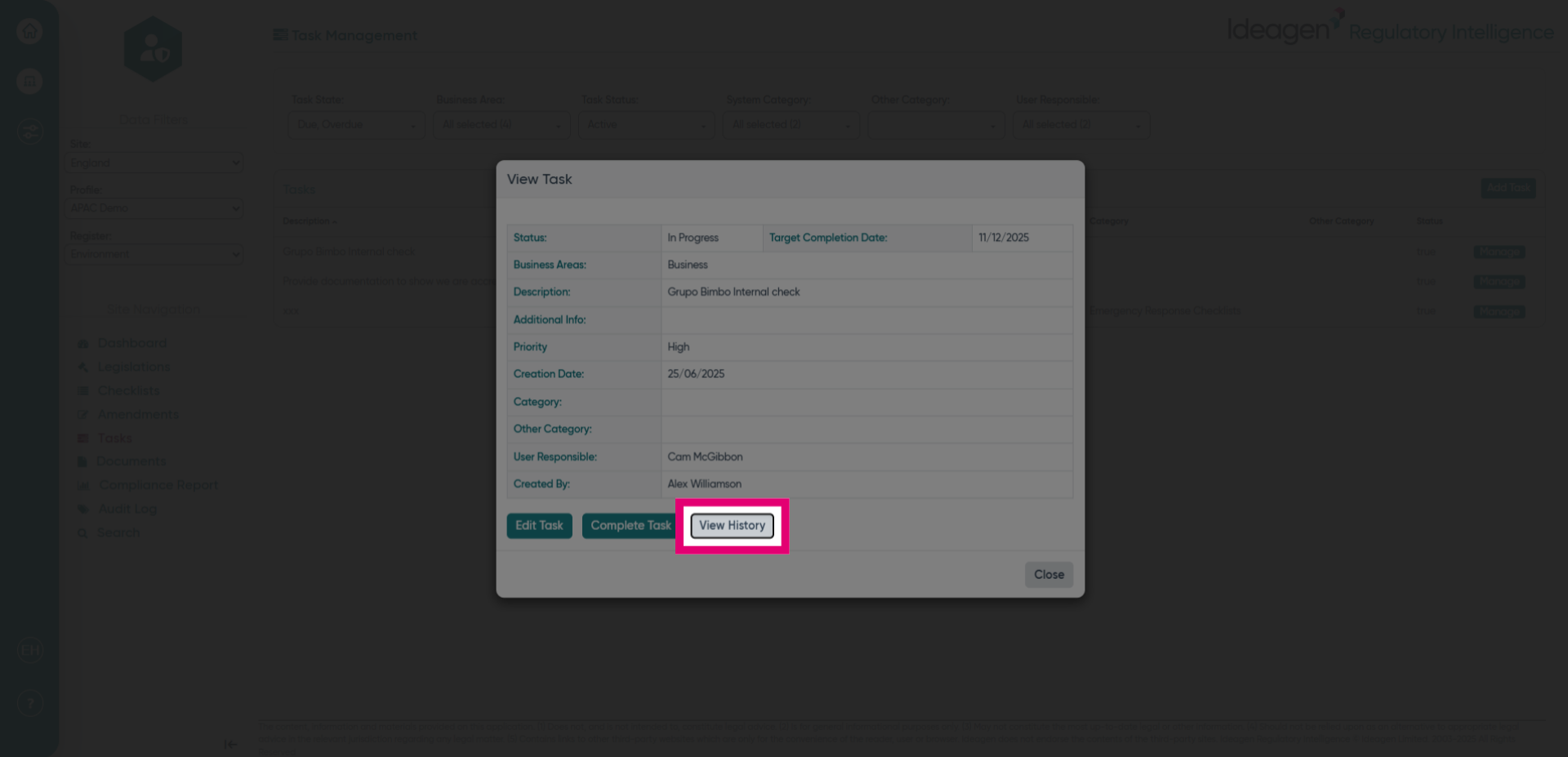
- Click View History to access the task's activity log and track all changes made over time.
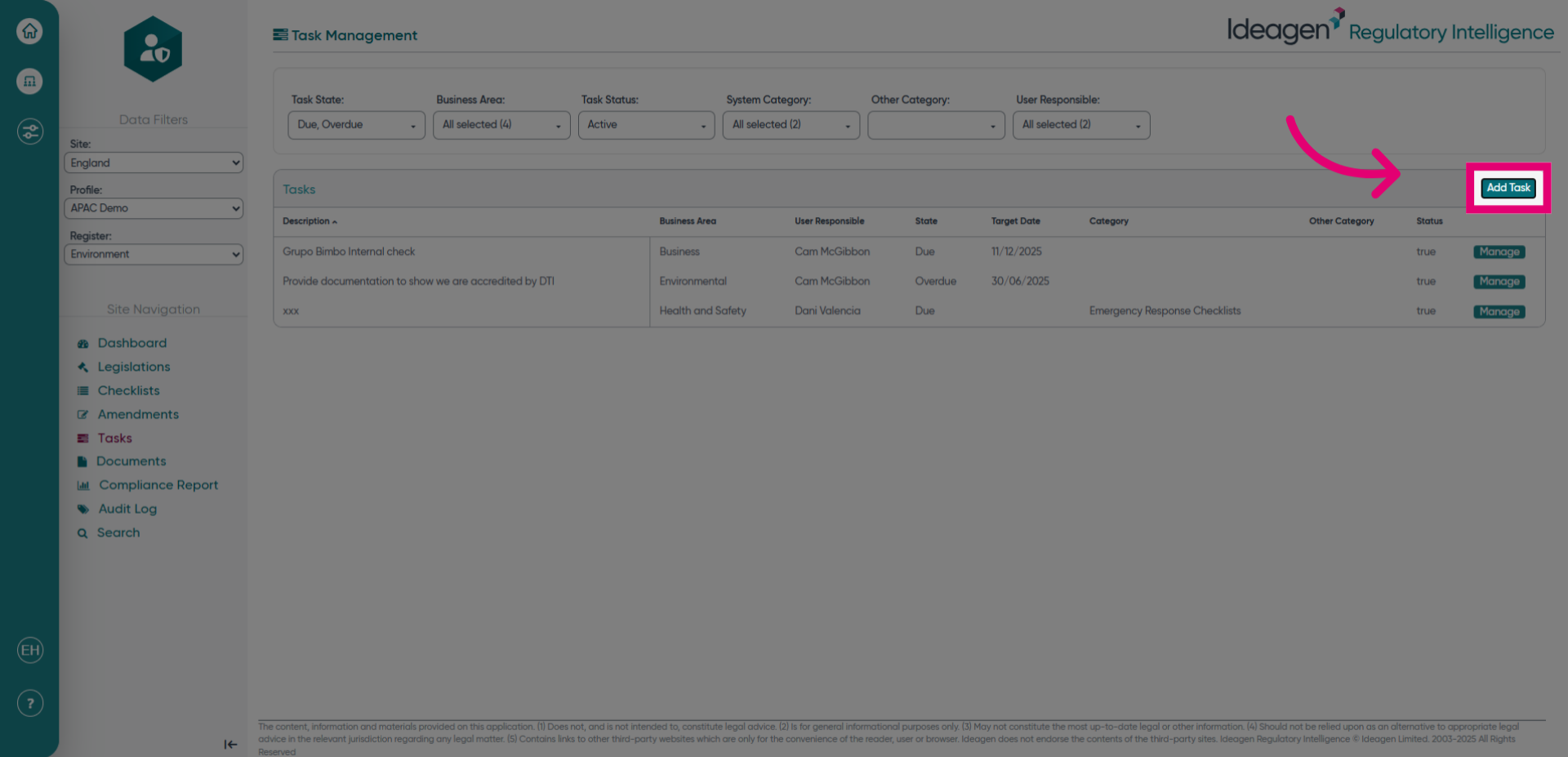
- Click Add Task to create a new task and expand your task list.