New article
Recently updated
Logging into the Ideagen Regulatory Intelligence platform

Who is this article for?
Users who need to login to the Ideagen Regulatory Intelligence platform.
No elevated permissions are required.
This tutorial guides you through logging into Ideagen Regulatory Intelligence, ensuring you can access the platform securely and efficiently. Before starting, have your email address and password ready to complete the login process.
1. Logging into the Ideagen Regulatory Intelligence platform
1.1 Video
1.2 Steps
- Launch the Regulatory Intelligence platfrom.
- Click the Email field to prepare for entering your login credentials.
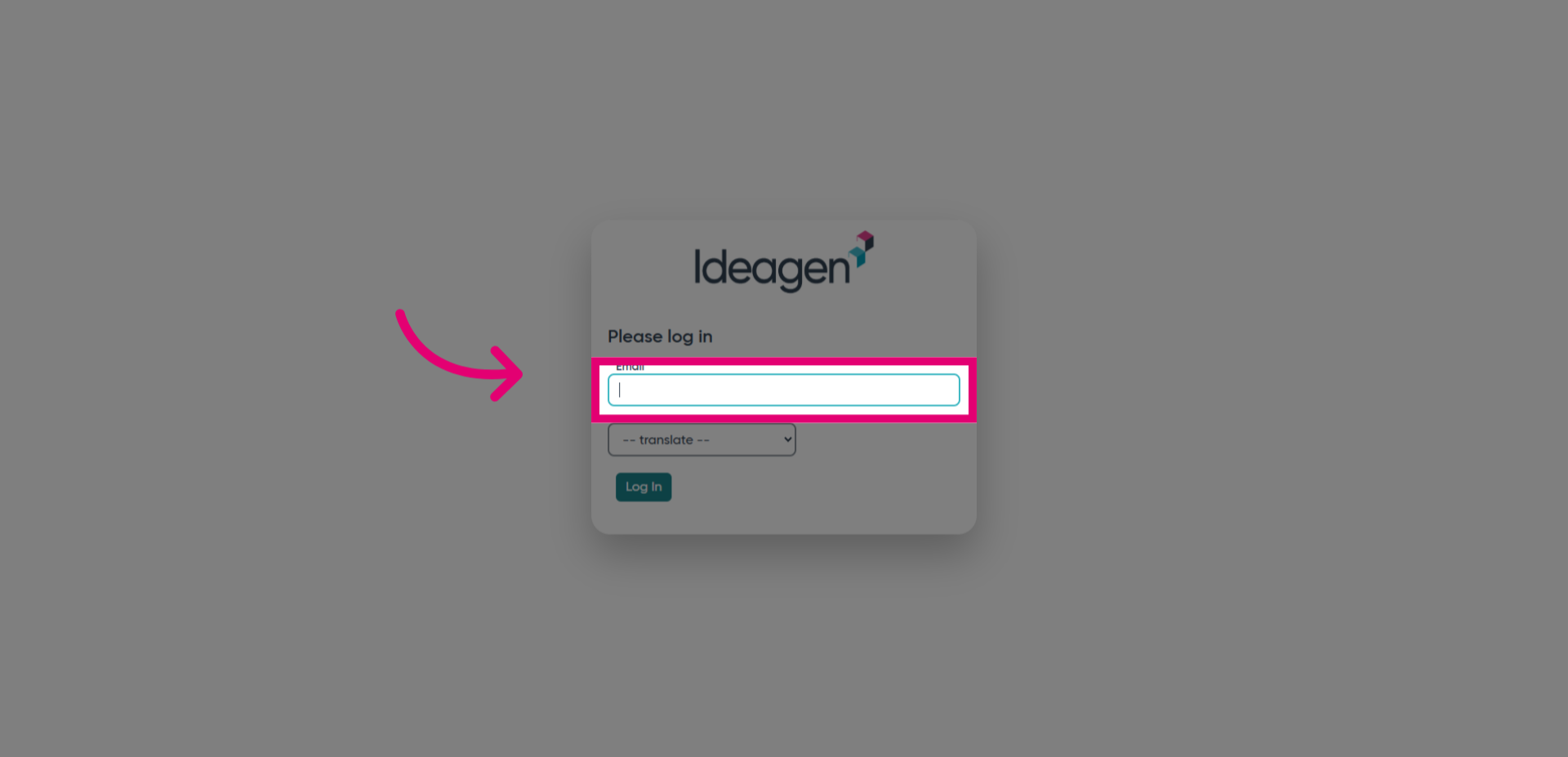
- Fill in your email address to identify your user account.
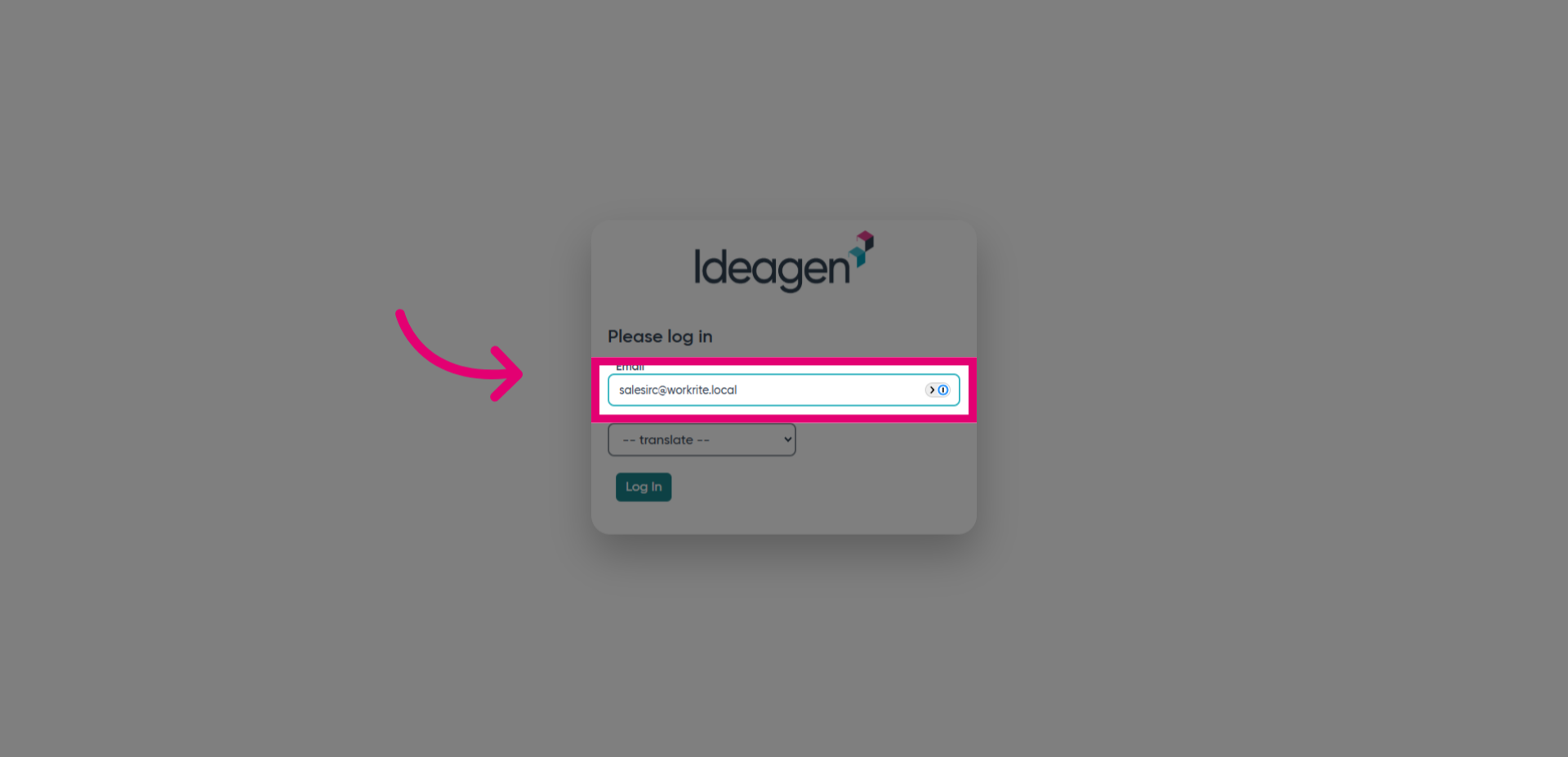
- Click the Log In button to proceed to the password entry step.
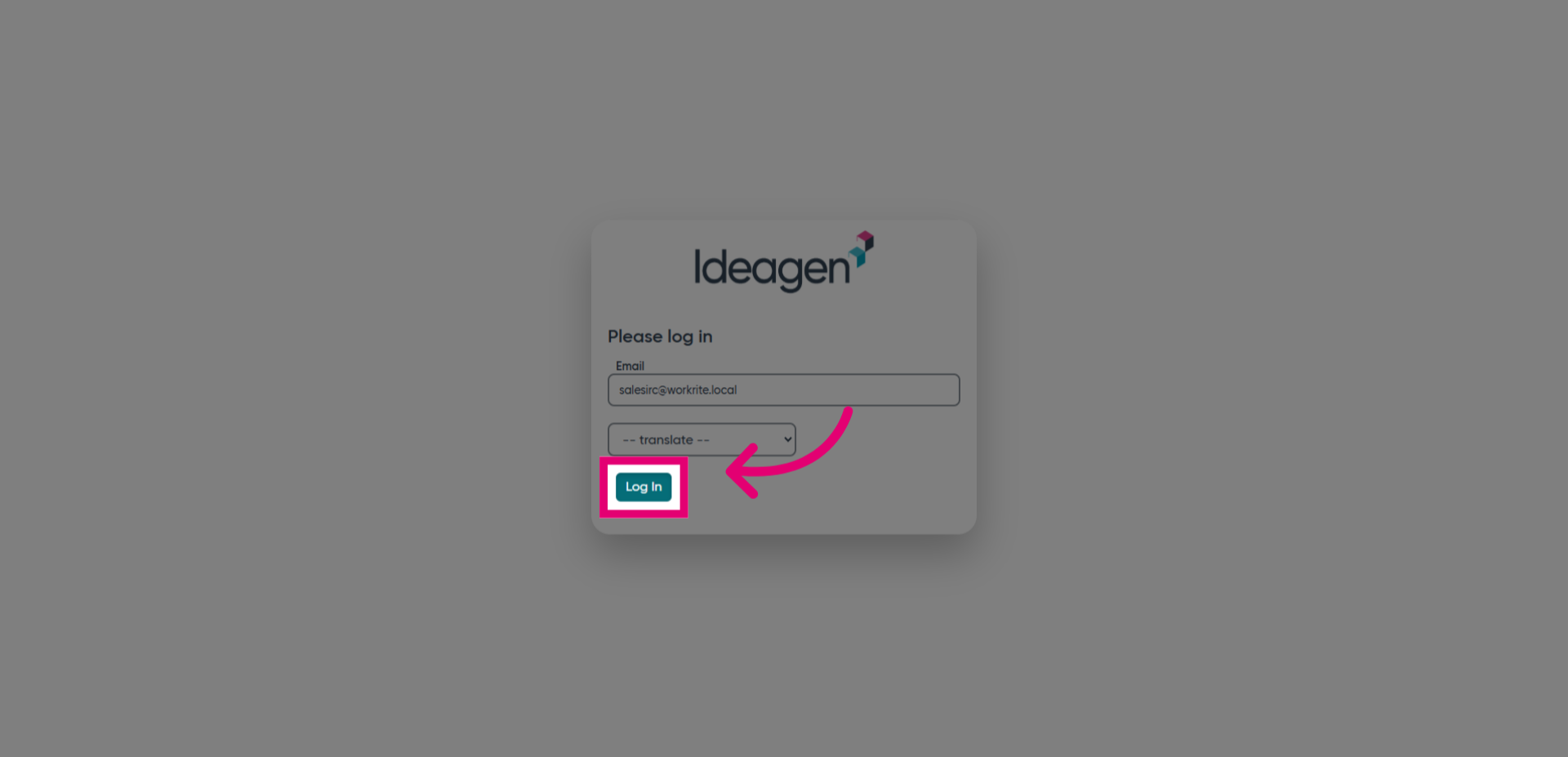
- Click the Password field to input your secure password.
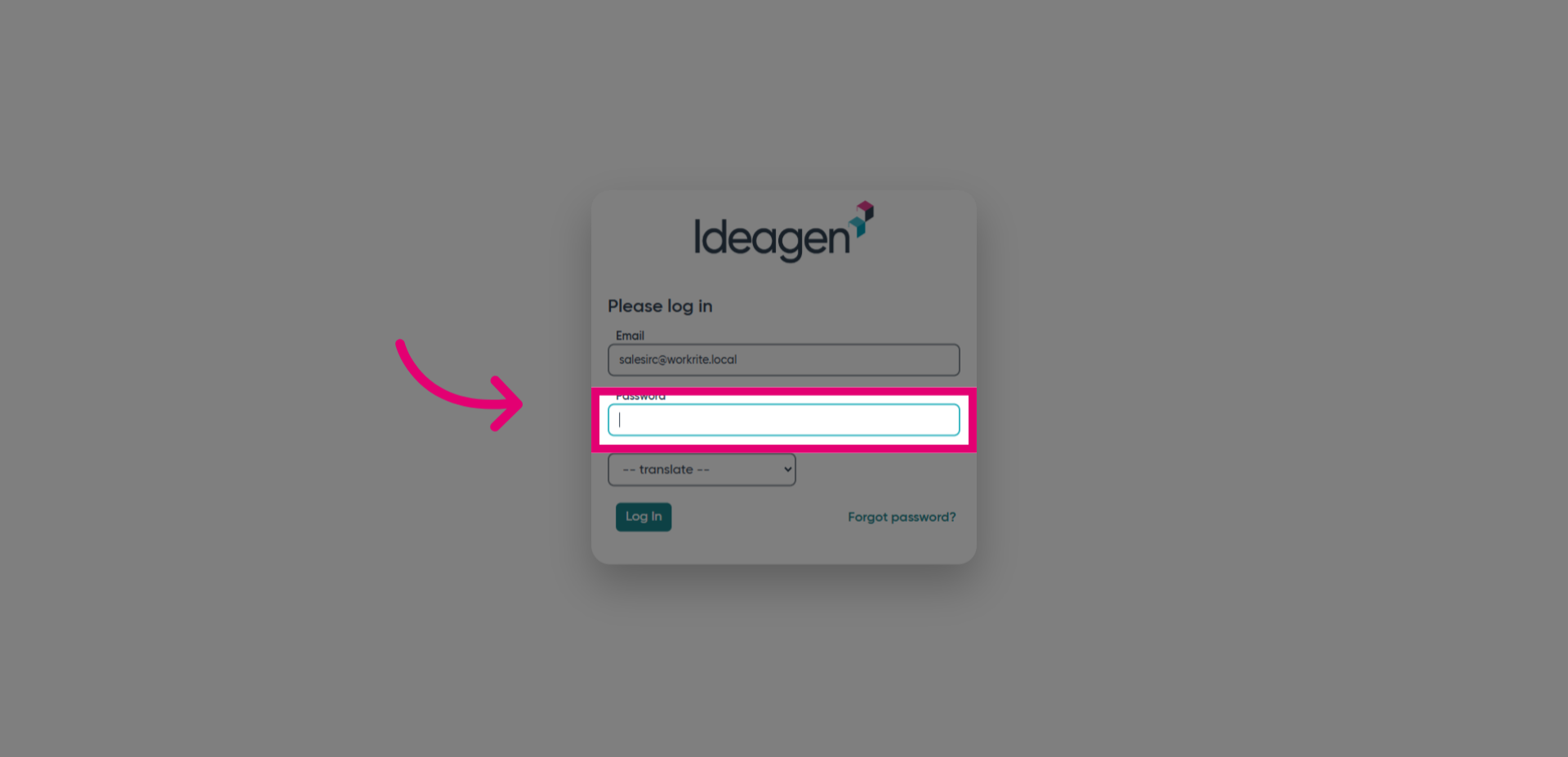
- Enter your password to authenticate your identity.
![Fill '[password]'](https://static.guidde.com/v0/qg%2FJVb22lRGZhdTpunXzfQazUFlL7z2%2Fd8h6TsCEUfR9Cdjs7JtRh9%2F3NzMC3WXmtREDMnadYAReP_doc.png?alt=media&token=9bf1e31c-cd6b-4f4f-ac3f-8b8b27f60ea2)
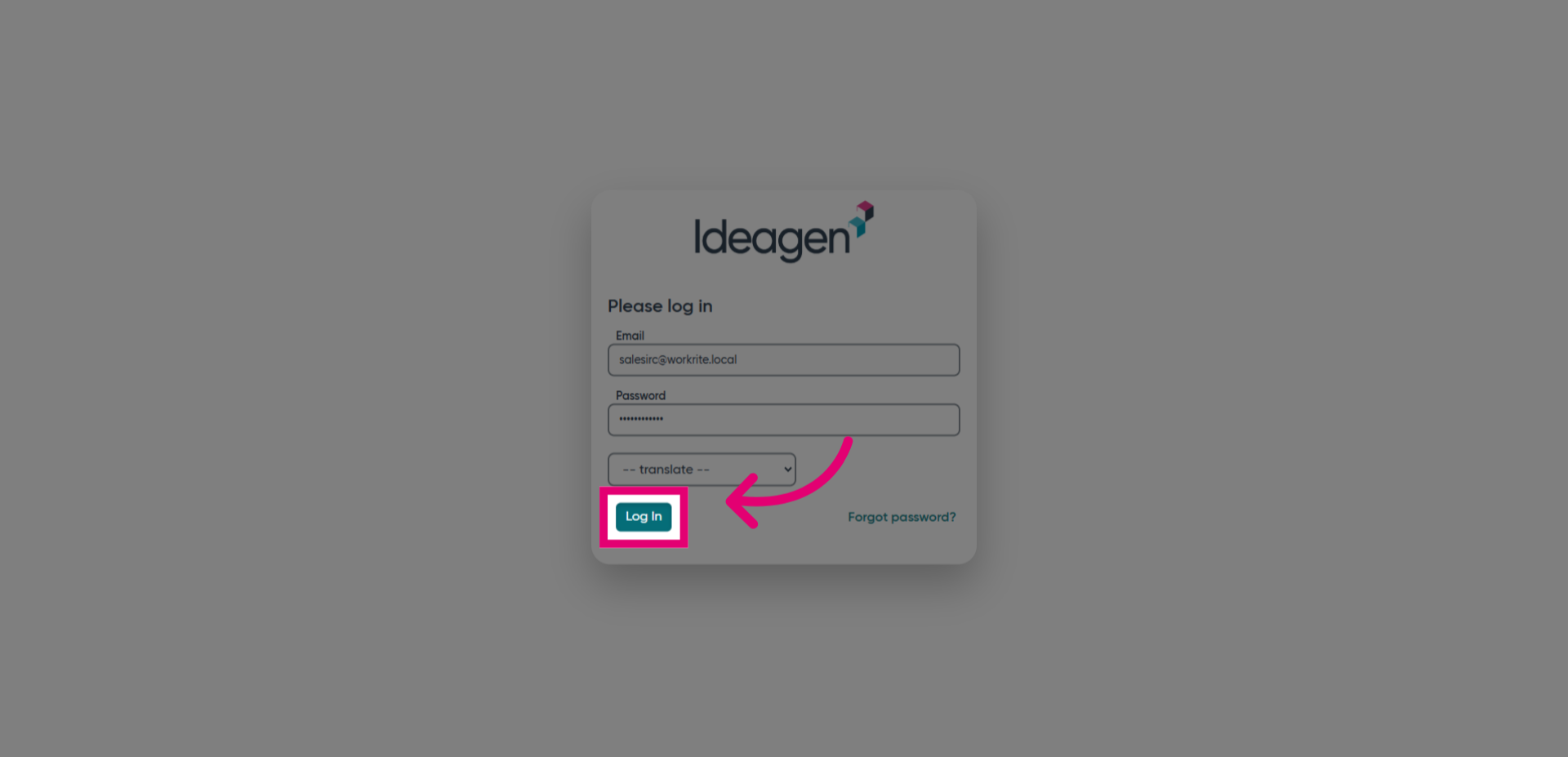
- Click the Log In button to submit your credentials and access your account.
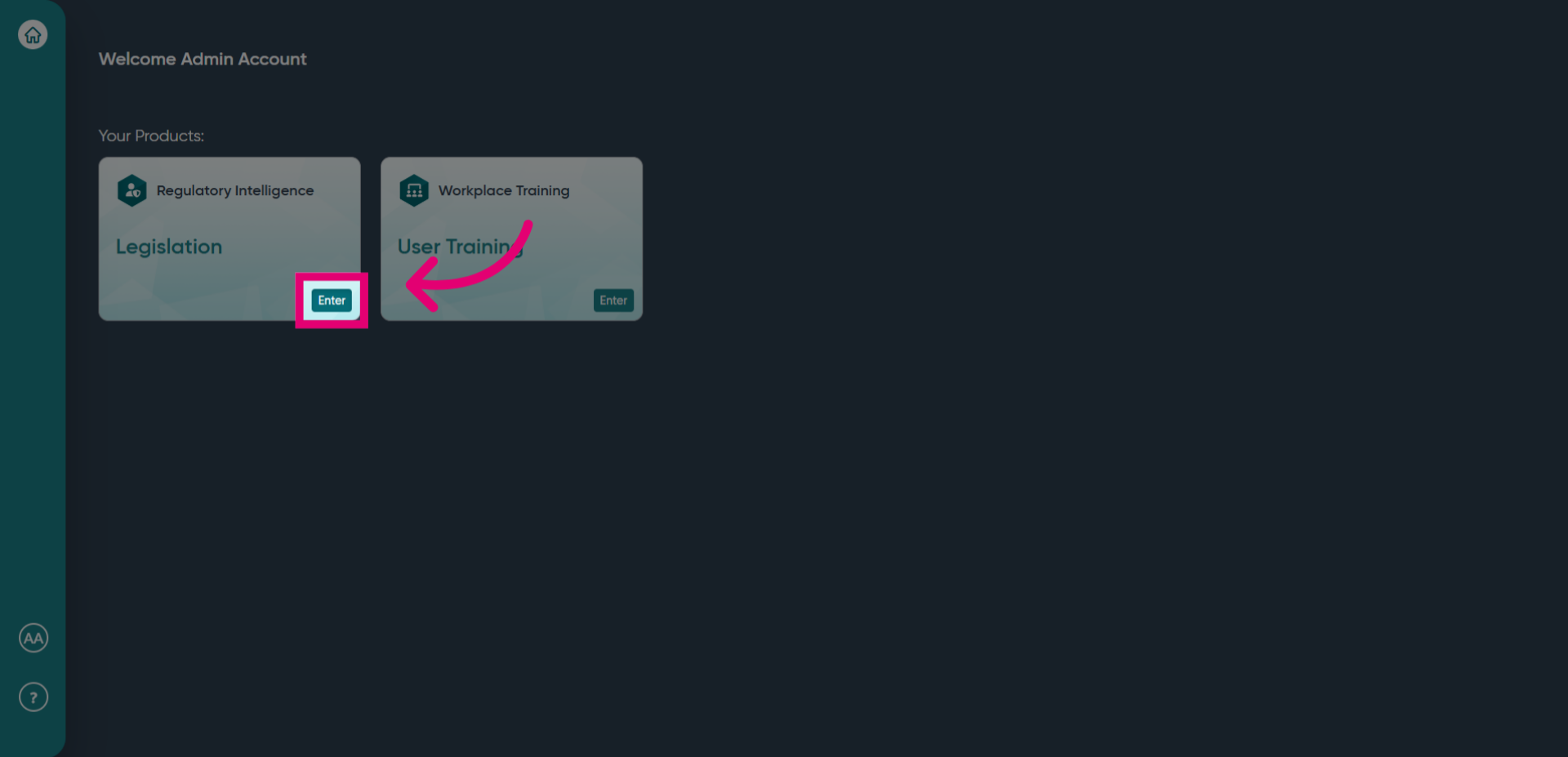
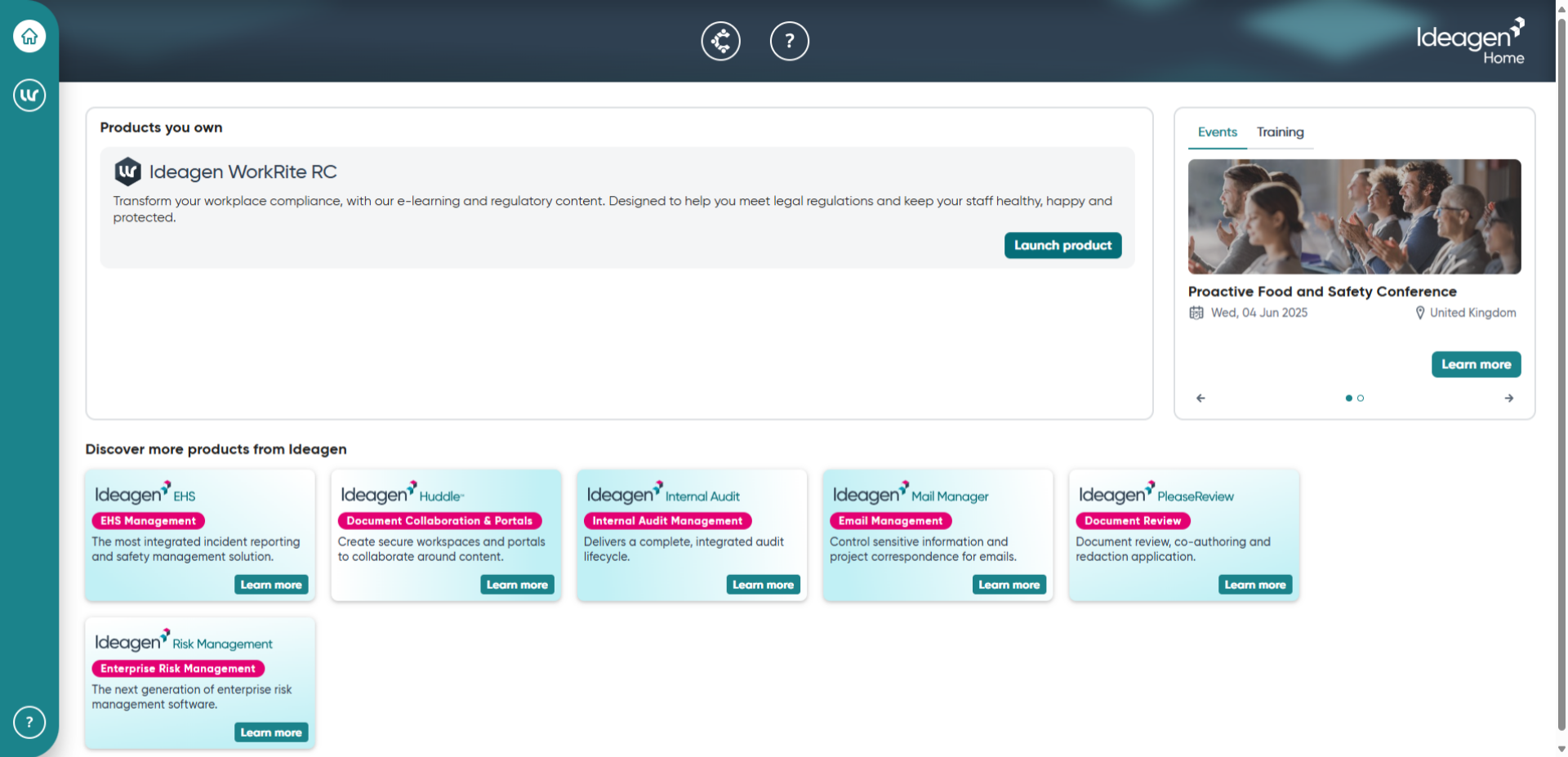
- Switch to home.ideagen.com where you can select to Launch your product.
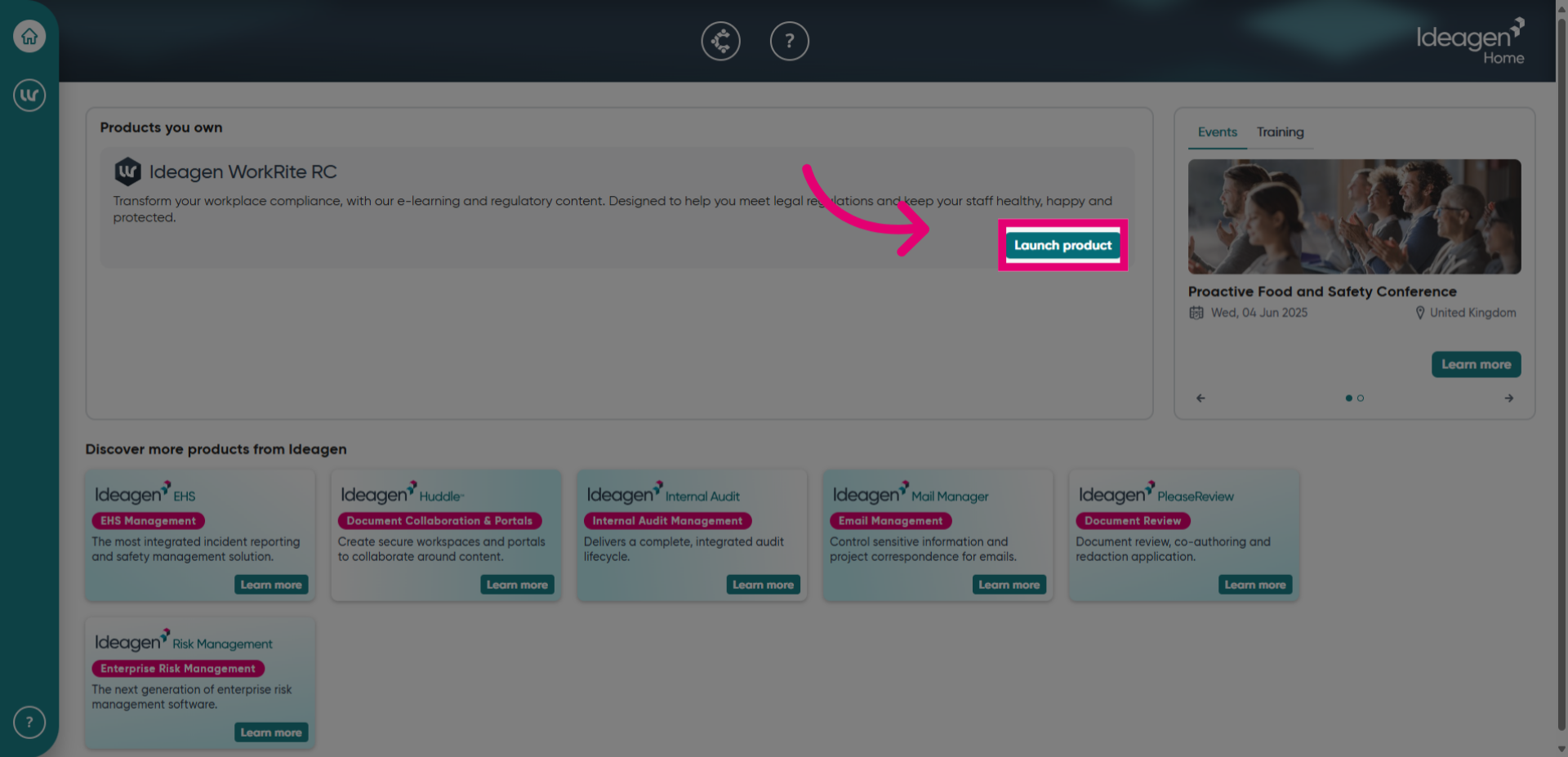
- Click the Launch product button to start the Ideagen Regulatory Intelligence application.
- Switch to app.workrite.co.uk to enter the Ideagen Regulatory Intelligence application and finalize the login process.

- Click the Enter button to complete your login and access the platform.