New article
Recently updated
Viewing Legislations

Who is this article for?
Users who want to view Legislations.
No elevated permissions are required.
This tutorial guides you through viewing legislations within Ideagen Regulatory Intelligence.
1. Viewing Legislations
1.1 Video
1.2 Steps
- Open the menu.
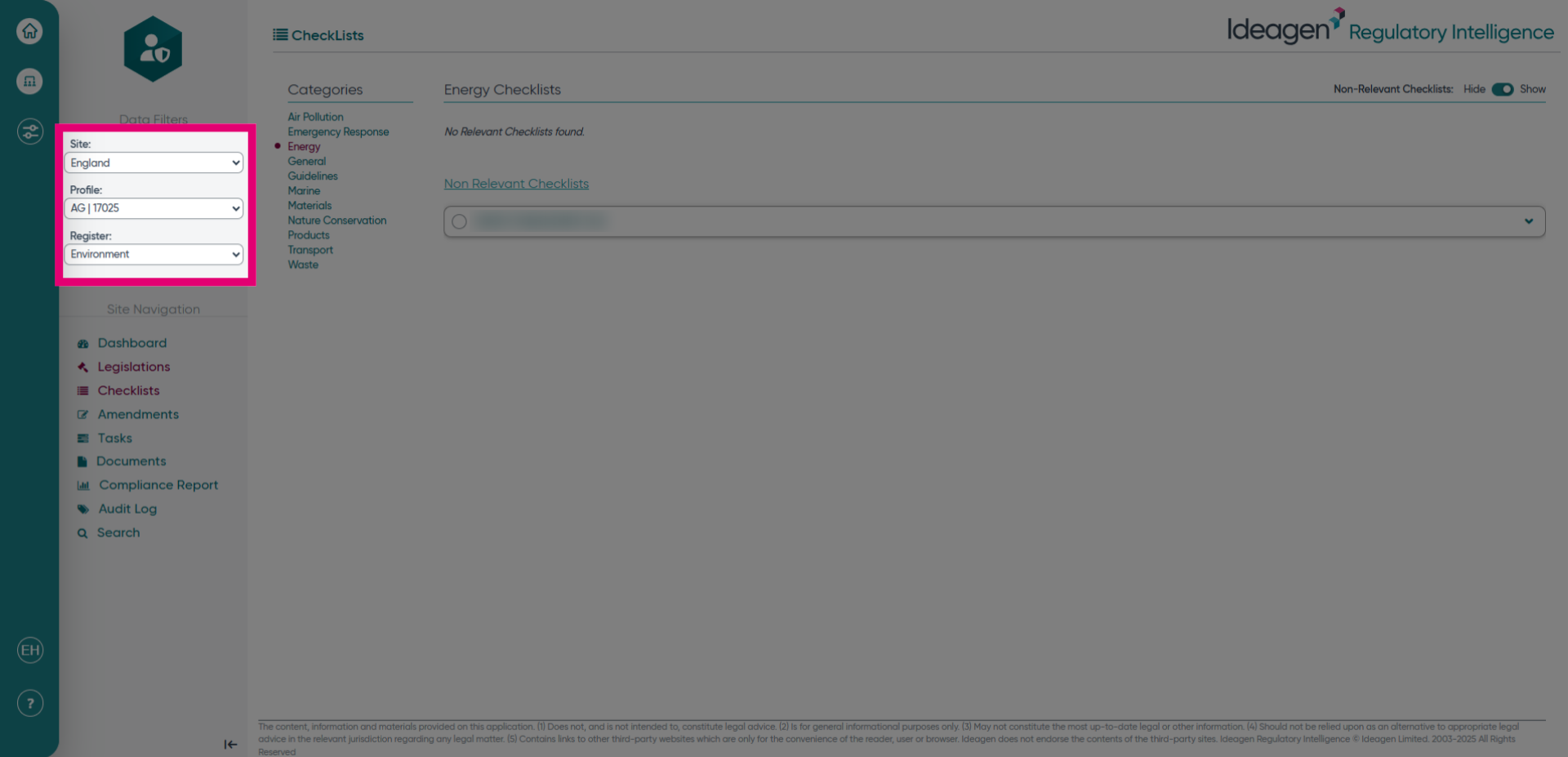
- Select the site/profile/register for what you would like to see in the legislation screen.
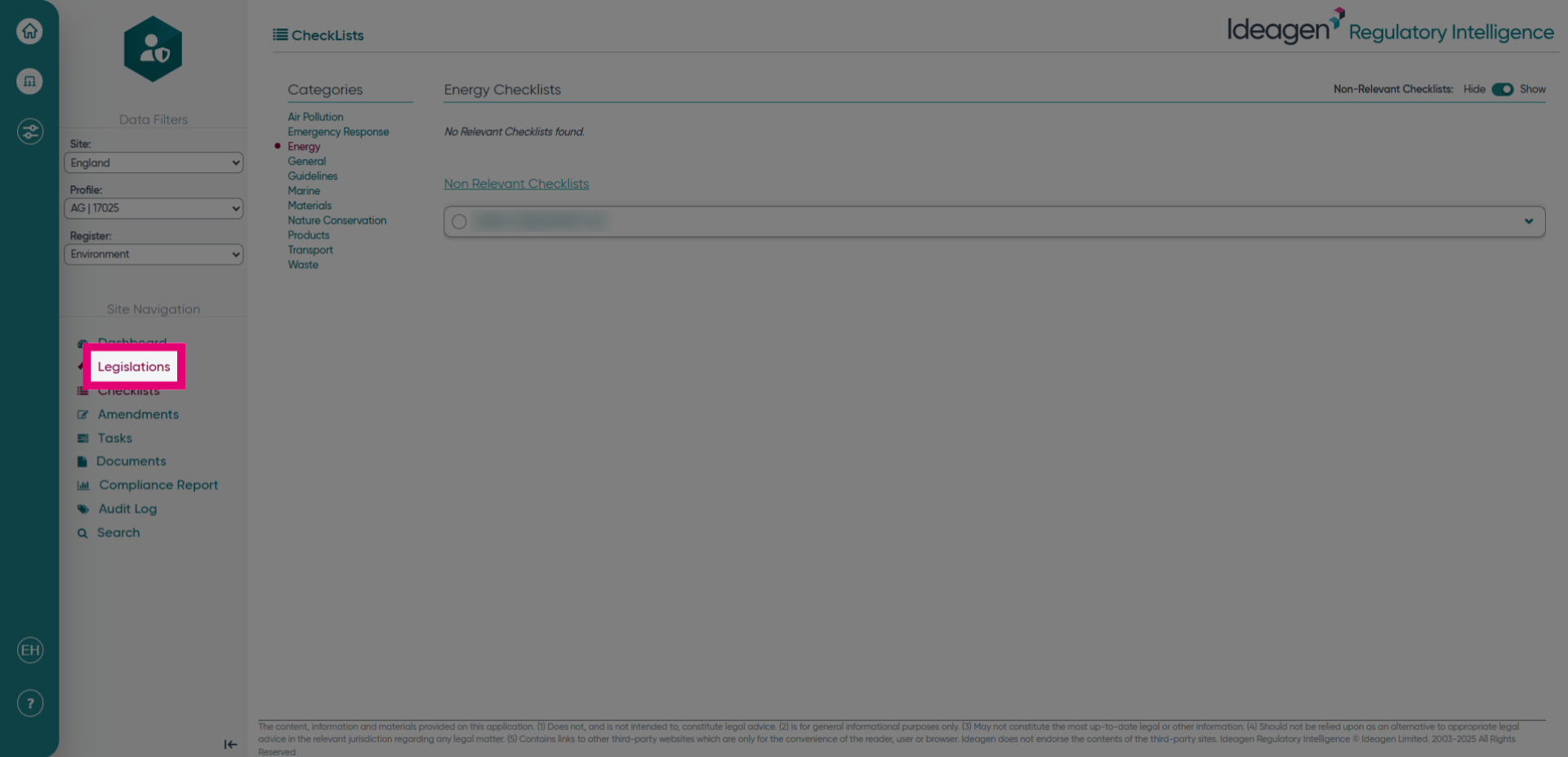
- Click the Legislations tab to access the list of associated legislations.
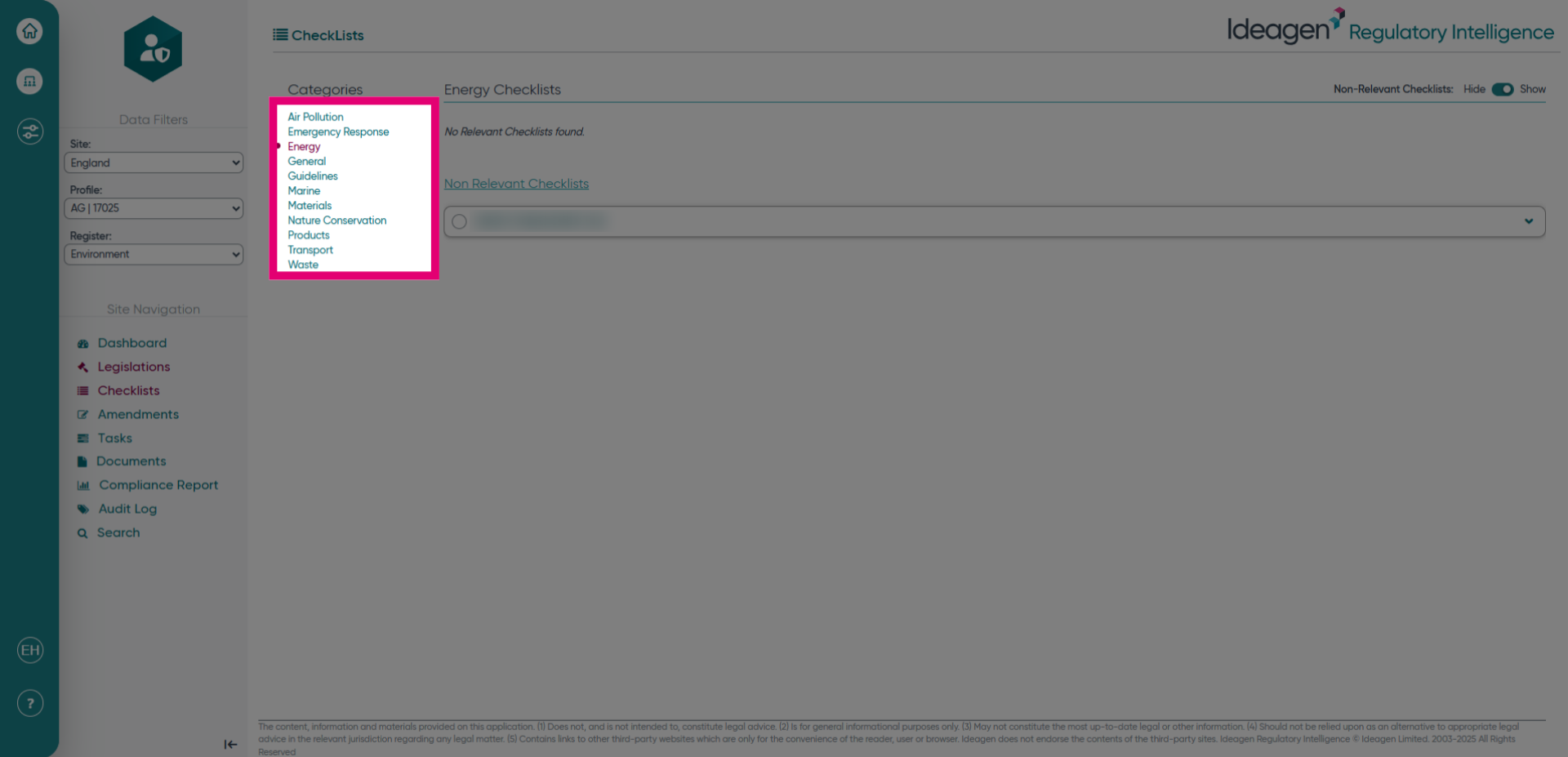
- Click the category of the legislations you would like to see.
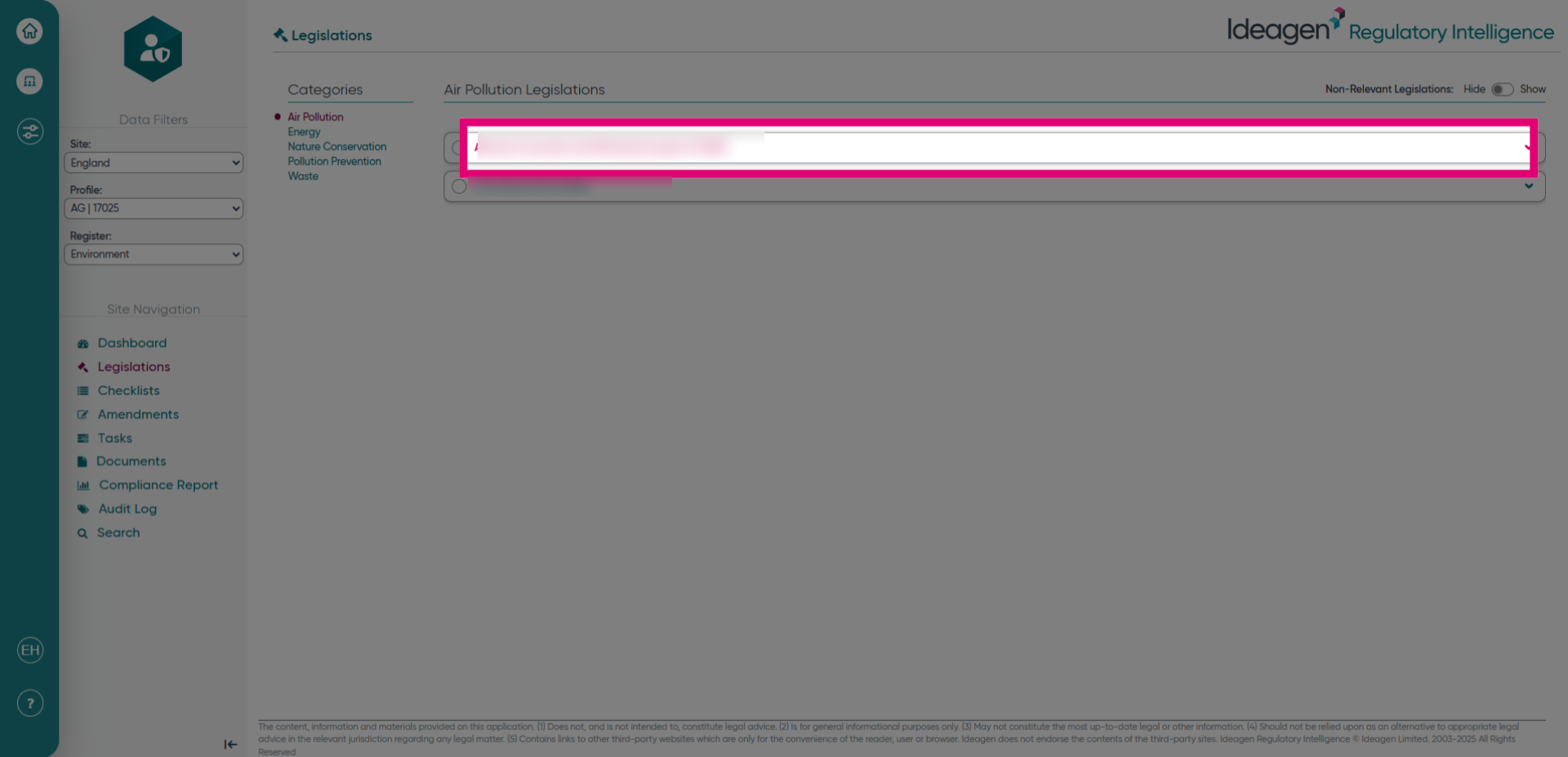
- Click the legislation heading to open the specific legislation details.
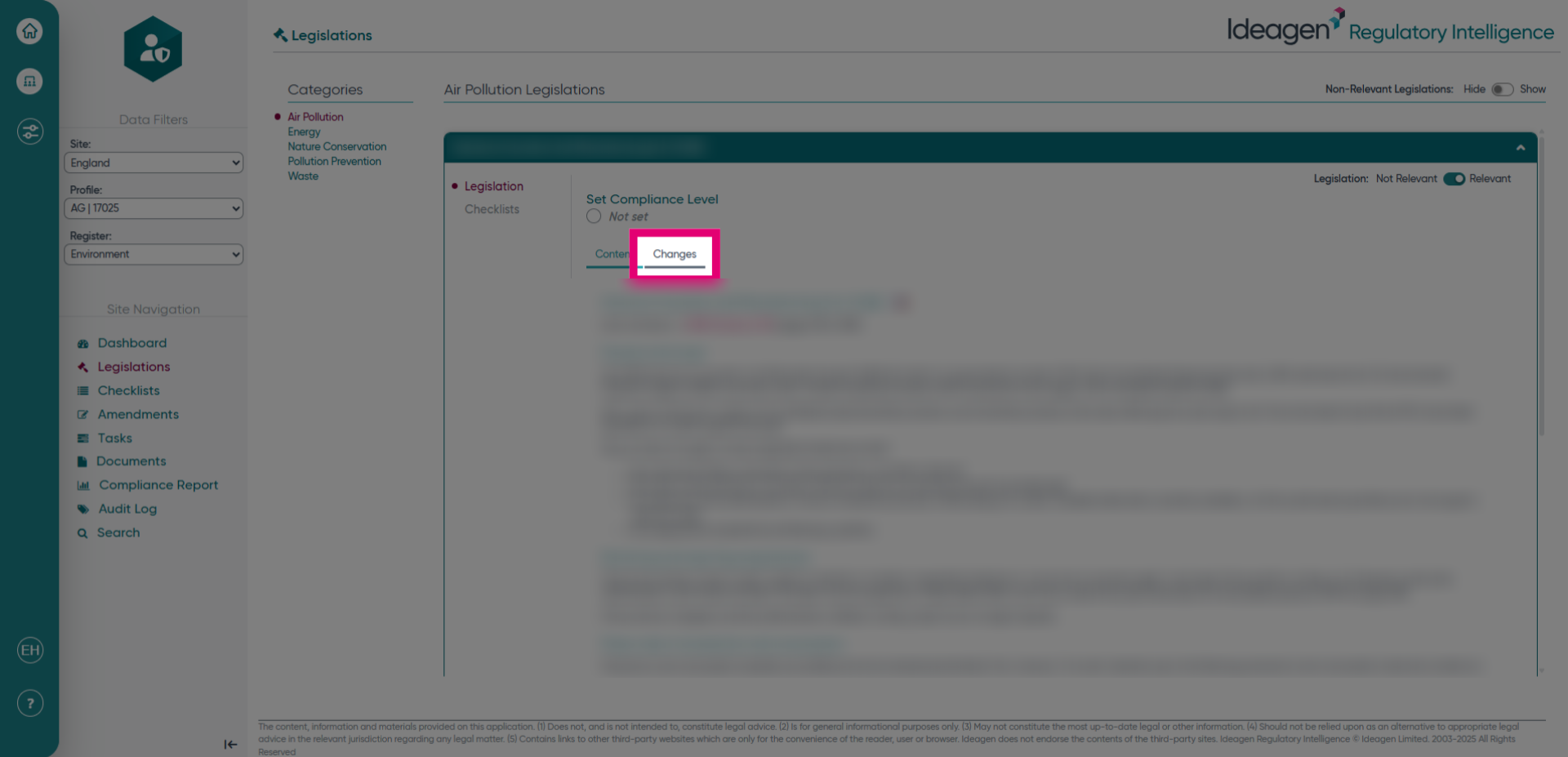
- Click Changes to view the modifications or updates related to this legislation.
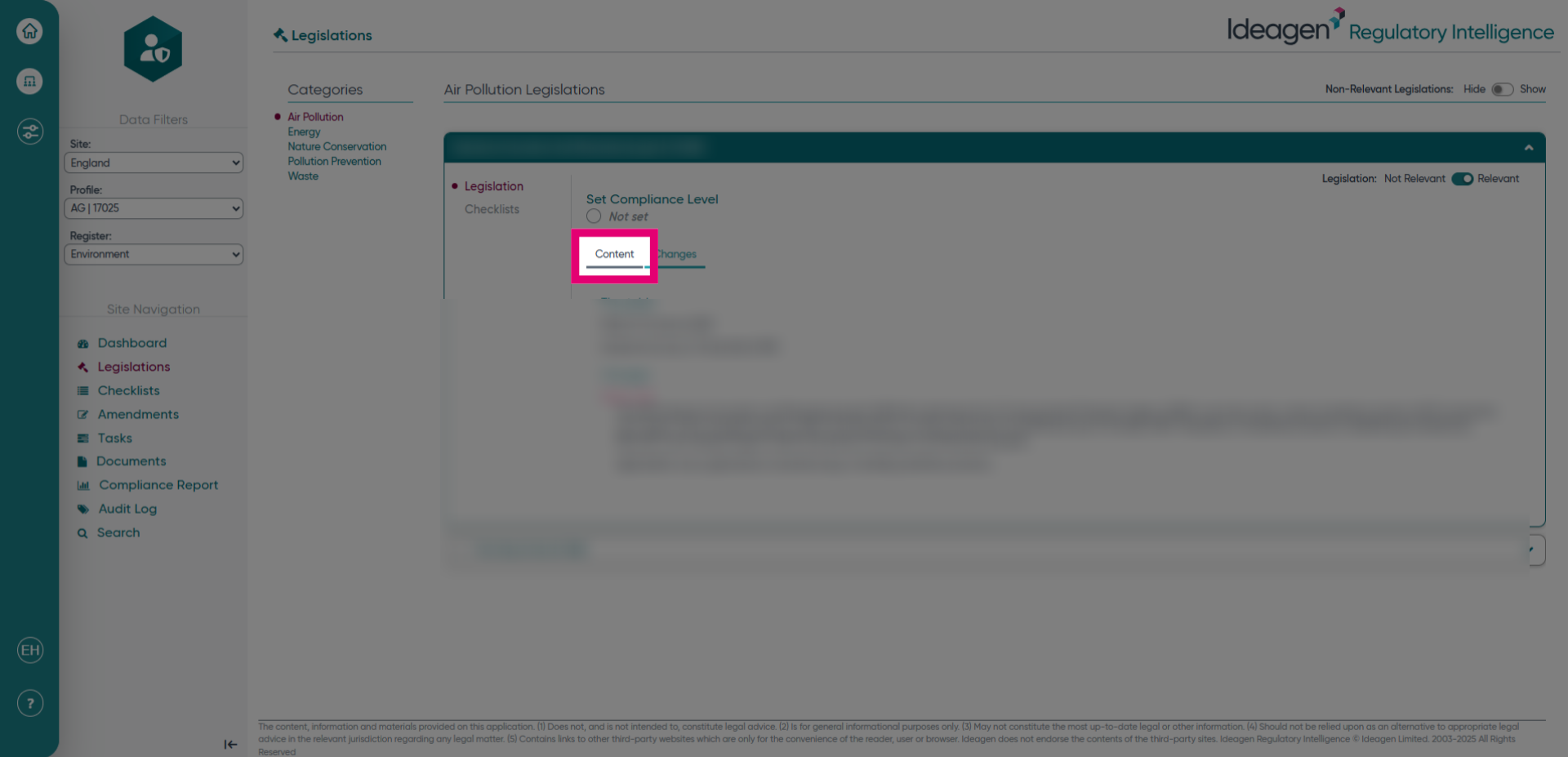
- Click Content to access the details of a legislation.
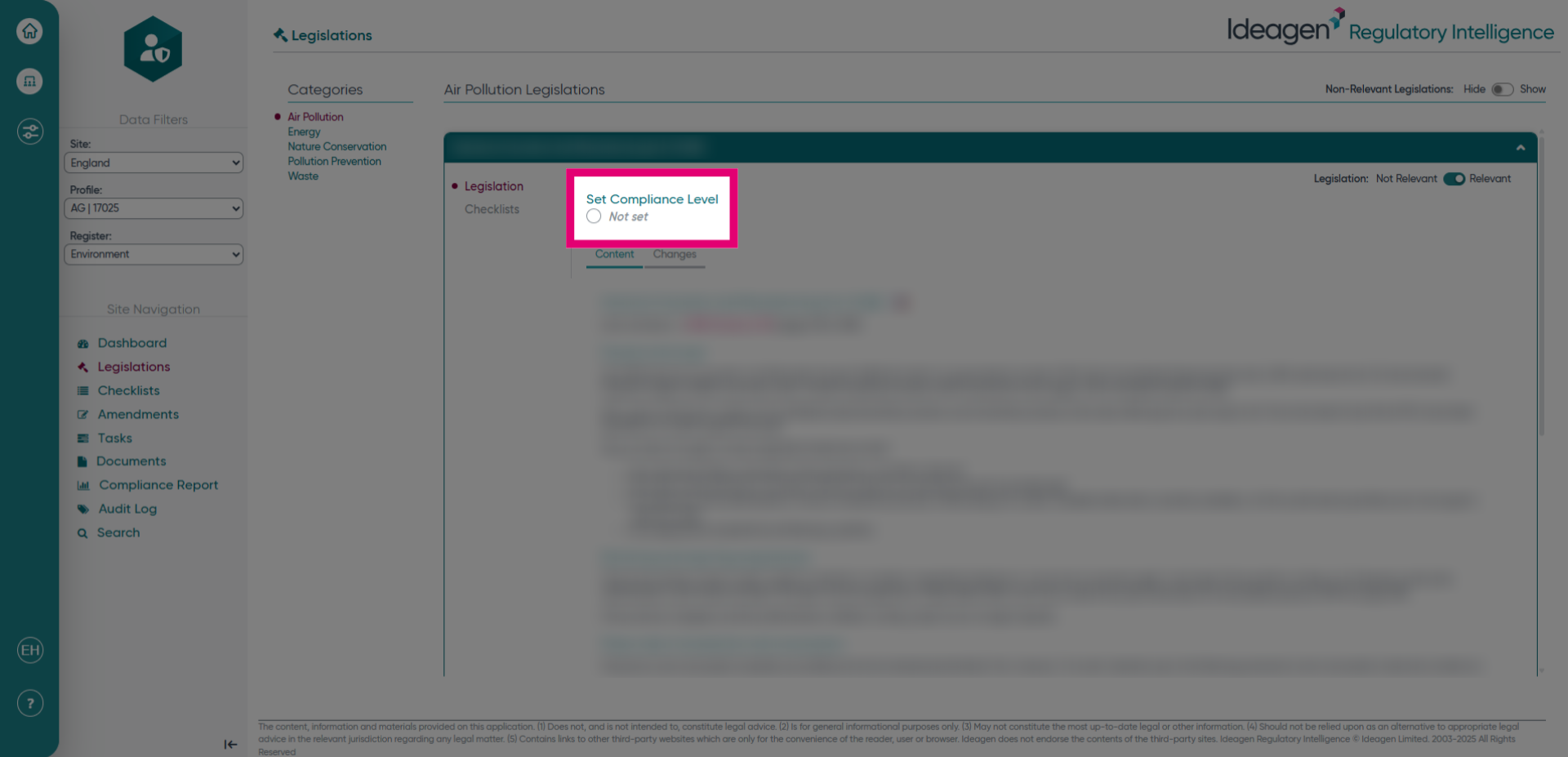
- Click here to set the compliance level for the legislation.
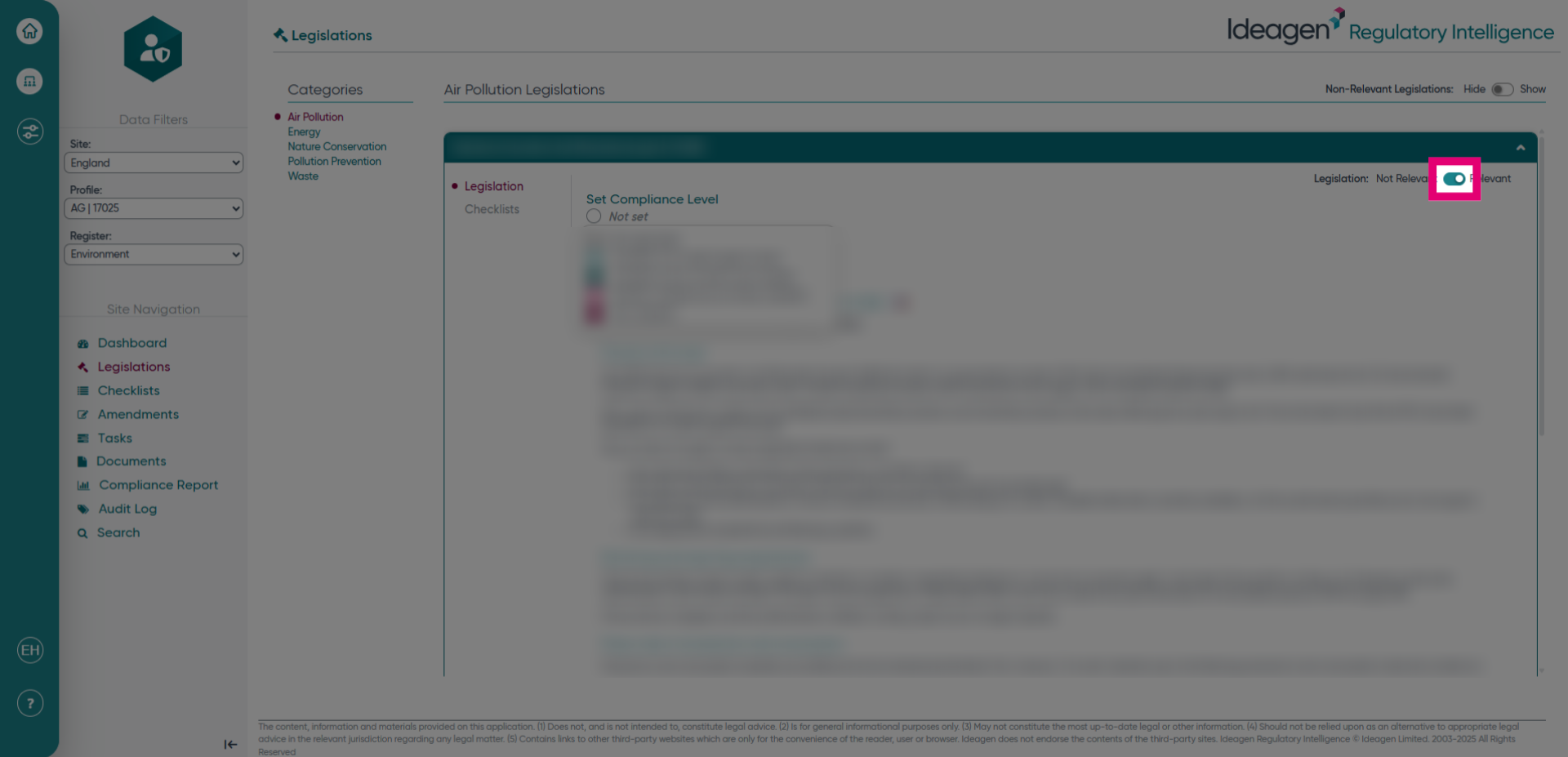
- Click here to set a legislation as relevant or not relevant. If you set a legislation as not relevant, then you can enter a reason into the next screen.
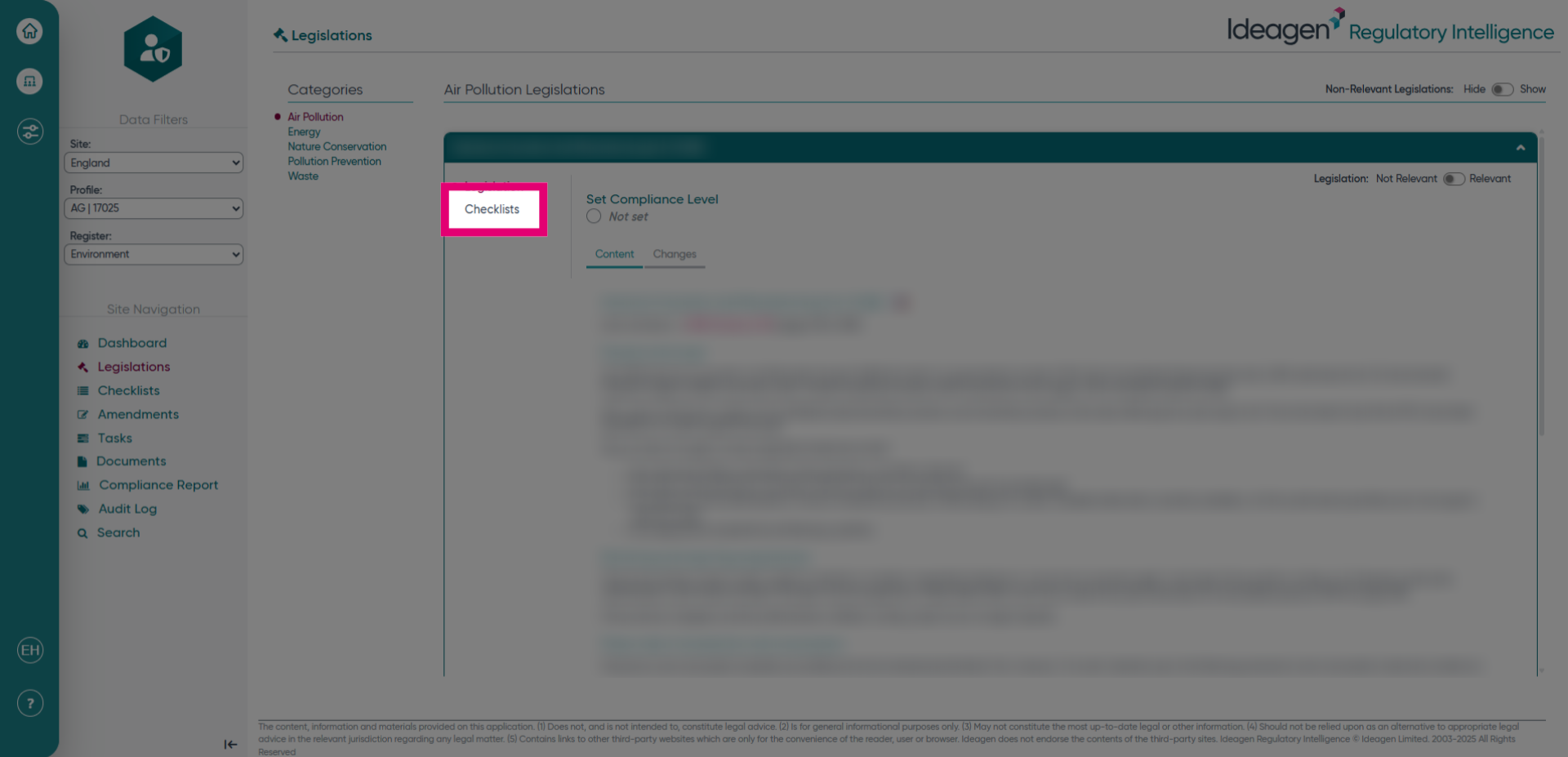
- Click Checklists to access the compliance checklists associated with the legislation.