New article
Recently updated
Managing User roles and history

Who is this article for?
Administrators who want to manage User roles and History
Administrator permissions are required.
This tutorial guides you through reviewing user change history and managing user roles and statuses within the Ideagen Regulatory Intelligence application.
1. Managing User roles and history
1.1 Video
1.2 Steps
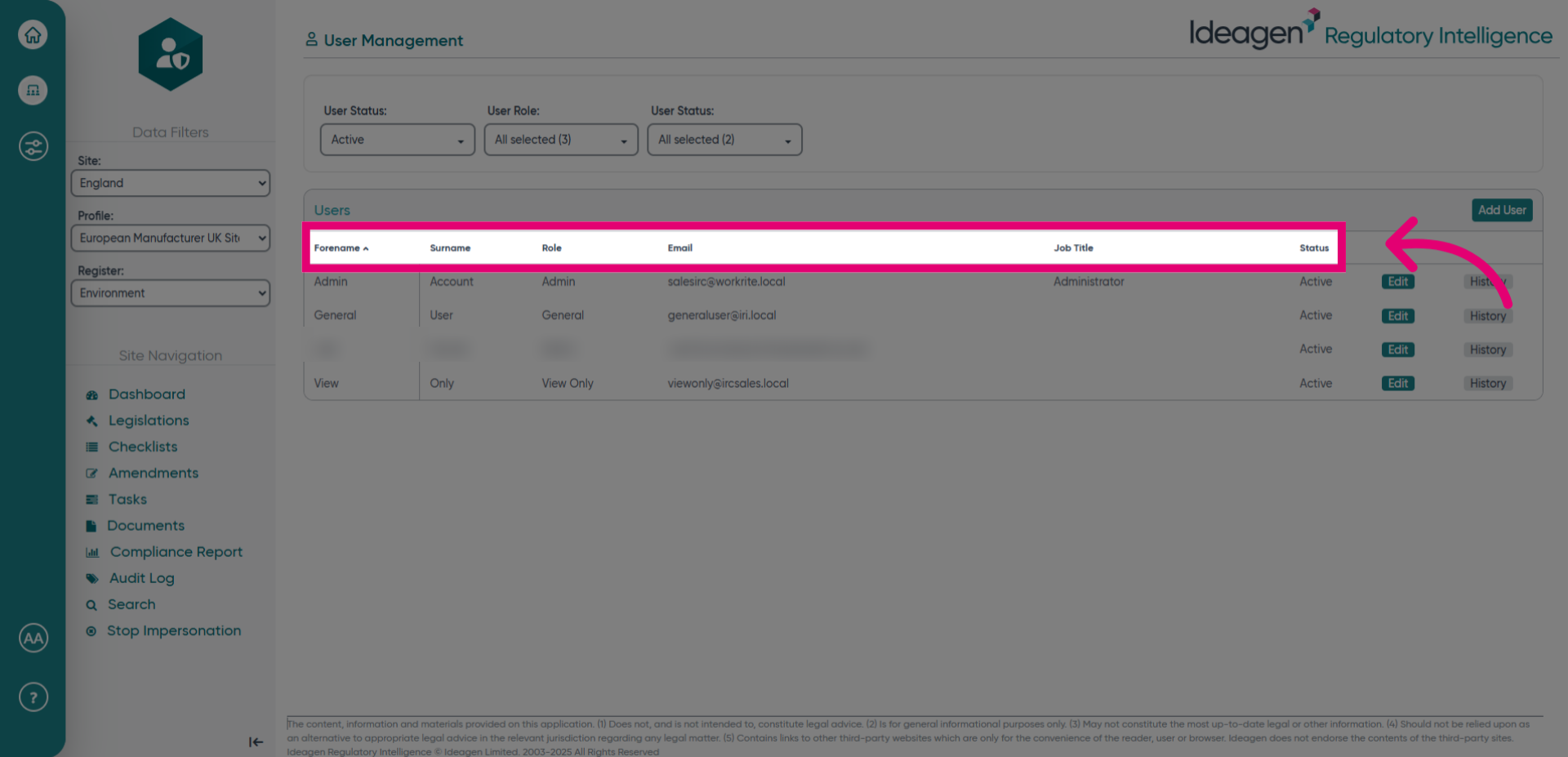
- Open the user management section.
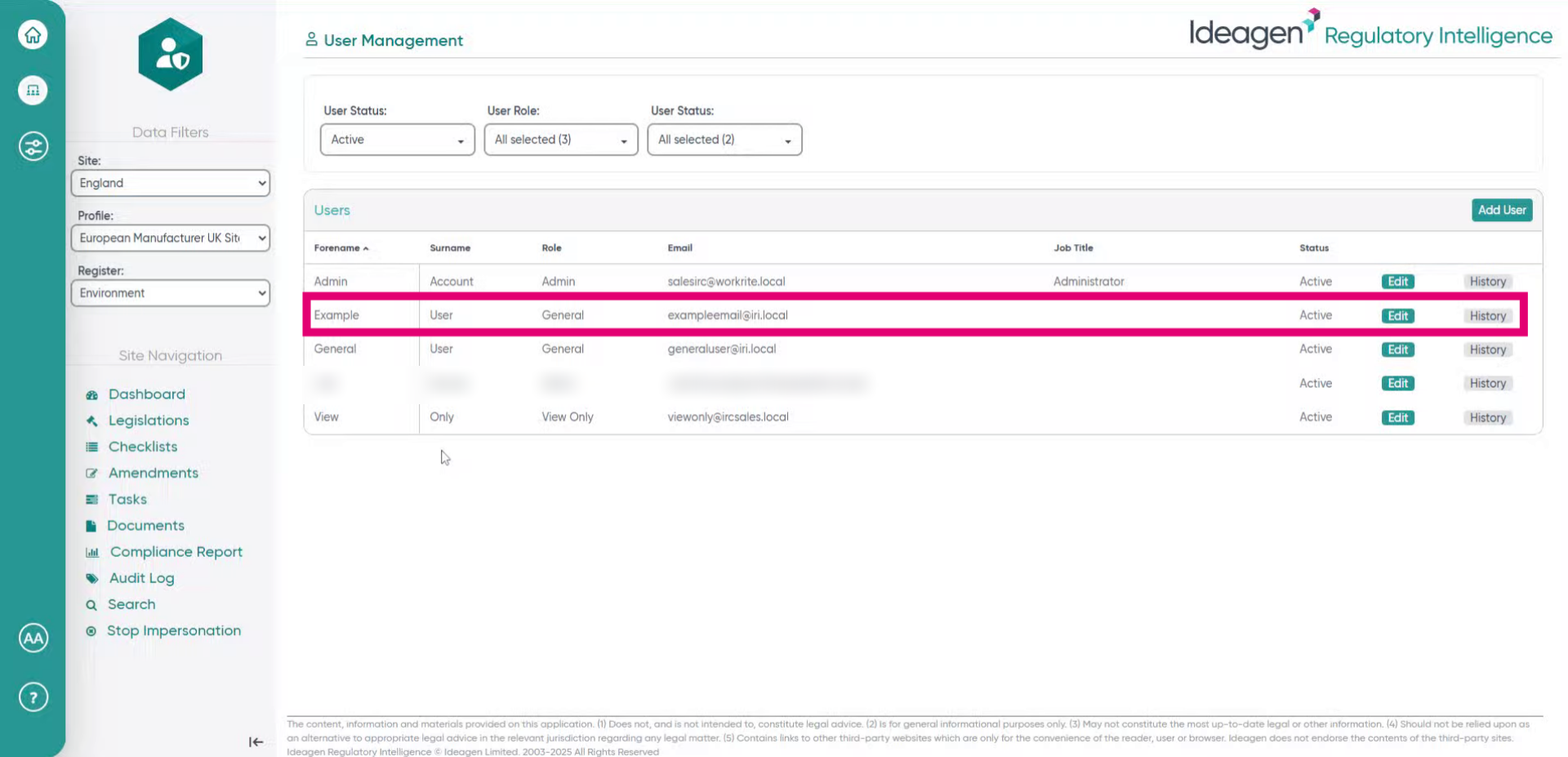
- Click History.
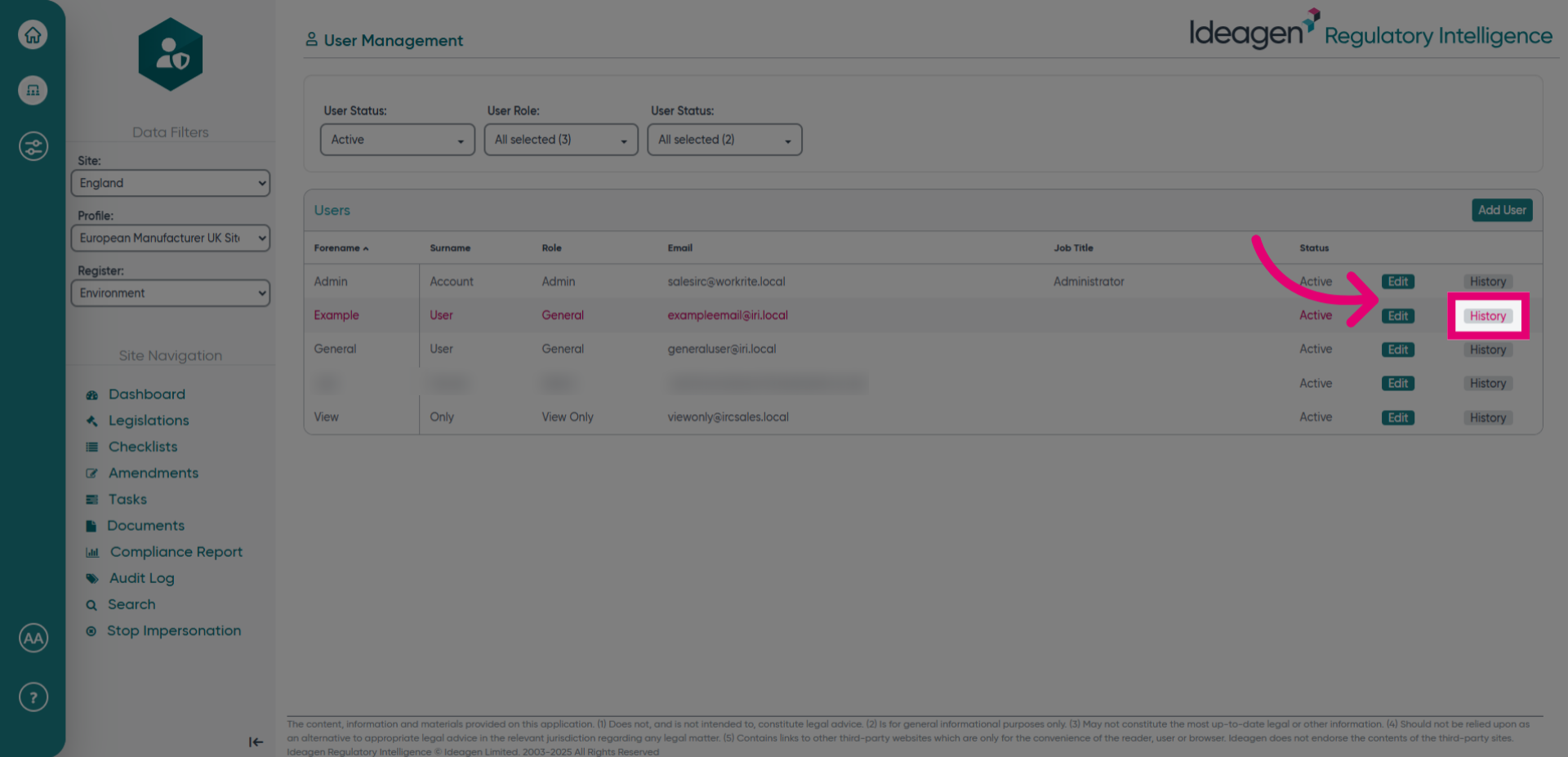
- Click User History to view the history of user changes.
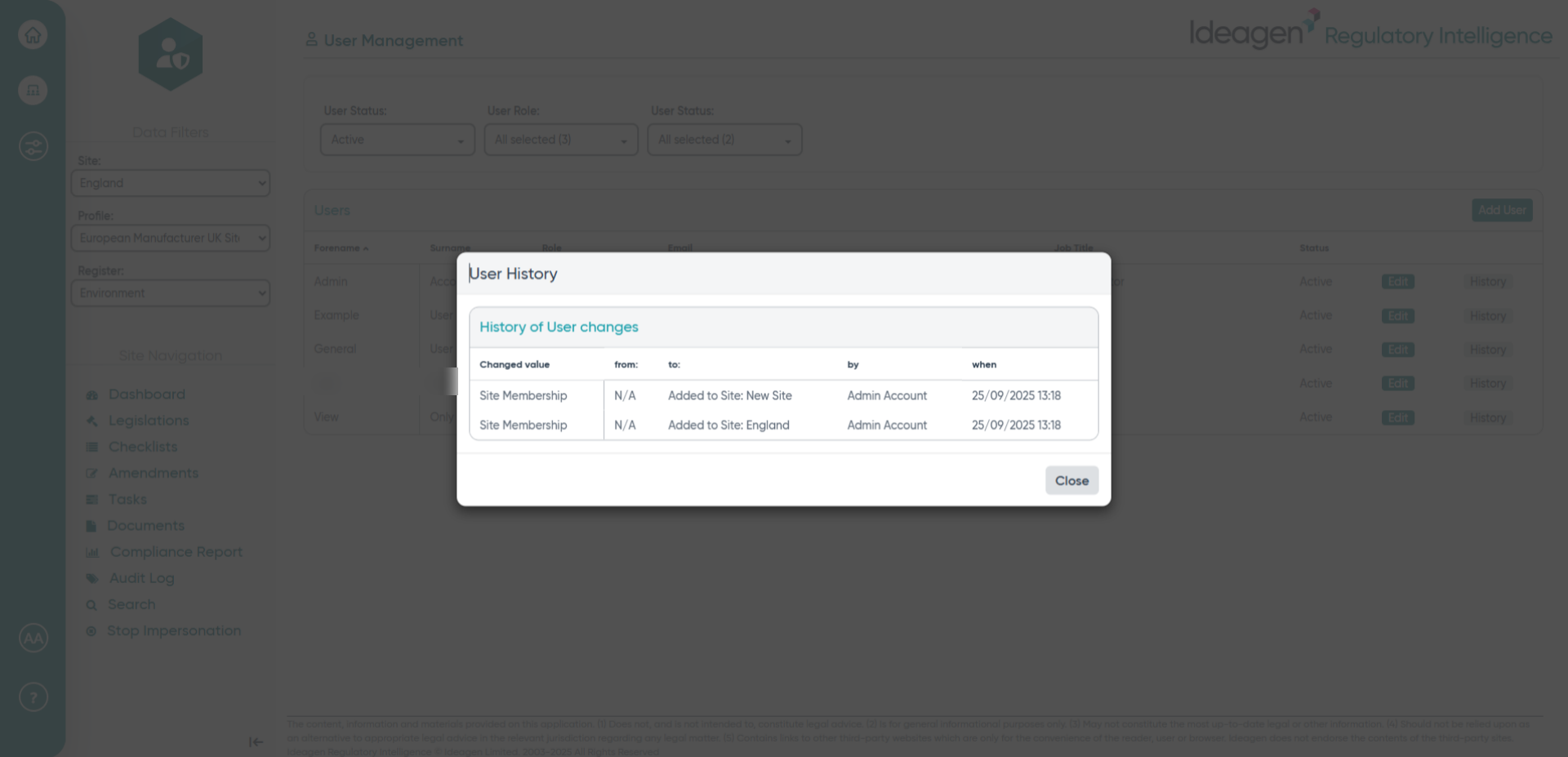
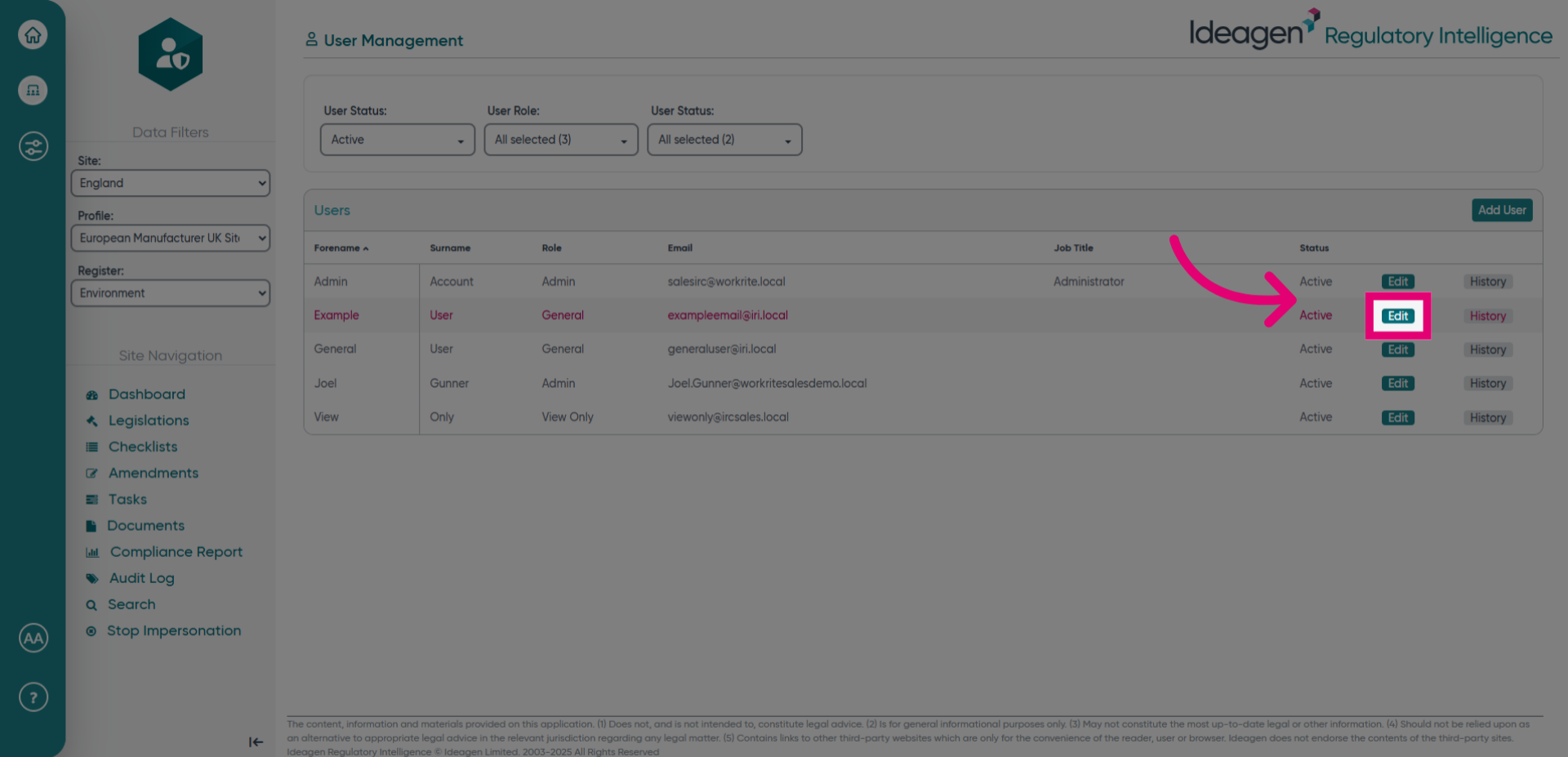
- Click Edit.
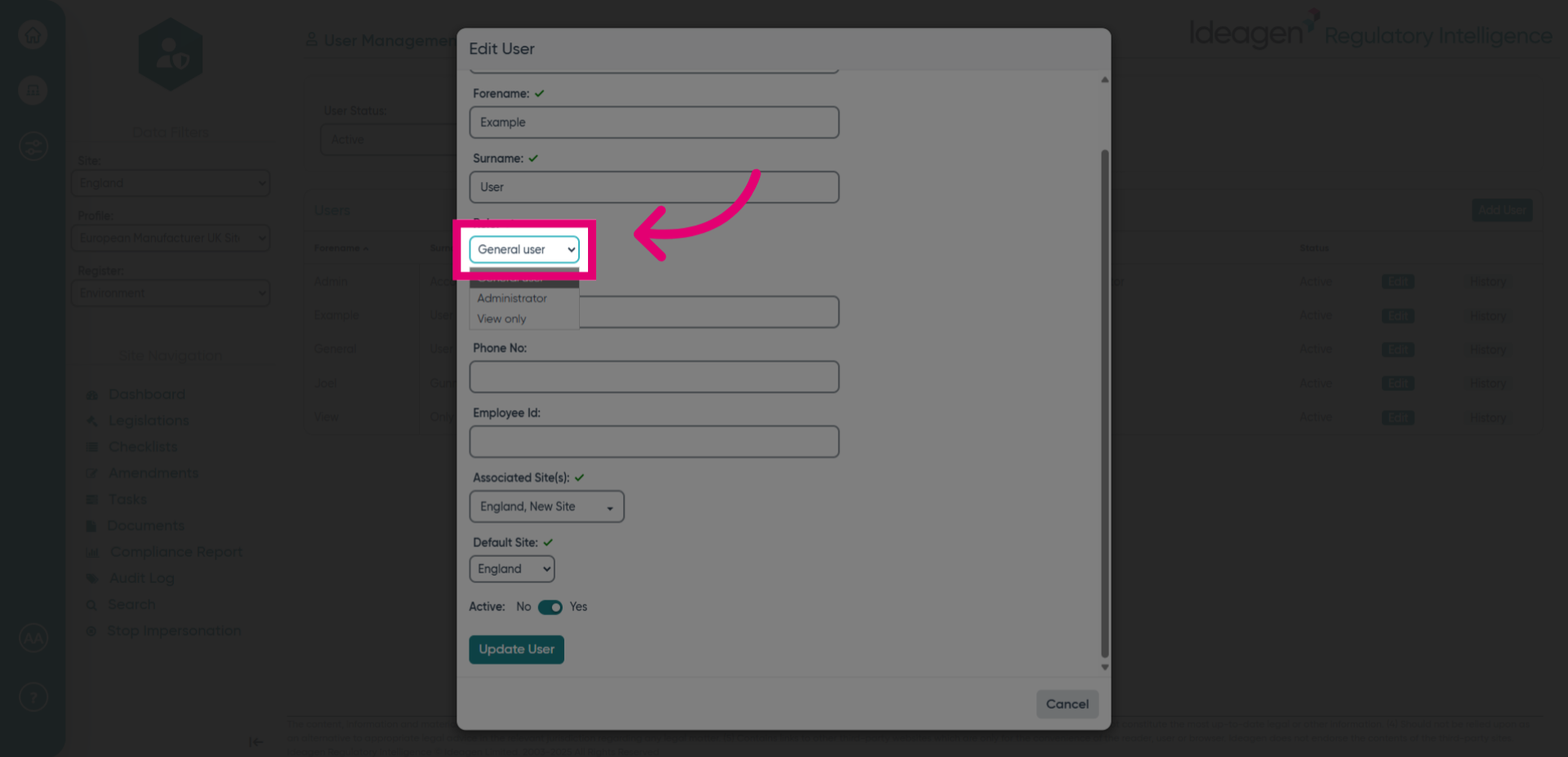
- Click General user, Administrator, View only.
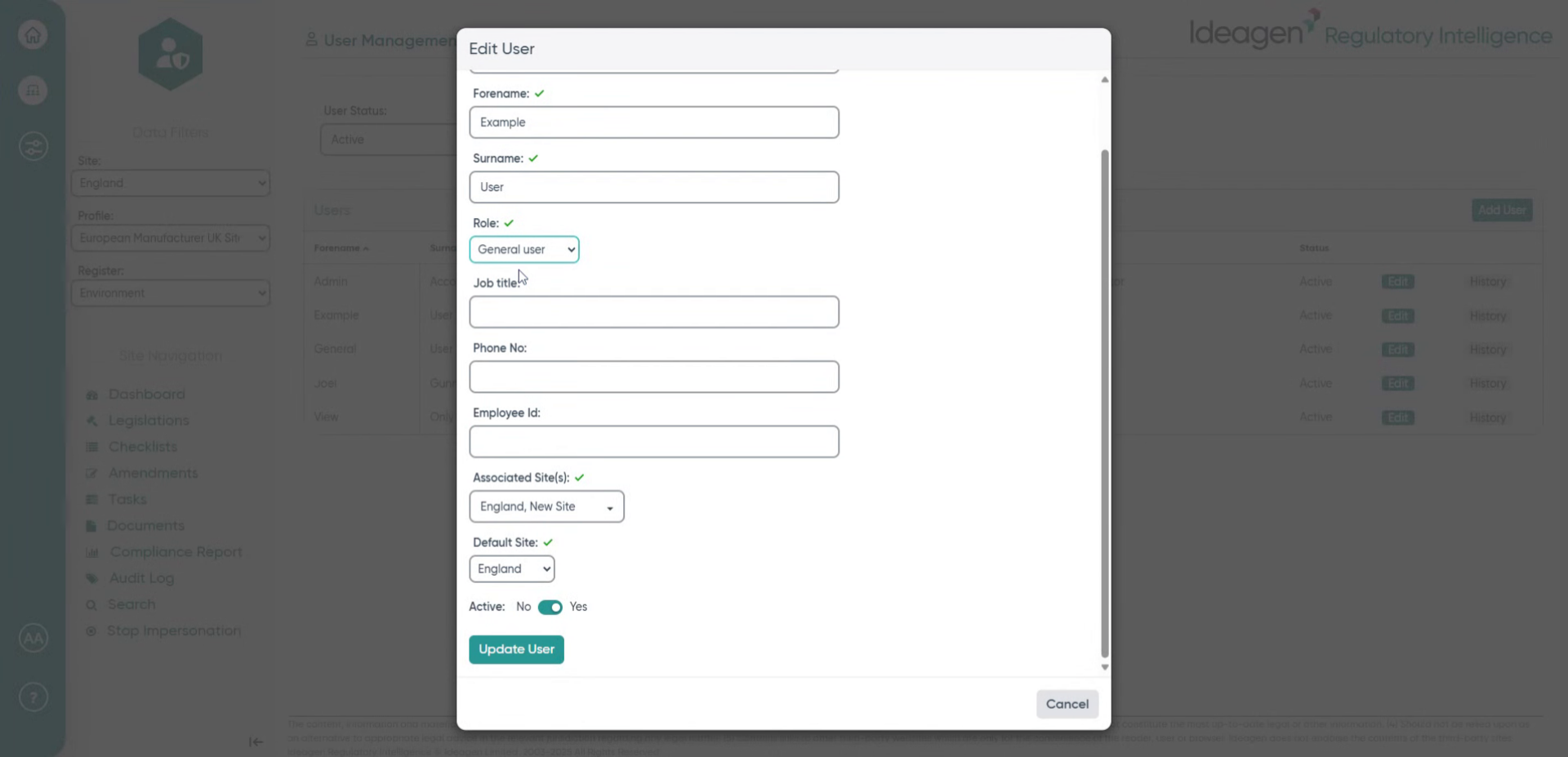
- Fill in the General user, Administrator, View only fields.
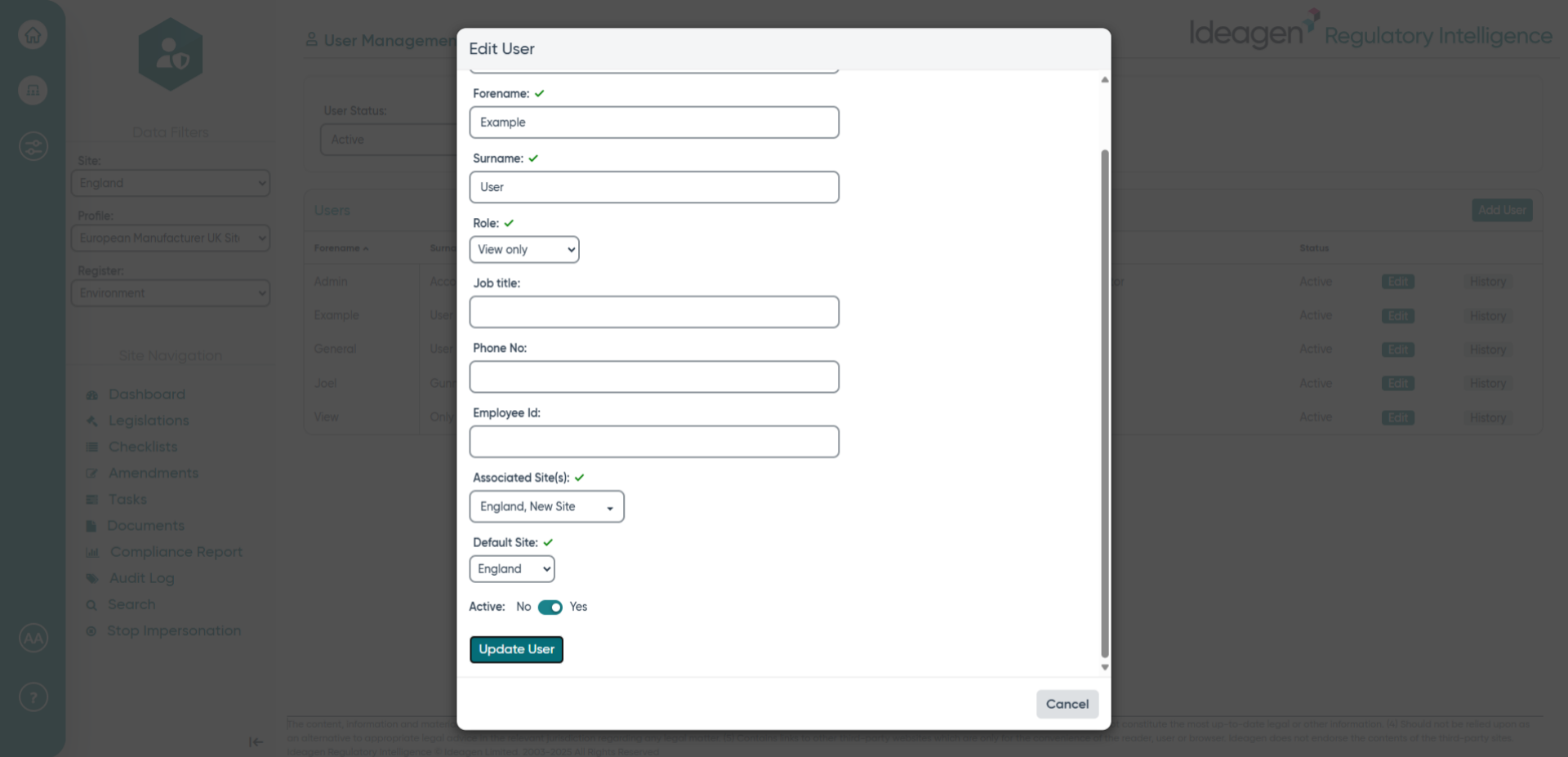
- Click Update User.
- Click Edit again.
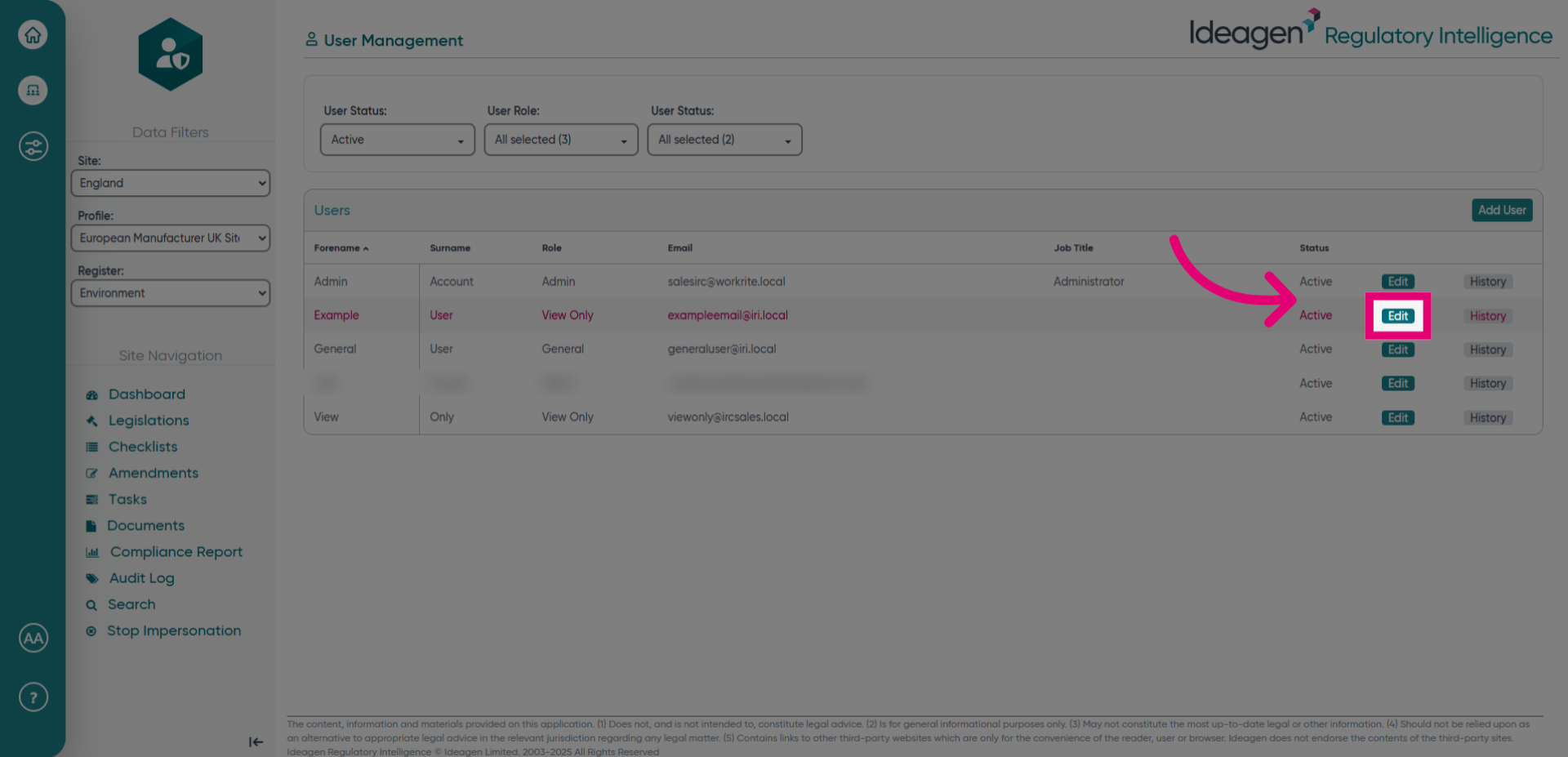
- Click General user, Administrator, View only again.
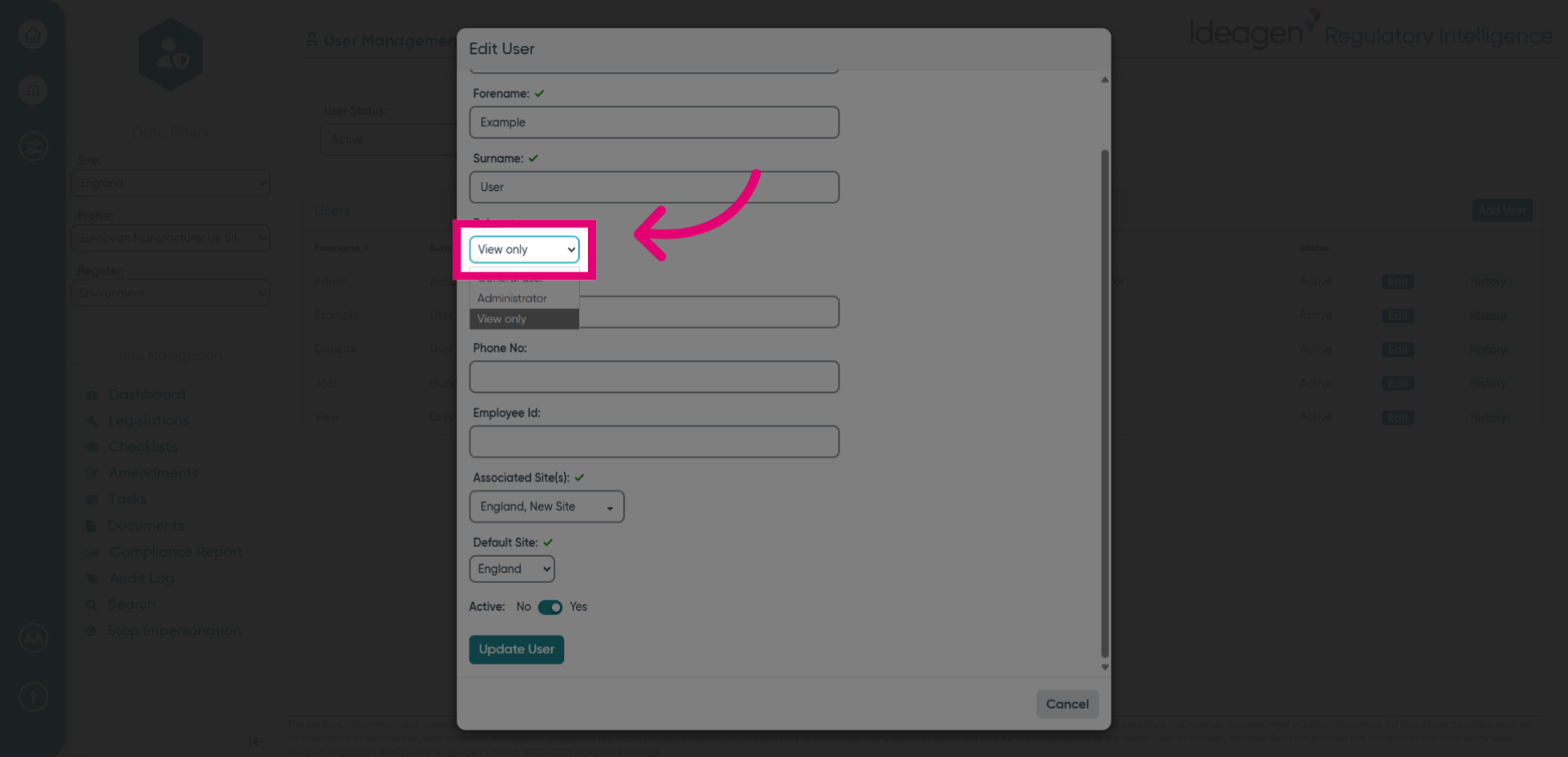
- Fill in the General user, Administrator, View only fields again.
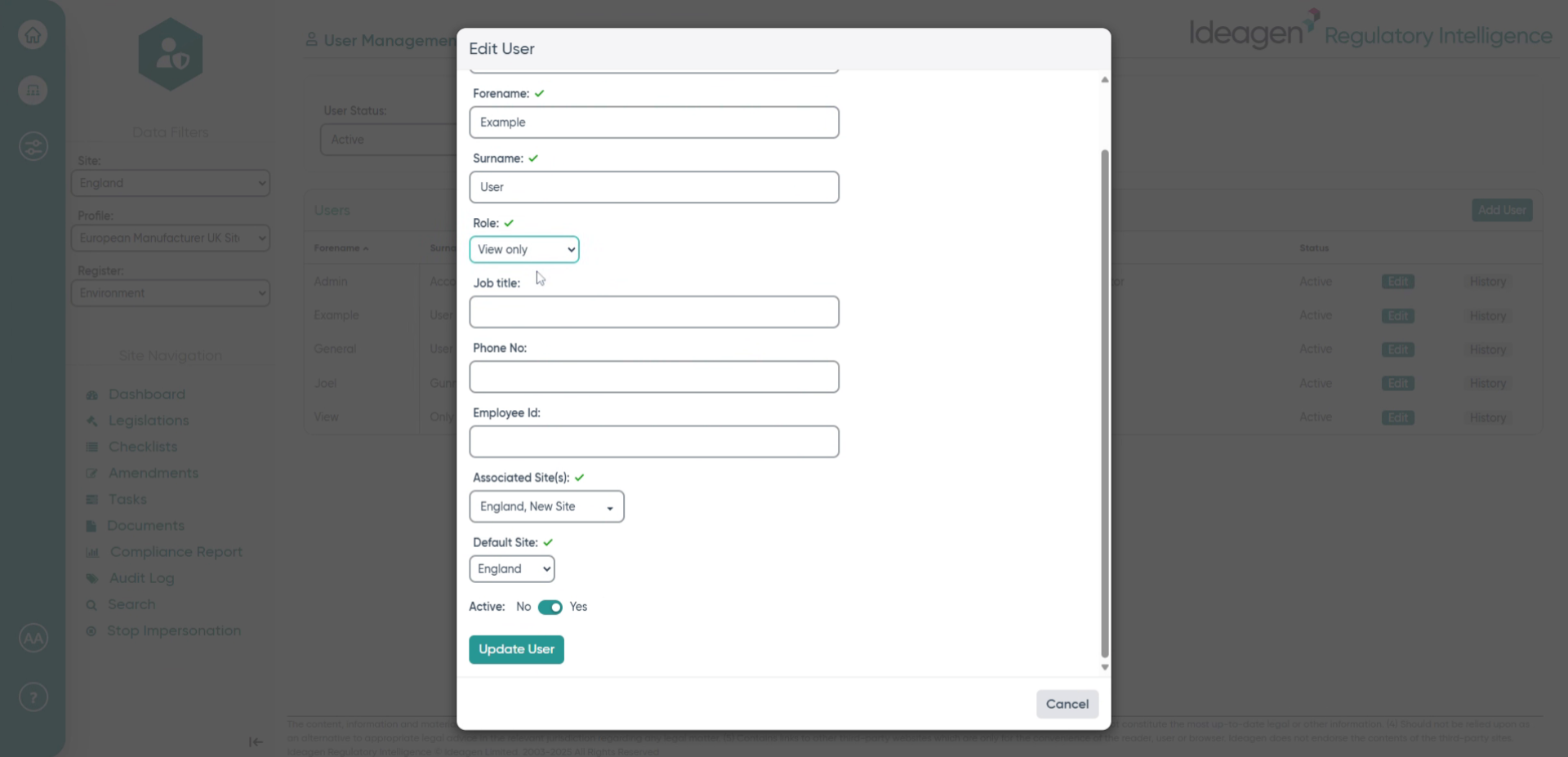
- Click here.
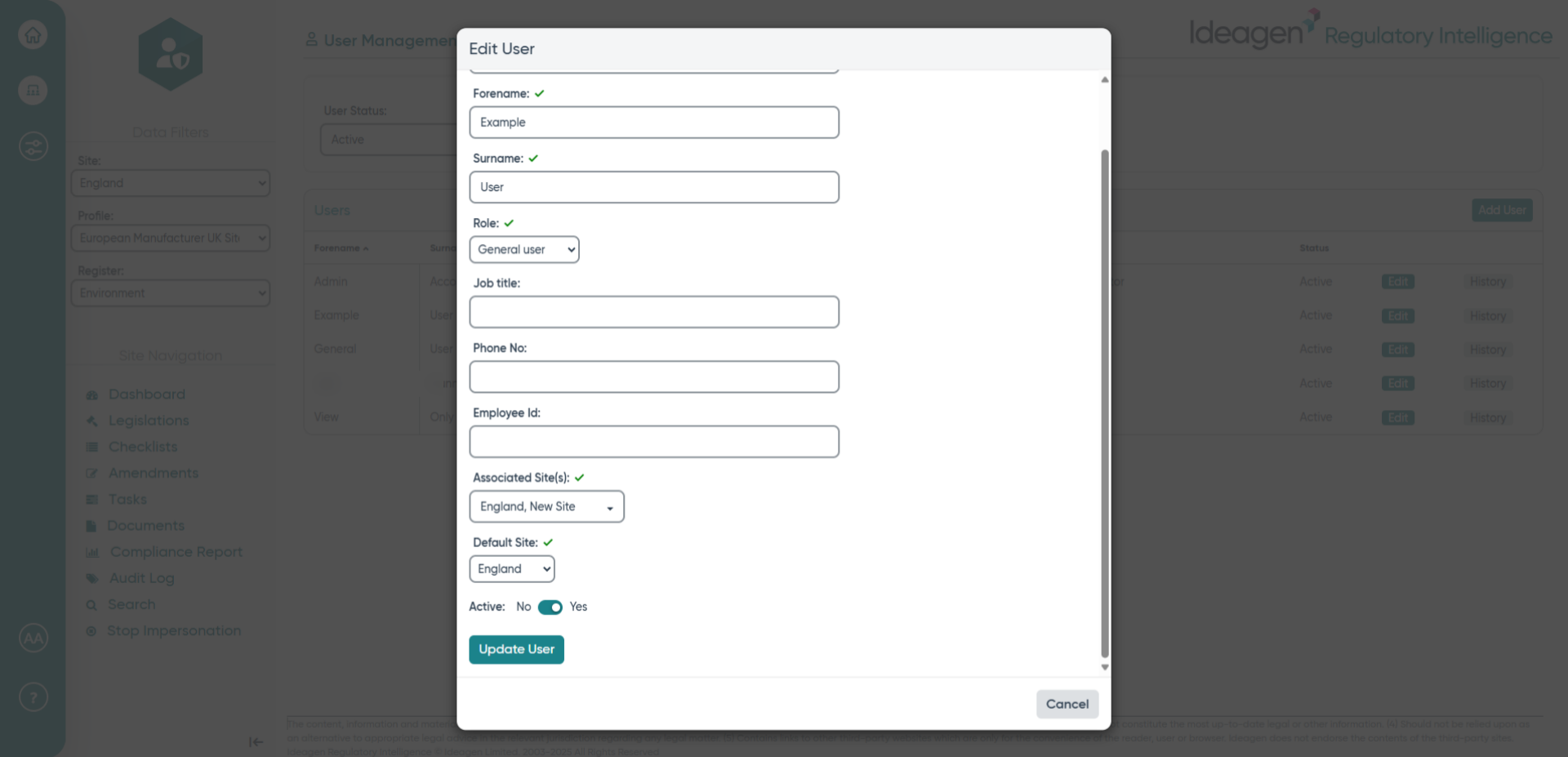
- Click Active.
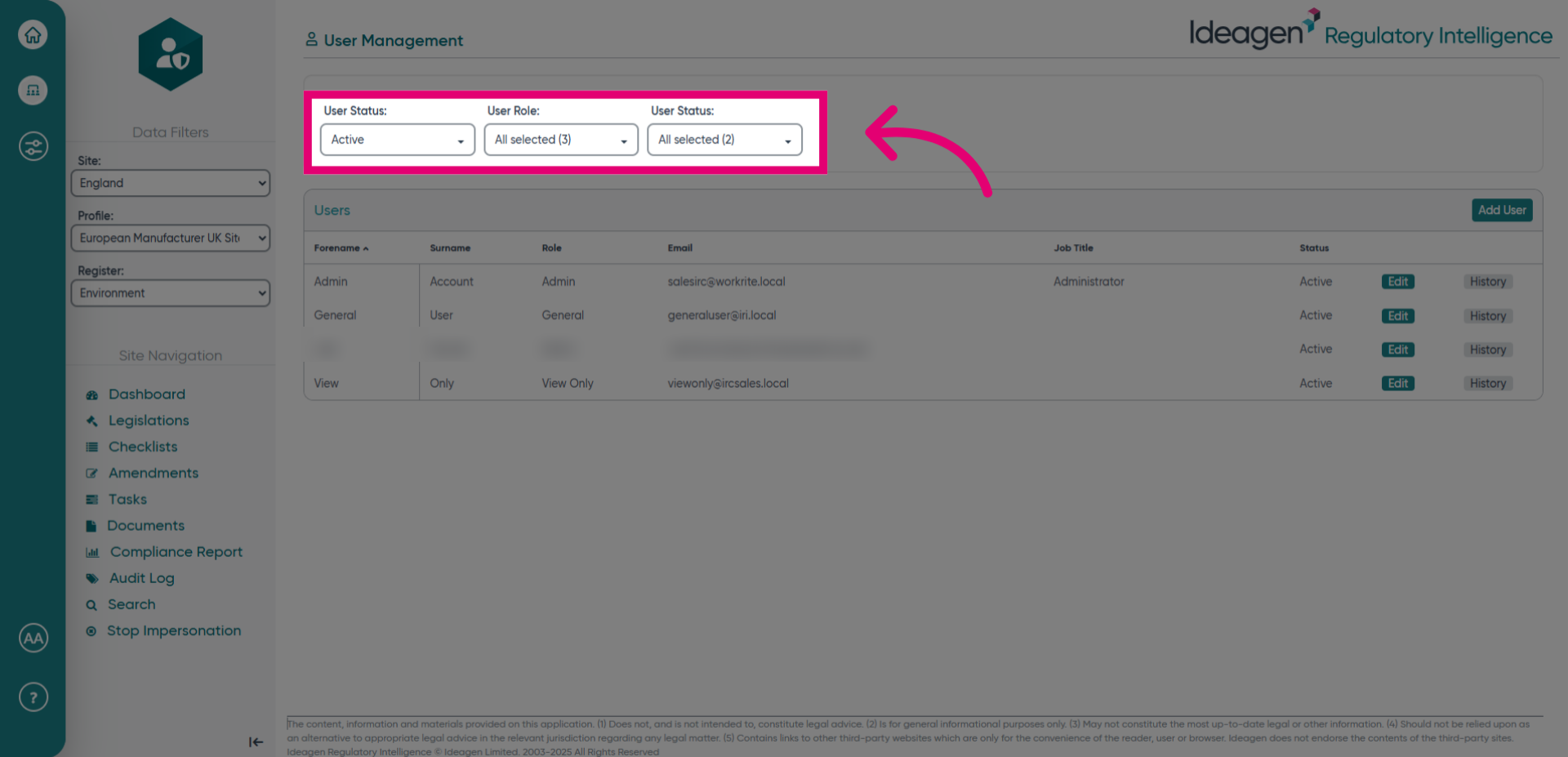
- Click Active again.