New article
Recently updated
Navigating and using the Dashboard

Who is this article for?
Users who need to navigate the Dashboard.
No elevated permissions are required.
This guide provides instructions on navigating and using the Dashboard in Ideagen Regulatory Intelligence.
1. Navigating and using the Dashboard in Ideagen Regulatory Intelligence
1.1 Video
1.2 Steps
- Open the menu.
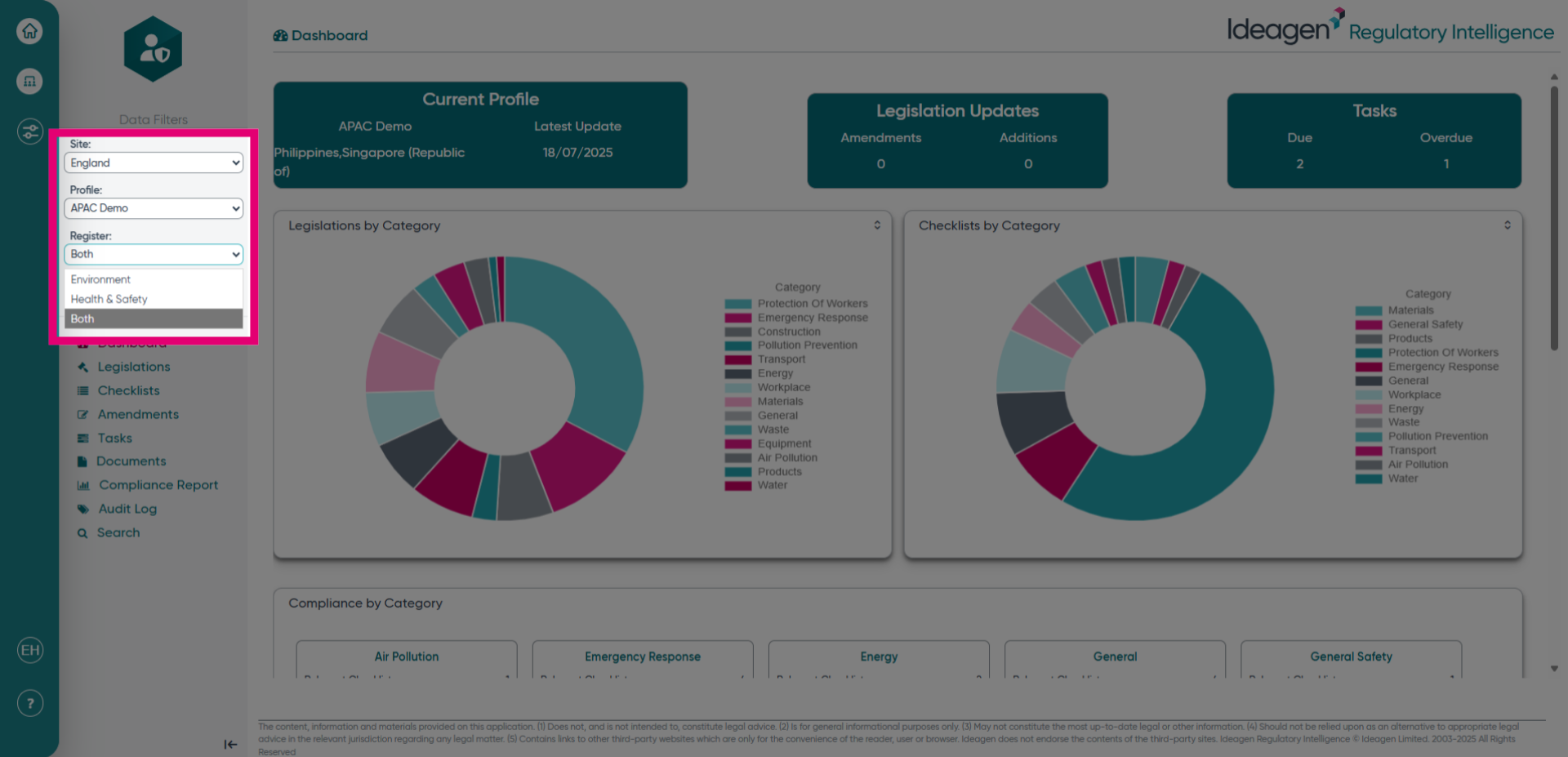
- Choose the relevant Site/Profile/Register.
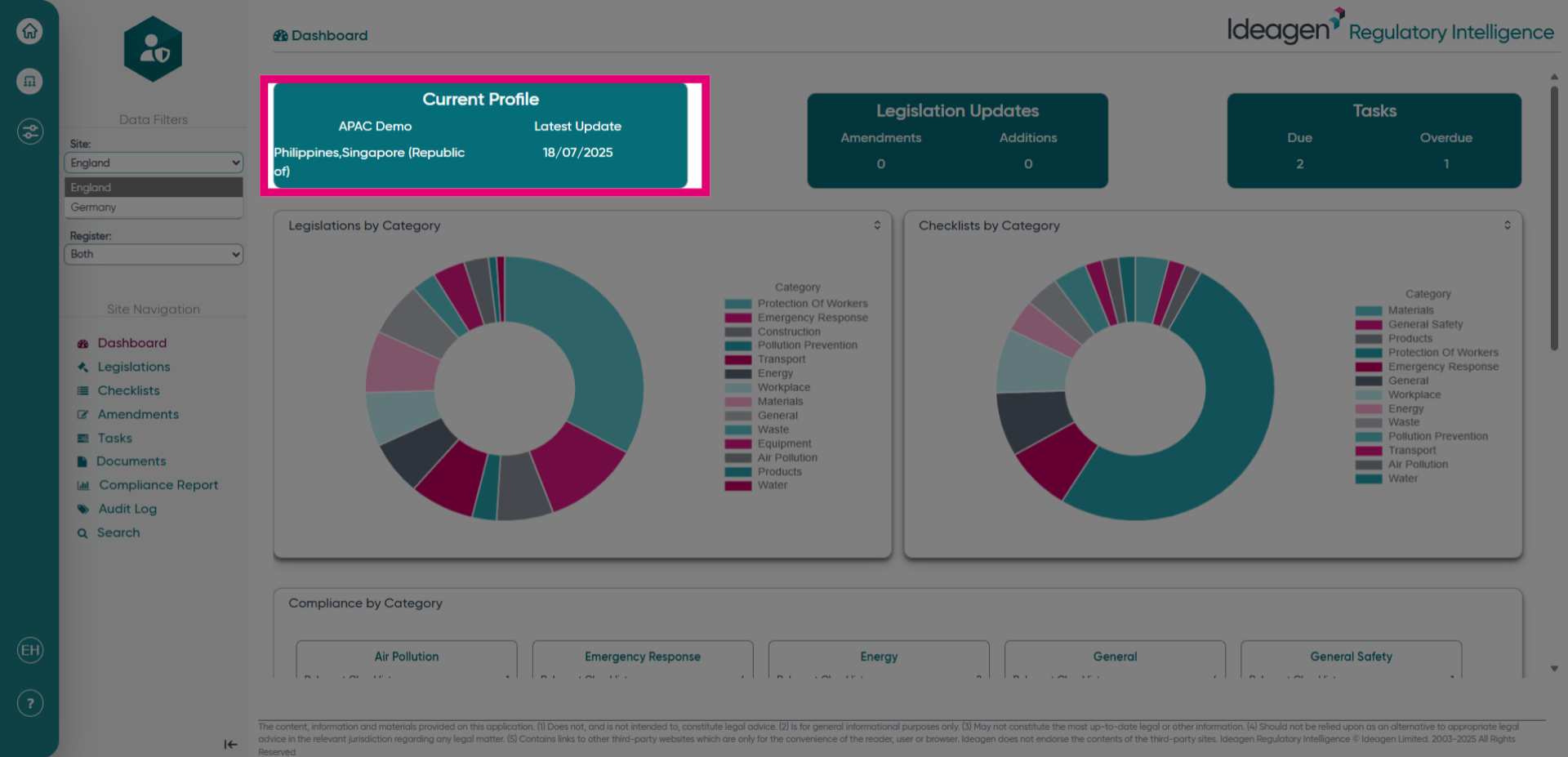
- View the Current Profile.
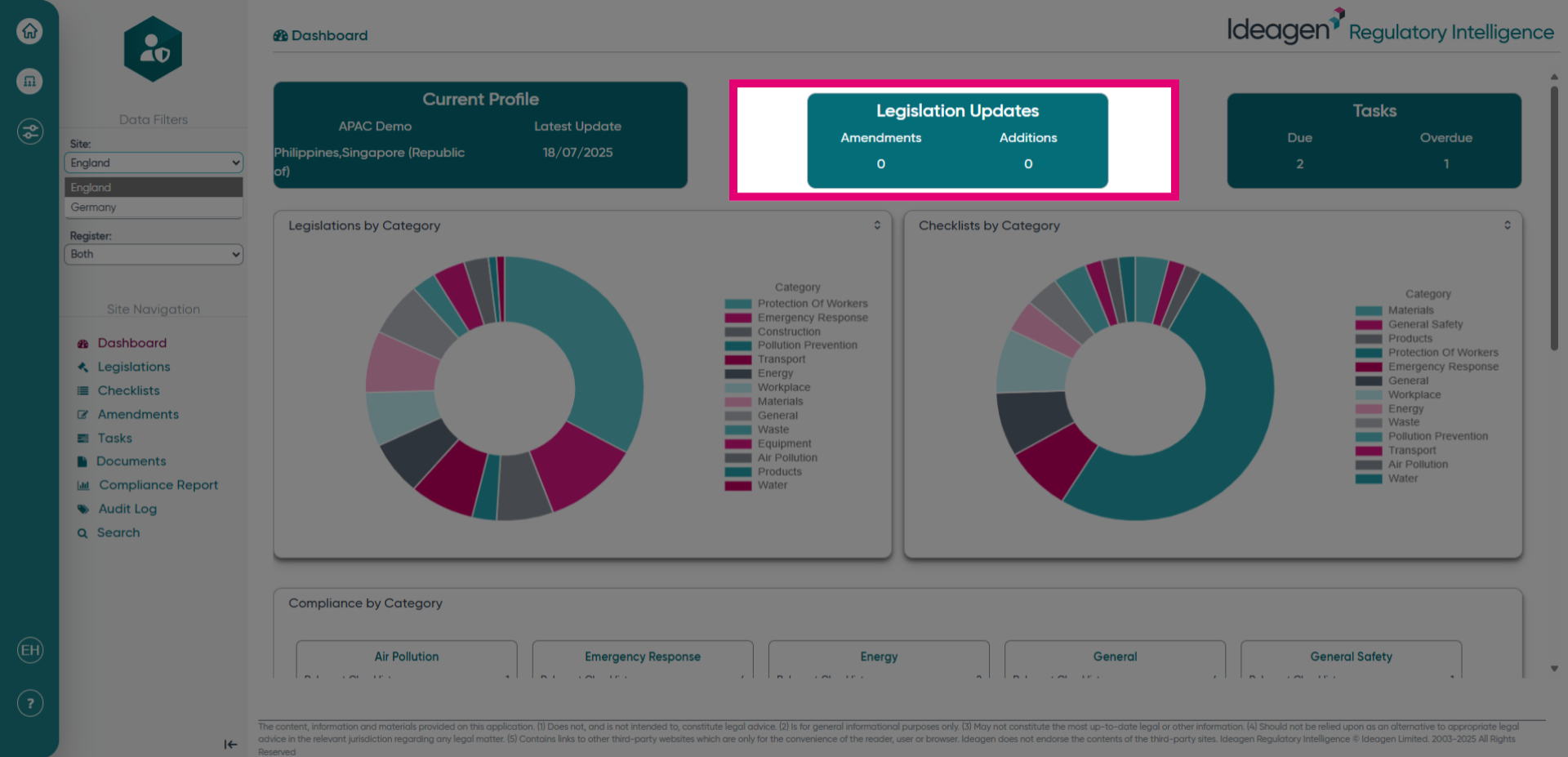
- Check the Legislation Updates.
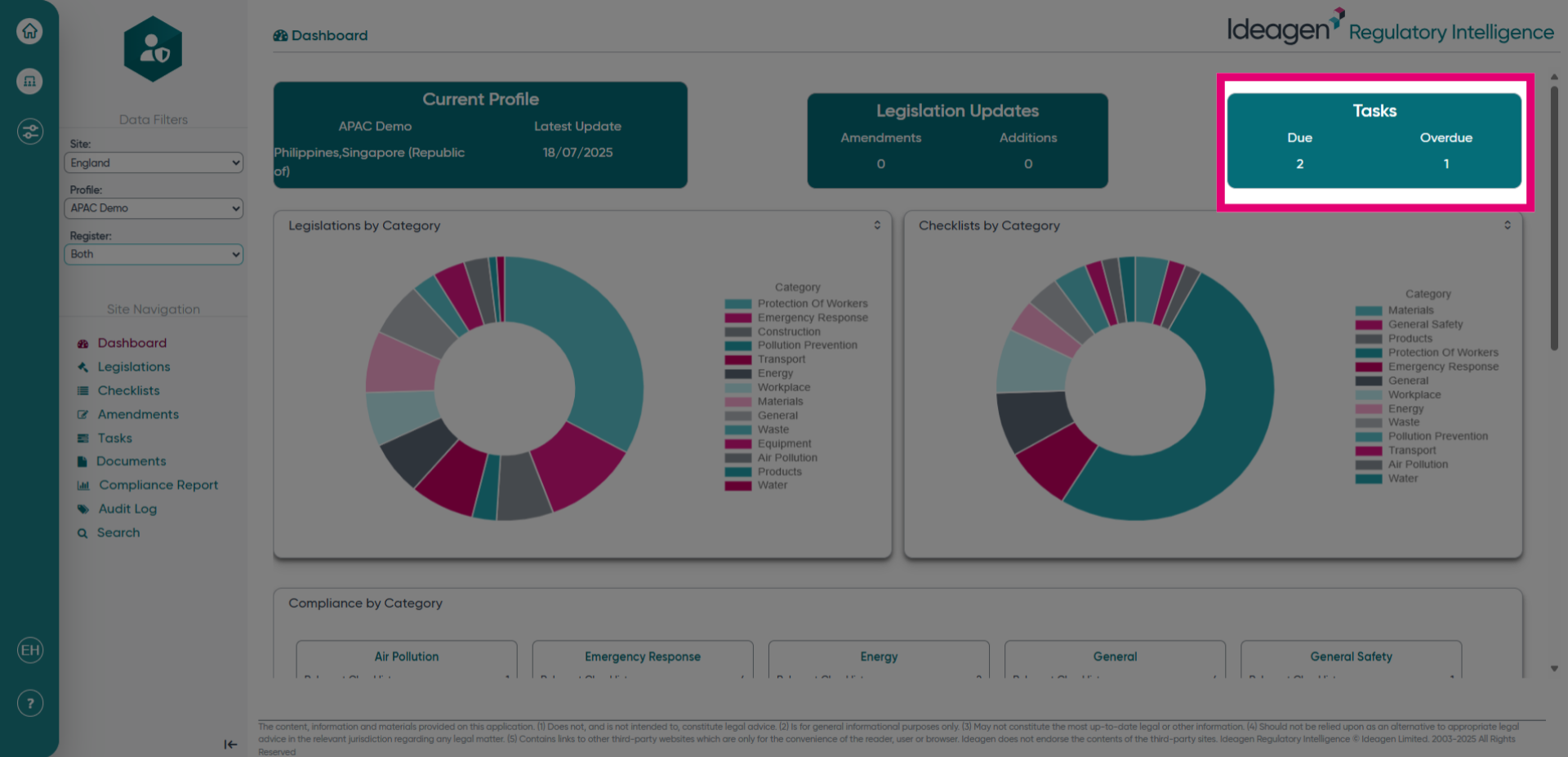
- Review the Tasks.
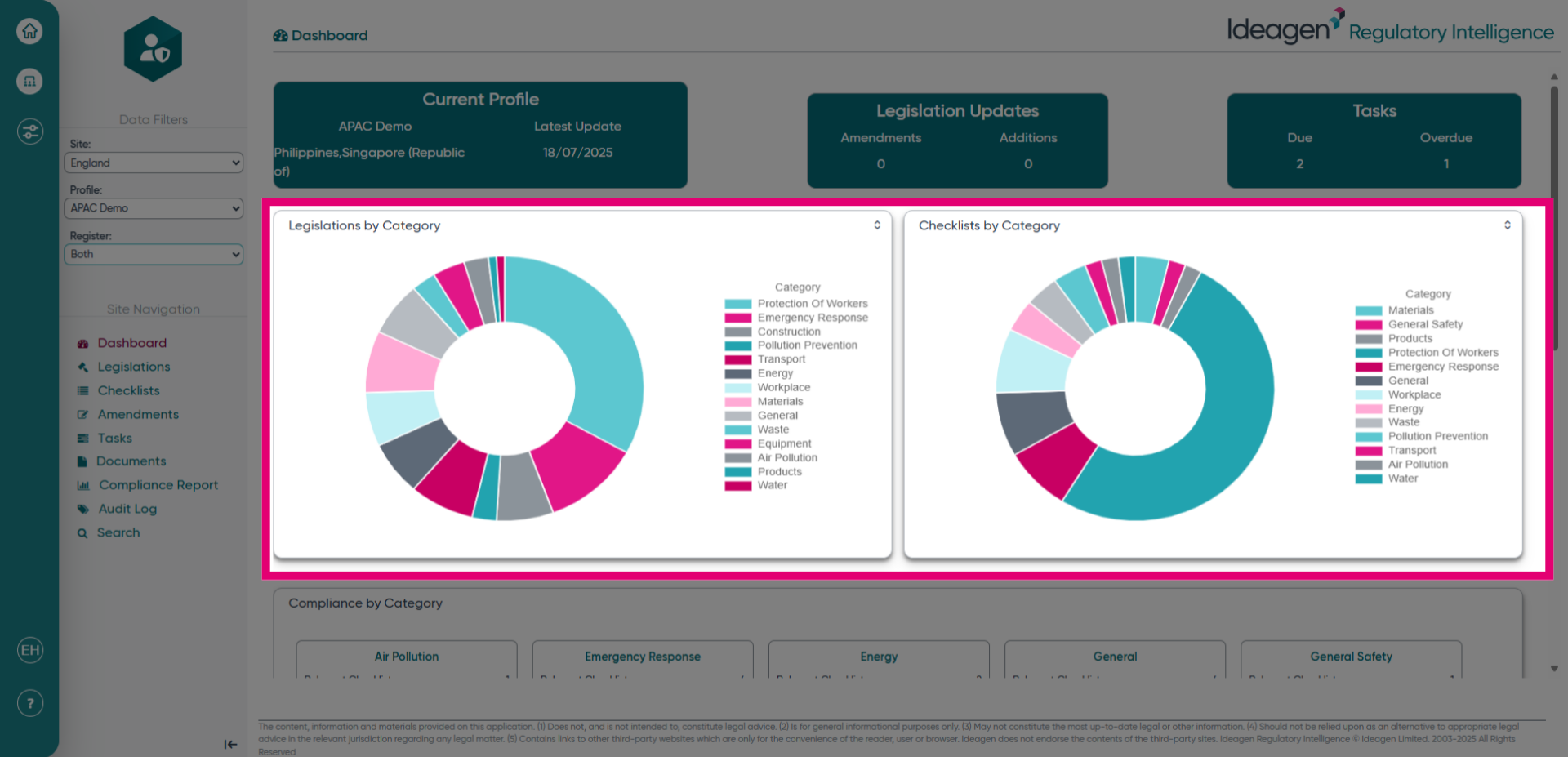
- Explore Legislations and Checklists by Category.
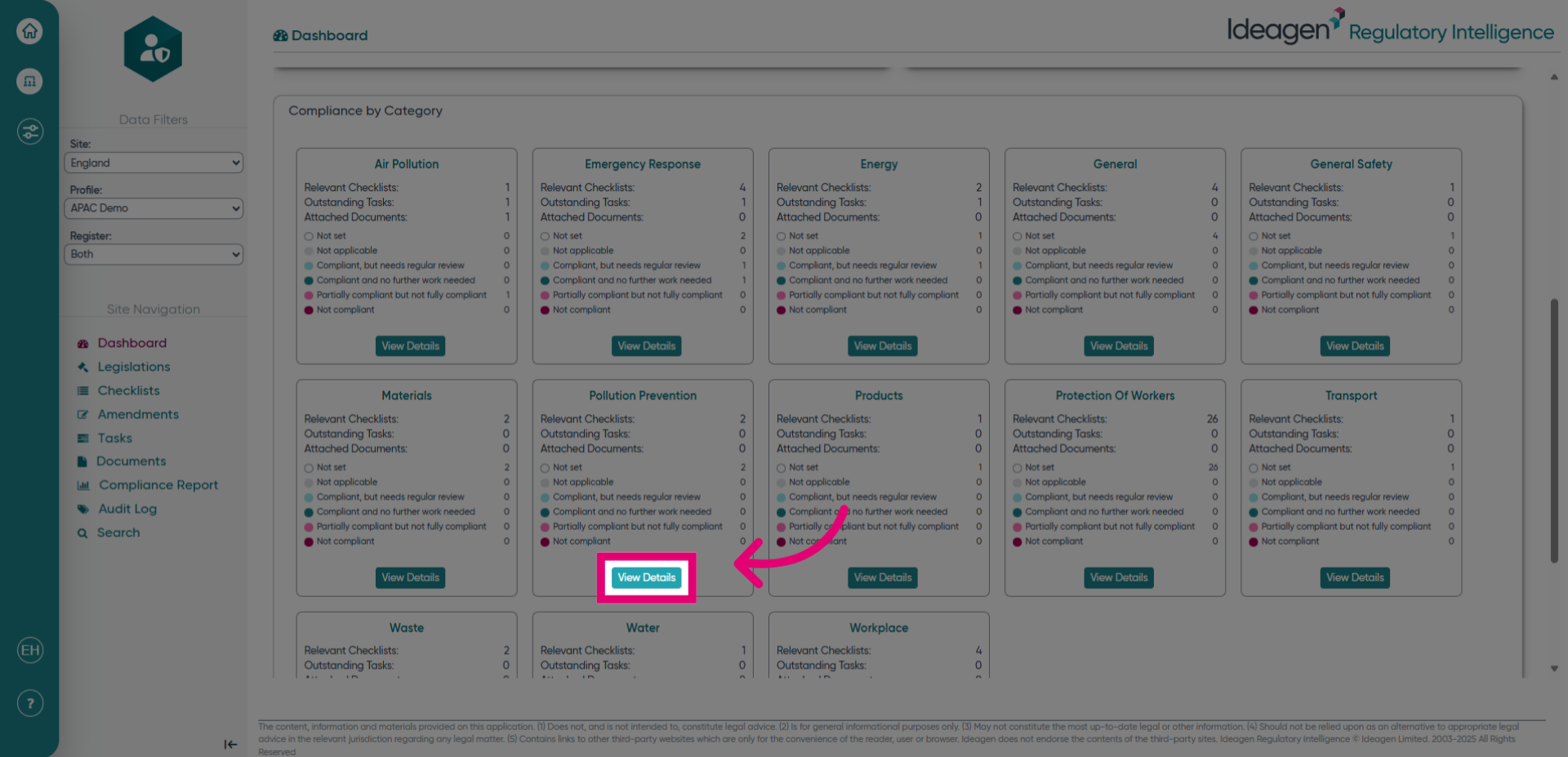
- Click "View Details".